In a recent survey, it was found that the average working week of a teacher includes 8.2 hours of marking, with 87% saying that they usually take that marking home. And nearly three-quarters of them expressed that they’d welcome AI marking tools with open arms (quite literally) to take that load off. That is the gap we aim to close in this guide.
If you’re also a teacher who struggles with marking a huge stack of papers every week, then you’re the right place.
Here, we’ve listed 8 of the best AI marking tools that are tested against rubric-based features, marking schemes, reviews, and pricing so that you can take your pick based on your needs.
Quick Summary
A teacher has to sacrifice more than just evenings to mark papers every week. Our top picks to make that work easier are EssayGrader, Top Marks AI, and PaperAce. EssayGrader AI is probably your best bet overall in this list if you’re looking for more control over marking. On the other hand, if having accurate marking schemes for GCSE or A-Level papers is a must-have for you, then Top Marks AI and PaperAce were built with that specific goal in mind.
How We Selected These Tools
We selected these tools based on the following questions as a prerequisite:
- How much control do teachers have over the whole feedback cycle?
- How easy is it to set up for a non-technical member of staff?
- Can it integrate with major LMS platforms?
- Does it offer a free trial or clear pricing for teachers?
Other than these, we also made it a point to verify every claim from their own documentation, independent reviews, and school case studies to bring you this list.
Why Listen to Us?
Well, because here at EssayGrader, we work with hundreds of teachers every day. Our tool has helped thousands of teachers take the marking burden off their shoulders and save them valuable time.

We've also been careful with our research as first-hand users and are upfront about pointing out where competing tools outperform EssayGrader (if they actually do) for specific teaching scenarios.
Rest assured, our goal is only to help you choose the platform that best fits your needs (whatever they may be).
Best AI Marking Tools Compared
1. EssayGrader AI
Best for: Teachers who want flexible, rubric-based marking with control over feedback

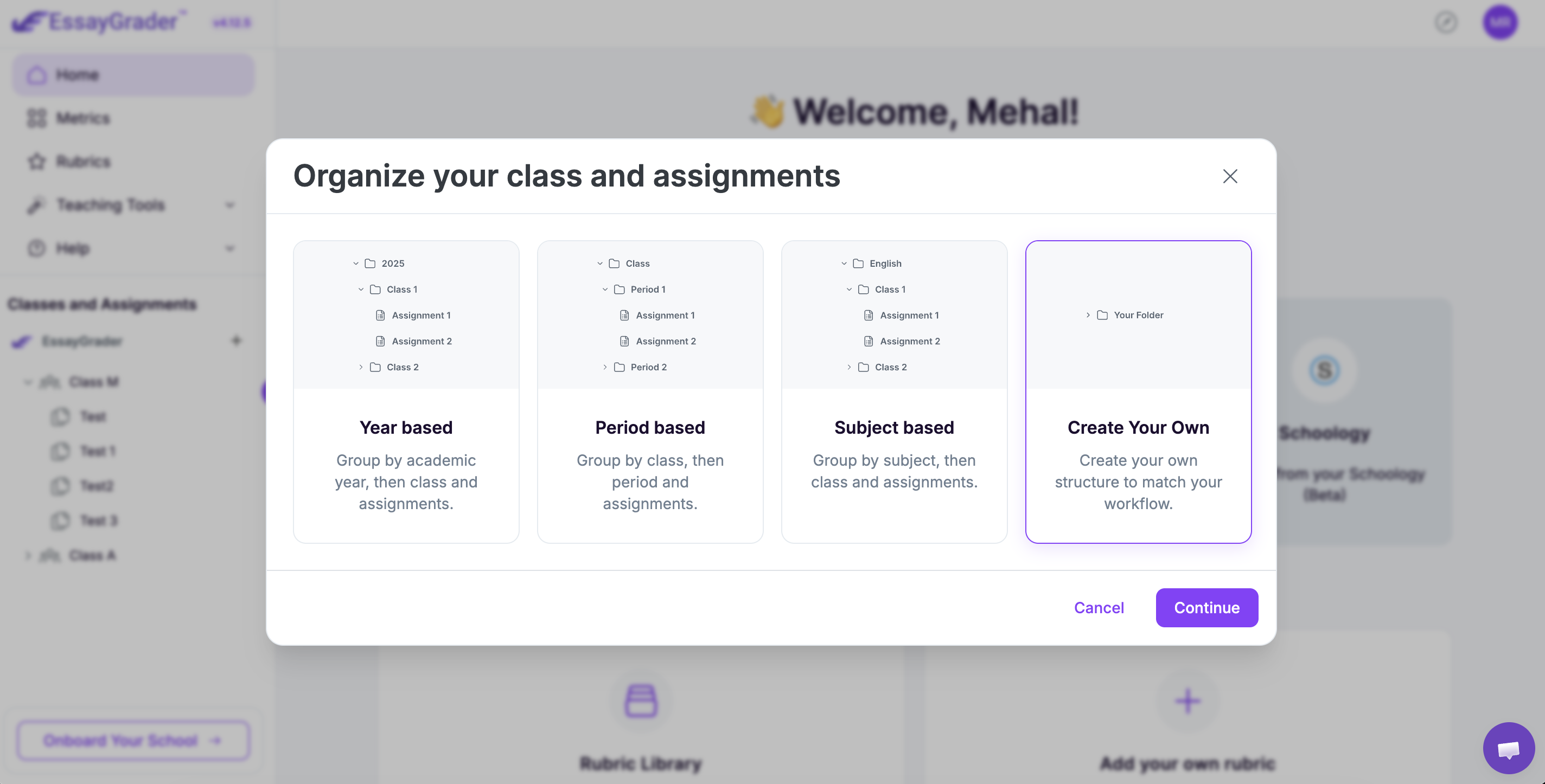
EssayGrader AI is designed to take the marking load off of teachers with features such as bulk upload and marking that supports various formats. If you’re using EssayGrader, you can set your own marking criteria with custom-rubric options or choose from a library of 500+ rubrics.
There is also a summariser tool and the flexibility to review, edit, or delete any feedback-based comment before sending it over to your students. EssayGrader gives you full control over marking while making your job ten times easier.
Key Features
- Essay summariser: There is a built-in summariser that gives you a quick overview of each assignment’s key points.
- Bulk-upload: You can bulk-upload your whole class sets and still get equally detailed feedback on each one of them.
- Rubric-based marking: This gives you full control over the marking criteria, where you can choose from a rubric library or enter your own.
- LMS integration: EssayGrader also connects natively with major LMS platforms like Google Classroom, Canvas, and Schoology.
- AI and plagiarism detection: Each feedback report also gives you built-in AI and plagiarism detection, so you don’t have to switch tools.
Pricing
EssayGrader offers a free version for teachers where you can mark 50 essays at a 1000-word limit per essay completely free. For paid options, there are two tiers:
- Pro: This is priced at $14.99/month (priced annually) or $19.99/month (priced monthly) for 350 essays with a word limit of 3500 words per essay
- Premium: This tier is priced at $34.99/month (priced annually) or $49.99/month (priced monthly) for 800 essays with a word limit of 8000 words per essay.
- Schools and districts: They have to get a custom quote based on their specific requirements.
What Users Say
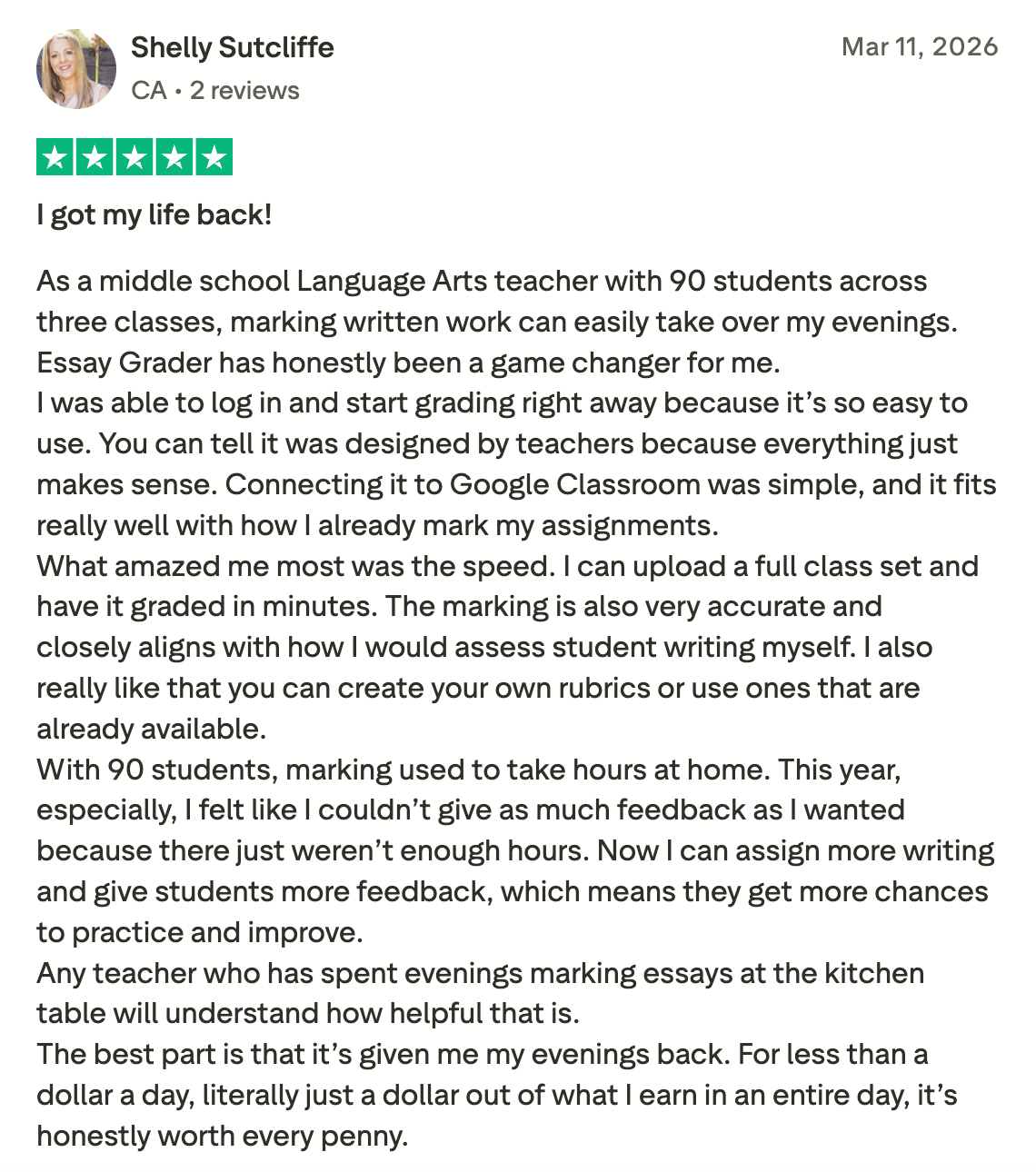
EssayGrader AI has a positive reputation as a top AI marking tool for teachers with a 4.5/5 rating on Trustpilot and a 4.8/5 on Google Reviews.
For example, see this teacher’s feedback on how her evenings were occupied with marking load before and how EssayGrader helped her get all her time back.
Pros
- Offers fast bulk uploading and marking for a full class set
- Rubrics are fully customisable for teachers, which gives them control over the marking cycle
- AI and plagiarism detection is built-in with detailed analysis and scores
- Every feedback-based comment is detailed enough for students to act on
Cons
- There are no pre-loaded AQA, Edexcel, OCR, or NESA mark schemes for exams
2. Top Marks AI
Best for: Schools that want marking accuracy checked against chief examiner standards.

This is a UK-based AI marking tool which is purpose-built for GCSE and A-Level exams. It has over 400 specific tools for subjects like English, History, Geography, and Business, covering major exam boards such as AQA, Edexcel, and OCR.
This means that instead of using a single marking system for all subjects, you get each tool, which compares against the exam boards' own standardisation materials.
Top Marks AI also claims a high level of alignment with chief examiner standards, especially for AQA GCSE English. Other than that, this tool is well-equipped to handle handwritten papers as well, making it suitable for actual exam-style assessments.
Key Features
- Specific tools for subjects: Top Marks AI offers over 400 tools for more than 40 subjects.
- Handwriting conversion: Turns scanned or photographed papers or assignments into text you can edit or get marked.
- Batch marking: It can also perform batch marking of whole groups of students and full exam papers at once, like EssayGrader AI.
- MIS integration: You can also connect it with school management systems like Bromcom and Wonde.
Pricing
Top Marks AI doesn't show prices on its website and is not for individual teachers to buy. You need to go through your school or a multi-academy trust to get a quote, which will depend on how many students you have and which subjects you need.
What Users Say
There are positive reviews on its own site, but no third-party reviews were found.
Pros
- The 400 tools it provides are built specifically for each subject, so there is depth and expertise behind every given feedback
- It also shows accuracy benchmarks against chief examiner marks with each report
- Offers good support for handwriting, which is highly useful for exam practice
- Works well for entire departments or schools
Cons
- No public pricing, so you have to contact sales to get a quote
- Designed for institutions, so less ideal for individual teachers
- Setting it up takes longer than with a self-service tool, which is less ideal for non-technical users
3. PaperAce
Best for: Students and teachers who want a free marking tool for GCSE English, History, and Religious Studies.

PaperAce is a free-to-start AI tool which is designed to mark against specific exam board schemes, like AQA, Edexcel, OCR, or Eduqas, for certain question types. What sets it apart is that it breaks down marks for AO1, AO2, and AO3, just like a real examiner would.
You can type your answers in or even upload a photo of your handwritten work. It shows you exactly where you're getting or losing marks.
Key Features
- Mark scheme matching: It marks against the exact AQA, Edexcel, OCR, or Eduqas scheme for the specific question you've answered.
- Provides AO-by-AO breakdown: It is built to provide scores for AO1, AO2, and AO3 separately.
- Photo upload: You can upload photos of your handwritten work, and it will read it the same as a typed answer.
- Model answers: It gives you Grade 9 examples so you can compare your work to a top-tier response.
Pricing
You can start using PaperAce for free, and you get one free try each day. This is mostly for students who want to revise their work. But if you're a teacher and need to mark a whole class, you'll need a paid plan for unlimited marking. The Standard tier is priced at £4.99, whereas the Premium costs around £7.99/month.
What Users Say
Again, there were no independent or third-party reviews found for this tool.
Pros
- It is accurate to the mark scheme for GCSE humanities.
- It breaks down marks by AO
- Handles handwriting uploads right away.
- The free version can be used by students who want to revise or practice
Cons
- PaperAce is limited to only GCSE humanities and doesn’t support science or math subjects
- The one-mark-a-day limit on the free plan is not nearly enough for teachers
- It’s not ideal for teachers who need to grade a lot of students quickly.
4. ReMarkAble AI
Best for: Teachers who need quick, exam board-aligned marking for students.
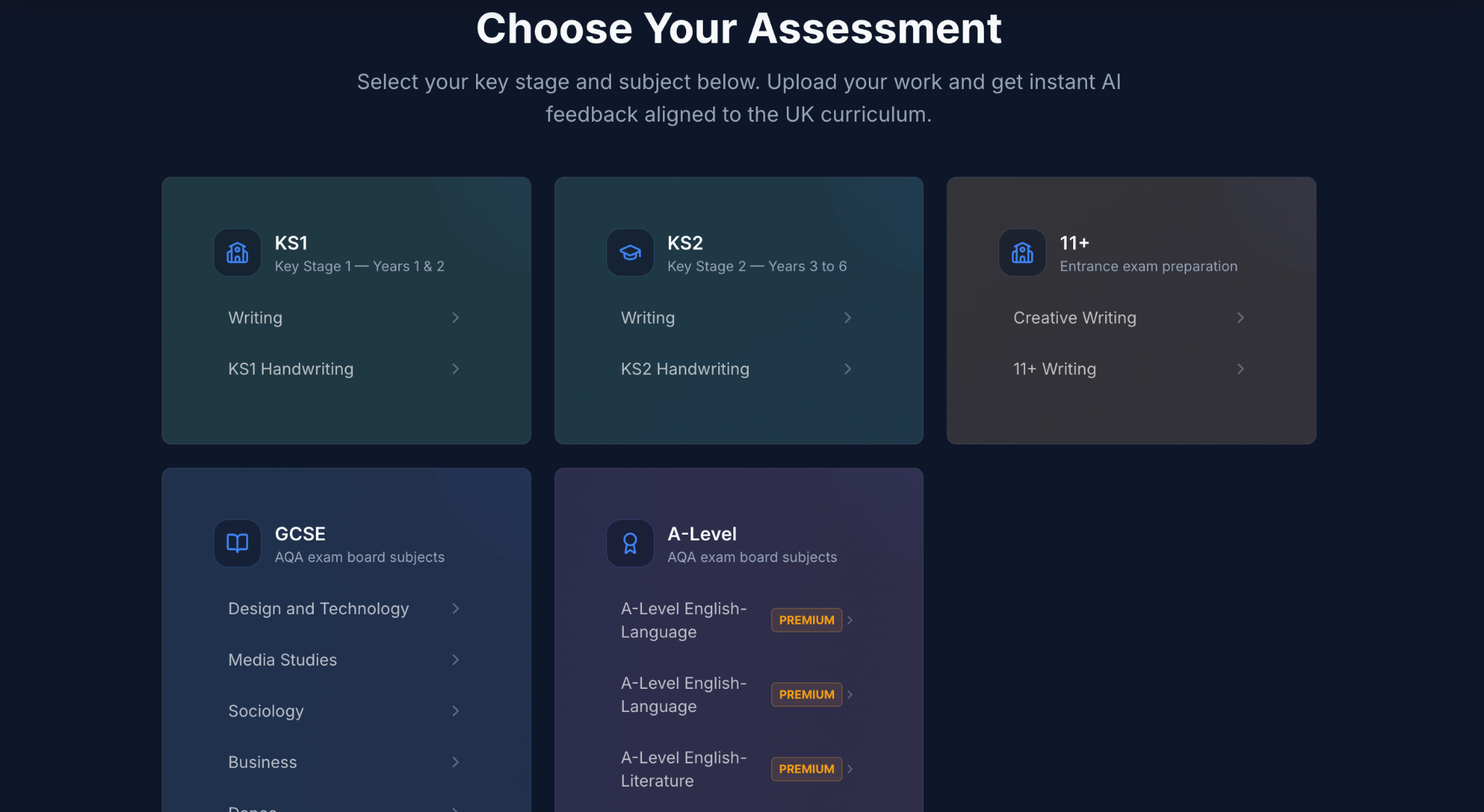
ReMarkAble AI gives you access to free AI marking tools that actually line up with the mark schemes from AQA, Edexcel, OCR, and WJEC. By opting for this tool, you can get results in just seconds.
Also, it’s built specifically for the UK curriculum, which you can tell by how the feedback is worded and structured around the assessment objectives. They also put out their own comparisons of other AI marking software, tool by tool, which is handy if you want a second opinion before committing.
Key Features
- Exam board mapping: It provides feedback that matches AQA, Edexcel, OCR, and WJEC mark schemes.
- Handwriting recognition: If you’re uploading a handwritten assignment, you can just snap a photo of work and click upload. There’s no special setup needed for that.
- AO-structured feedback: Comments are organised around assessment objectives (AO1 to AO4).
- No sign-up needed: You can start using it right away without an account or credit card.
Pricing
The main marking tools are totally free. No credit card needed to get going. For paid plans, there is one Premium Annual plan which costs about £89.00/month, and an Exam Pass plan which is priced at £24.99 for 3 months, charged once.
What Users Say
A lot of people also appreciate that it's free on their own site, but no reviews were found on Trustpilot or G2.
Pros
- Actually free marking that matches exam boards
- Handwriting recognition is also available for free
- Feedback linked to specific assessment objectives
- No hassle to start using it
Cons
- It's not super clear about paid or school-wide options
- Fewer subjects covered compared to some others
- Doesn't handle uploading a whole class set at once like some of its counterparts like EssayGrader AI
5. Edcafe AI
Best for: Teachers who want marking to be part of a larger set of tools like creating assignments and lesson plans.
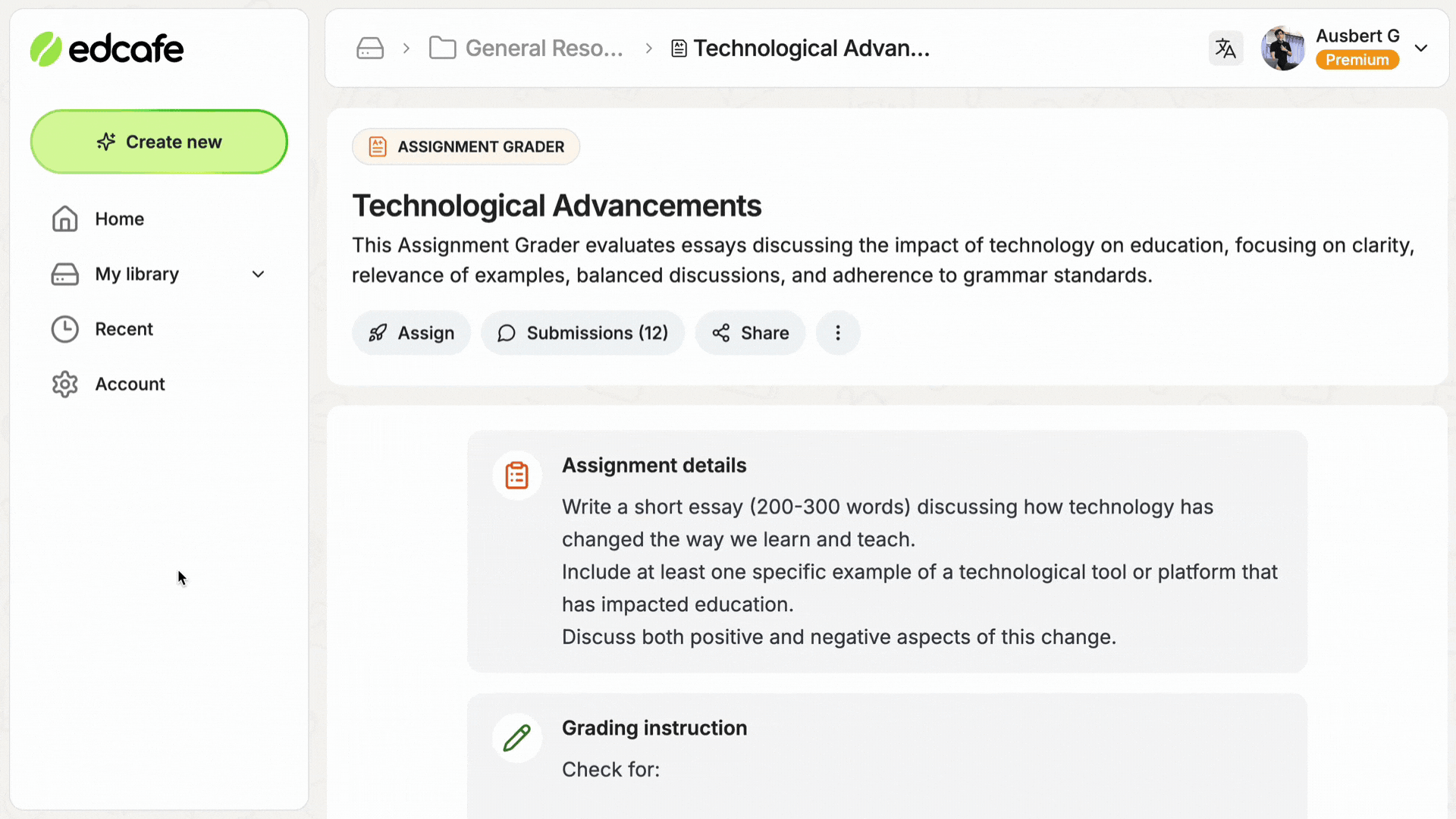
Edcafe AI is more of a complete teaching platform. Its Assignment Grader is just one piece, sitting next to tools for planning lessons, making quizzes, and other classroom activities.
For using it, you set up an assignment, give it your own grading instructions or upload a rubric, and then you can share it with students right away using a QR code or a link. The feedback comes back fast, and you can even edit it before it goes to the students.
Key Features
- Custom marking: You can put in your own marking rules or upload a rubric you already use.
- Easy sharing: Send assignments out via QR code or link. Students don't need to log into a separate portal.
- Editable feedback: You get to look over and change the AI comments before the students see them.
- All-in-one tool: Marking is bundled with lesson planning, quizzes, and content creation to make your life easier.
Pricing
They have a free plan you can use forever to test out the Assignment Grader that allows you 100 monthly AI generations and 3 assignments to mark. The Pro plan is about $7.99 a month if you pay annually for 1000 generations, and there's a Premium option at $14.99 per month if you need higher limits or more advanced features.
What Users Say
We couldn’t find any aggregated reviews available on reputable sites like Trustpilot or G2, but there’s 1 customer appreciating Edcafe AI on Capterra.

Pros
- It has a useful free tier to get you started
- Marking is integrated with how you create and share assignments
- You can edit the feedback, so you're always in control
- The paid plan is reasonably priced compared to many specialised marking tools
Cons
- It's not specifically designed for UK or Australian marking systems.
- Marking is just one of several features
- There's no special workflow for marking handwritten papers
6. GradingPen
Best for: English teachers who need marking schemes with exam-board alignment.
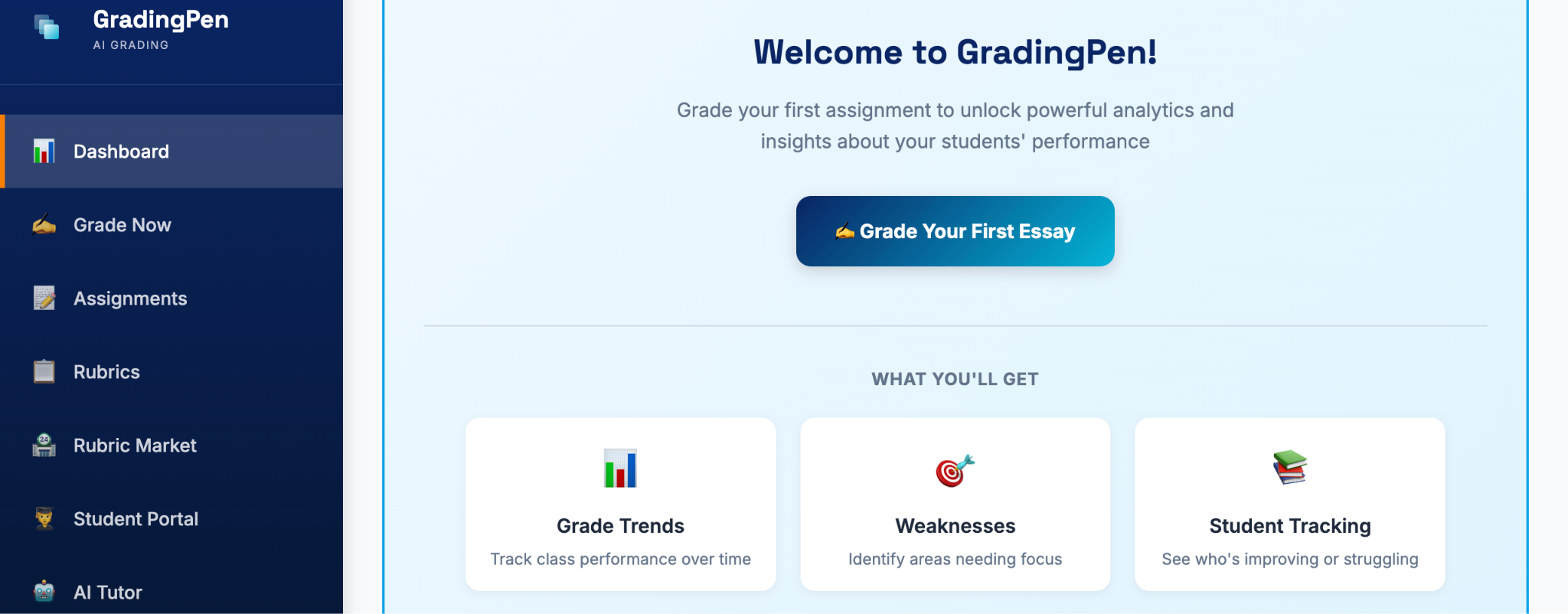
GradingPen is one of the best AI marking tools for GCSE English. You upload, say, 30 essays, and instead of spending your whole evening on them, you get detailed, board-aligned feedback in minutes.
And if you’re concerned about rubrics, you set them up once, based on AQA, Edexcel, or OCR criteria, and then you can just reuse them for every class, every term. It even checks if paragraphs are using that PEE or PEA structure, giving you notes on where it falls apart.
Key Features
- Rubrics you can reuse: Set them up against exam board criteria and just keep using them.
- Feedback on structure: It points out when a paragraph's PEE or PEA structure is off.
- Output you can edit: You can tweak what it gives you before sending it to students.
- GCSE English focus: This tool is made specifically for marking in this subject.
Pricing
They offer a freemium model with one paid option starting from $7.99/month.
What Users Say
No reviews were found on trustworthy sites.
Pros
- Built for the GCSE English marking workload
- Rubrics that save time year after year
- Structured feedback that gives more than just an overall grade
- It is clearly positioned as a first-pass tool, which cannot replace teacher judgment
Cons
- Pricing isn't obvious until you contact them
- It is a niche-specific tool, not like broader platforms for different subjects
- Only really works for essays, not so much for STEM subjects
7. Edexia
Best for: English departments where data compliance is the priority.

Edexia is an Australian AI marking tool, covering VCE, HSC, QCE, WACE, and IB English. It actually maps its marking right to what the state curriculum authorities are looking for. It's also one of the few tools out there that has SOC 2 and ISO 27001 certification, plus data hosting within Australia.
This is a big deal for schools that have to show their state Department of Education they're handling data properly before signing up for a new platform. And it's free for individual teachers, so a department can give it a try before the whole school commits.
Key Features
- Curriculum alignment: Marking follows the criteria for VCE, HSC, QCE, WACE, and IB English
- Australian data: Student data stays on Australian servers
- Free for individuals: Teachers can use it without paying
- English focus: It's specifically for English, not trying to cover everything
Pricing
Free for individual teachers. If schools want a full department or school setup with admin tools and reporting, they'll need to contact Edexia directly for custom quotes or join the waitlist.
What Users Say
Same as others, no independent reviews were found.
Pros
- Edexia provides real compliance credentials
- Covers all the main Australian English paths.
- Free for individual teachers.
- Data stays in Australia, which matters for state education departments.
Cons
- Only for English, nothing else.
- Pricing for the whole school isn't public.
- Not as useful for teachers outside Australia because of the curriculum focus.
8. MarkMate
Best for: NSW schools that want to do rubric-based marking and check for AI use all from one place.
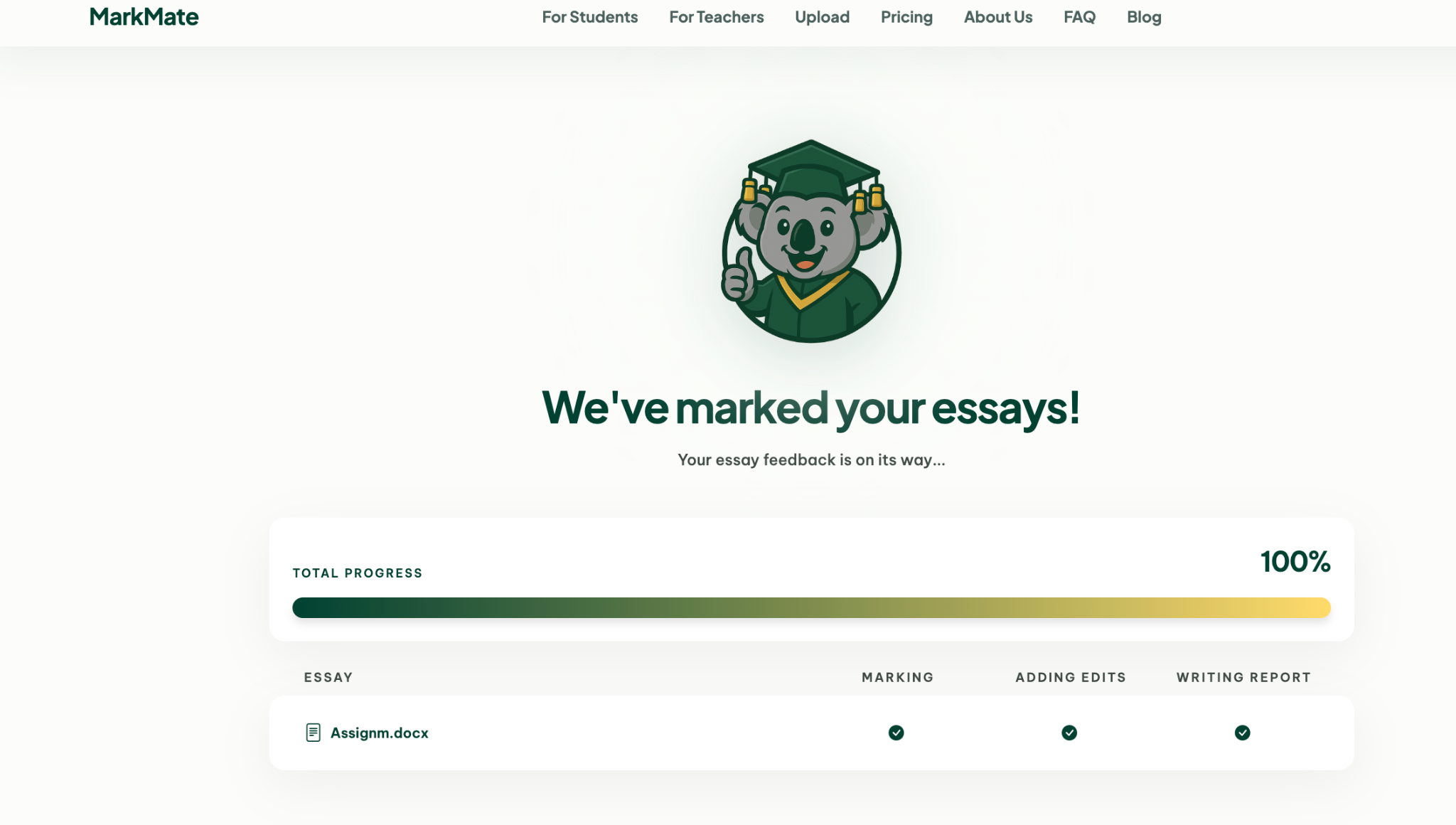
MarkMate was actually created by an NSW head teacher for marking across the 30-plus subjects taught in NSW schools. It combines rubric marking, AI detection with a report for teachers, and a class-level dashboard all in one platform instead of needing separate subscriptions.
That combination is pretty unique. A lot of schools right now use one tool for marking and another completely different one for AI-generated text, and MarkMate's selling point is that keeping it all in one workflow cuts down on the hassle of switching between different tools.
Key Features
- Class dashboard: Keeps track of marking progress and flags things at a class level.
- Created by a teacher: Developed and tested by someone who's actually working as a head teacher in NSW.
- Built-in AI detection: Spots likely AI-generated submissions and gives teachers a report with evidence.
- Designed for whole faculties: Built to work for an entire faculty, not just one subject or teacher.
Pricing
MarkMate charges $14.99 AUD per month. Schools will need to get a quote based on how many staff they have and which subjects they cover.
What Users Say
There are not many reviews available on Trustpilot or G2.
Pros
- Combines marking and AI detection in one package
- Covers a wide range of subjects for a NSW faculty
- Developed with input from a working head teacher
- Actually makes it less of a hassle to switch between tools for staff
Cons
- No option for individual teachers to sign up themselves
- Focuses on NSW, so it's less useful in other states or countries
- Custom pricing makes it hard to compare prices
The Best AI Marking Tool Still Depends On a Teacher’s Judgement
The thing with these eight tools is that none of them is going to replace a teacher's judgment. What they can do is take the first big chunk of the work off your plate. Think of it like this:
- They'll read through the assignments
- Check them against a rubric
- And get a first draft of feedback ready for you
You then tweak it, adjust it, and make it yours, instead of starting from zero. If you’re ready to make a decision, then figuring out which one to use really boils down to what you're marking and how much control you want to keep.
Try EssayGrader AI for free and see how it aligns with your marking criteria and makes your life easier with bulk upload, LMS integration, and AI detection options.
FAQs
Are AI marking tools accurate enough to trust for GCSE?
Even the best AI marking tool is not going to be 100% accurate without a teacher’s judgement. These tools are great as a first pass, but you cannot depend entirely on the tool’s judgement to give a final score to the student.
Can AI marking tools read handwritten GCSE papers?
Yes, there are many AI tools that can scan and read handwritten papers. Some also allow bulk uploading and marking for GCSE students.
Is student data safe when using AI marking tools?
The AI marking tools that comply with student privacy laws are safe to use. For instance, the aforementioned tools in this guide comply with GDPR handling and clear data processing. Also, tools like Edexia have published formal SOC 2 and ISO 27001 certifications; EssayGrader is also SOC 2 compliant.
Can AI marking tools handle other subjects too?
Yes, top AI tools for automating school marking can handle other subjects as well. Top Marks AI can offer marking for over 40 subjects, MarkMate covers more than 30 subjects, whereas PaperAce focuses on GCSE subjects.

.jpeg)



.avif)
.avif)
%201.svg)