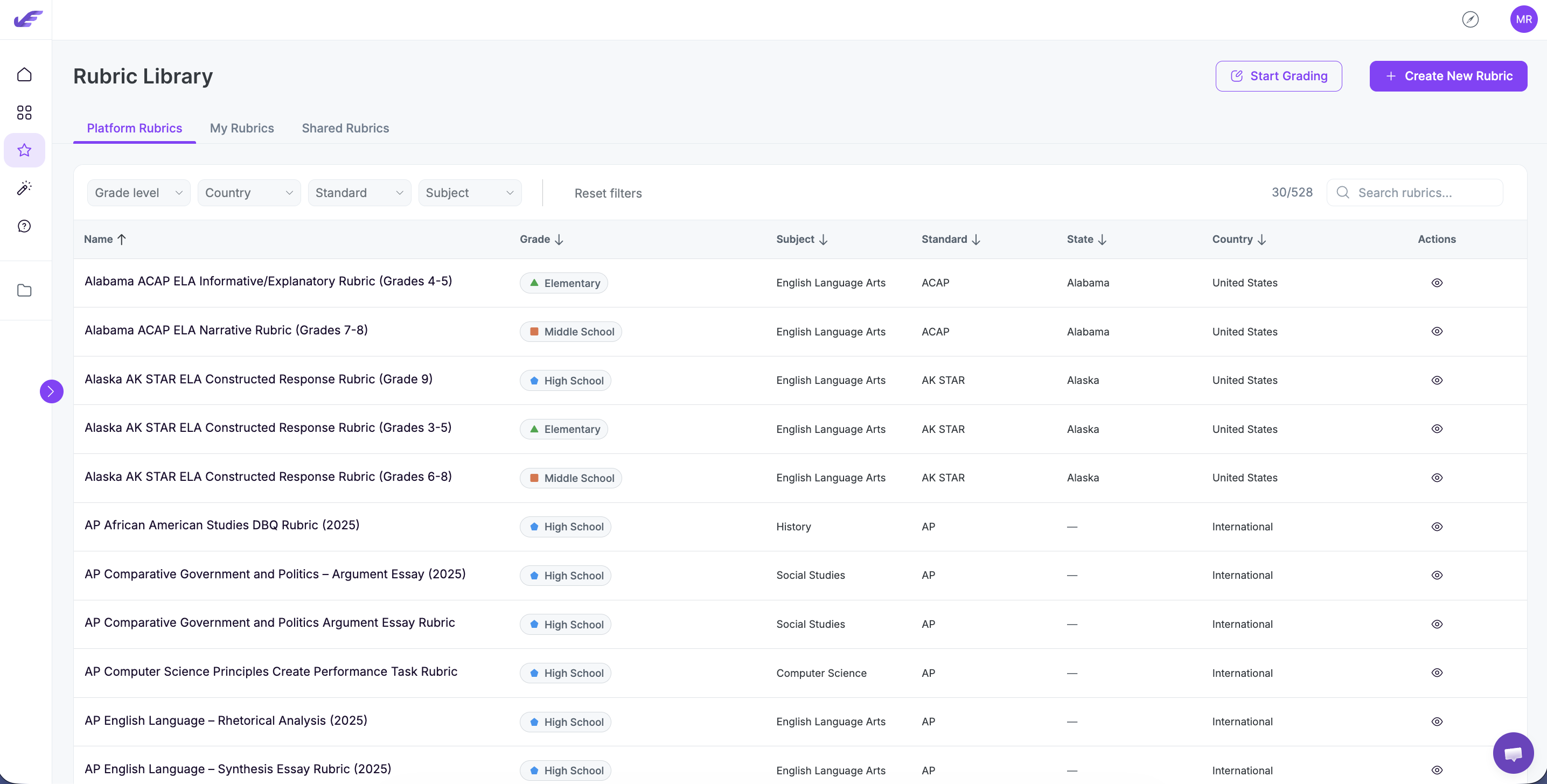
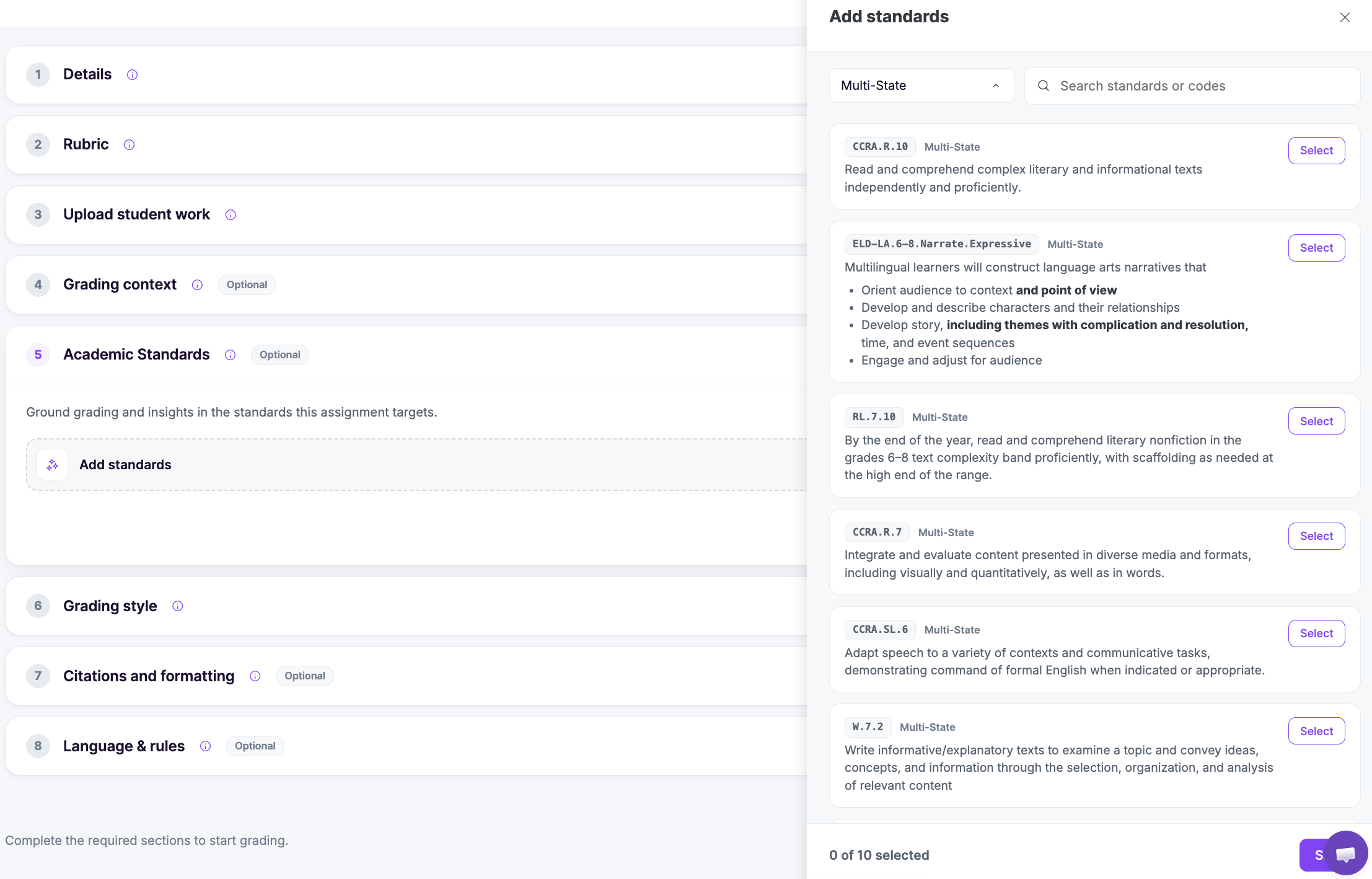
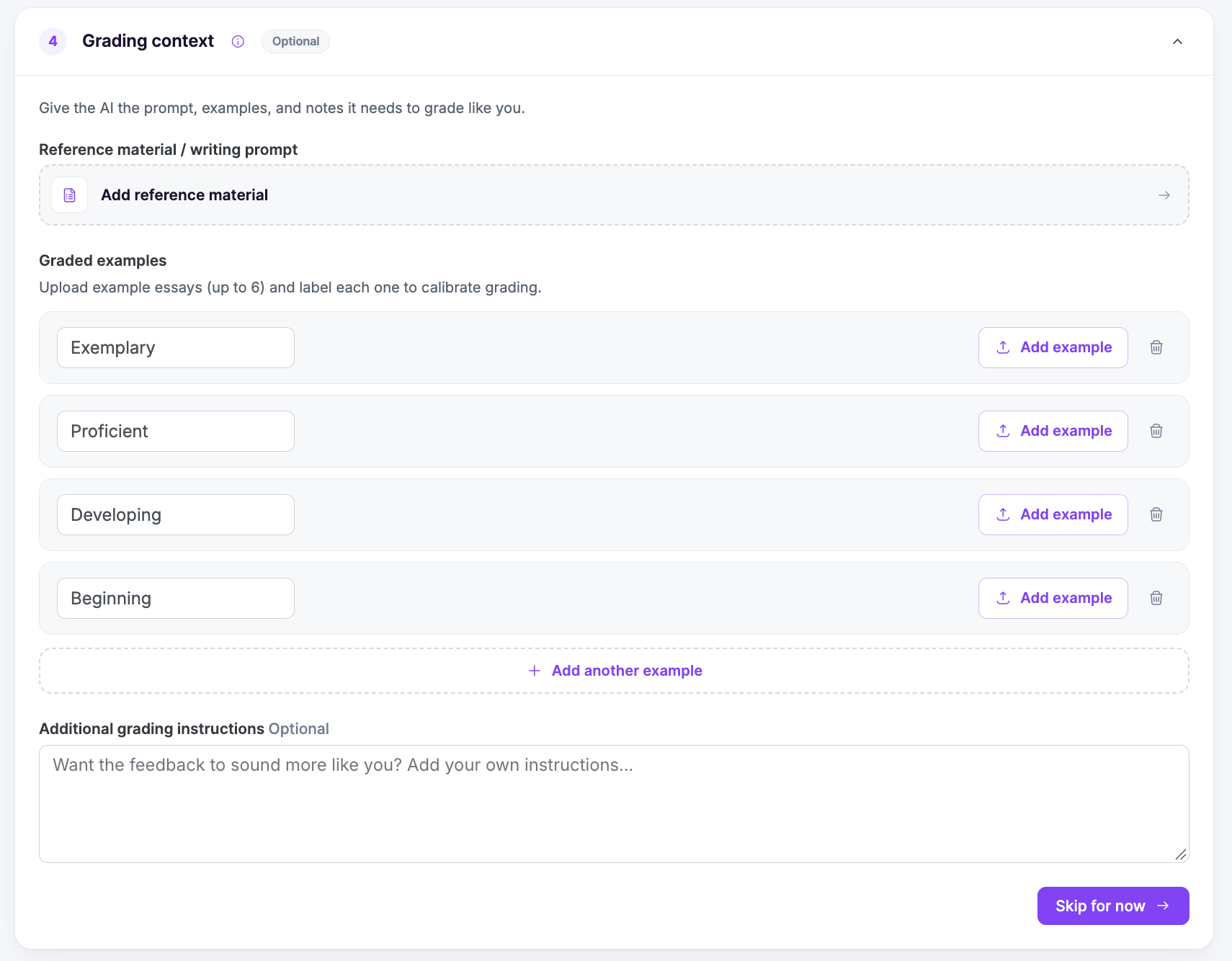
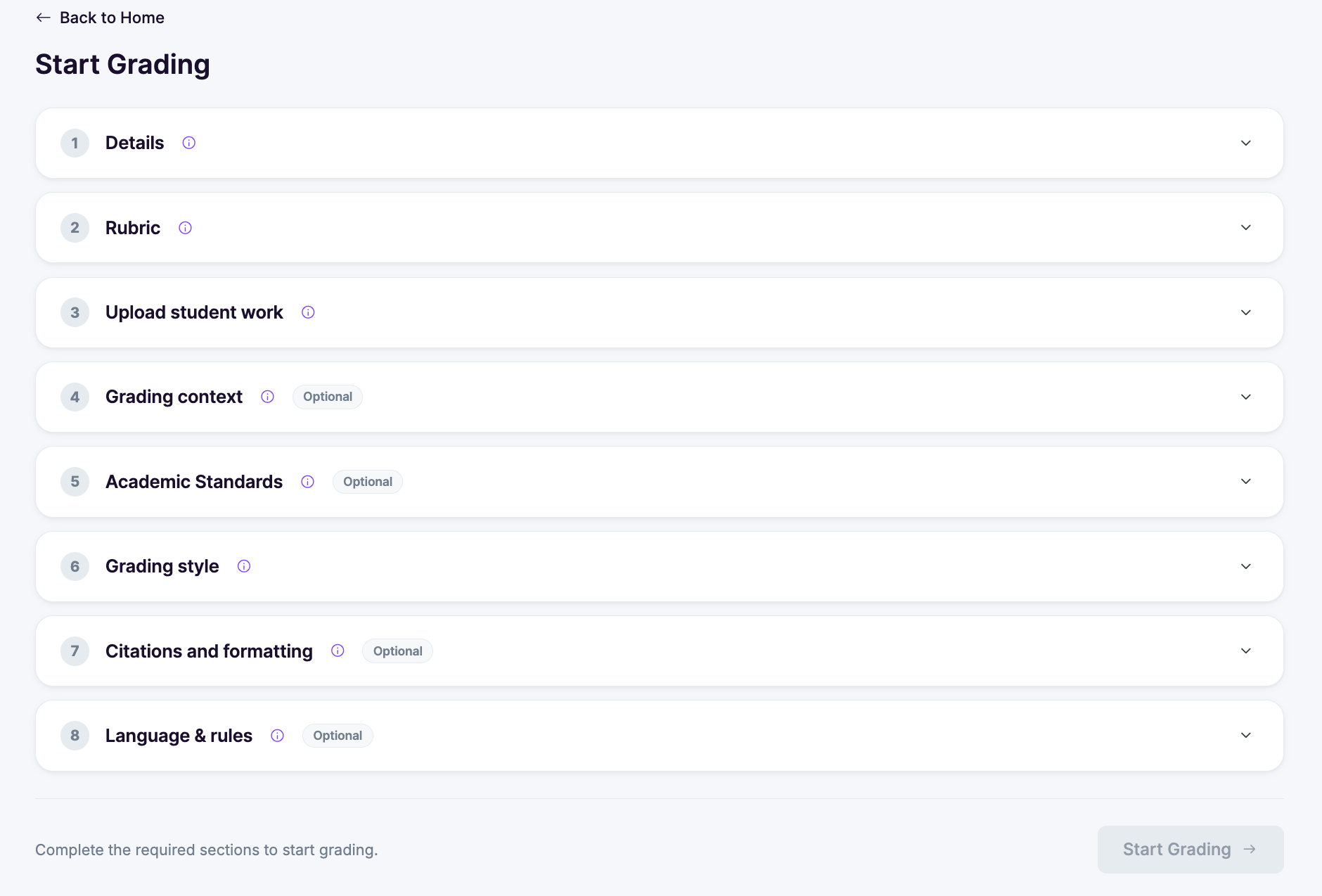
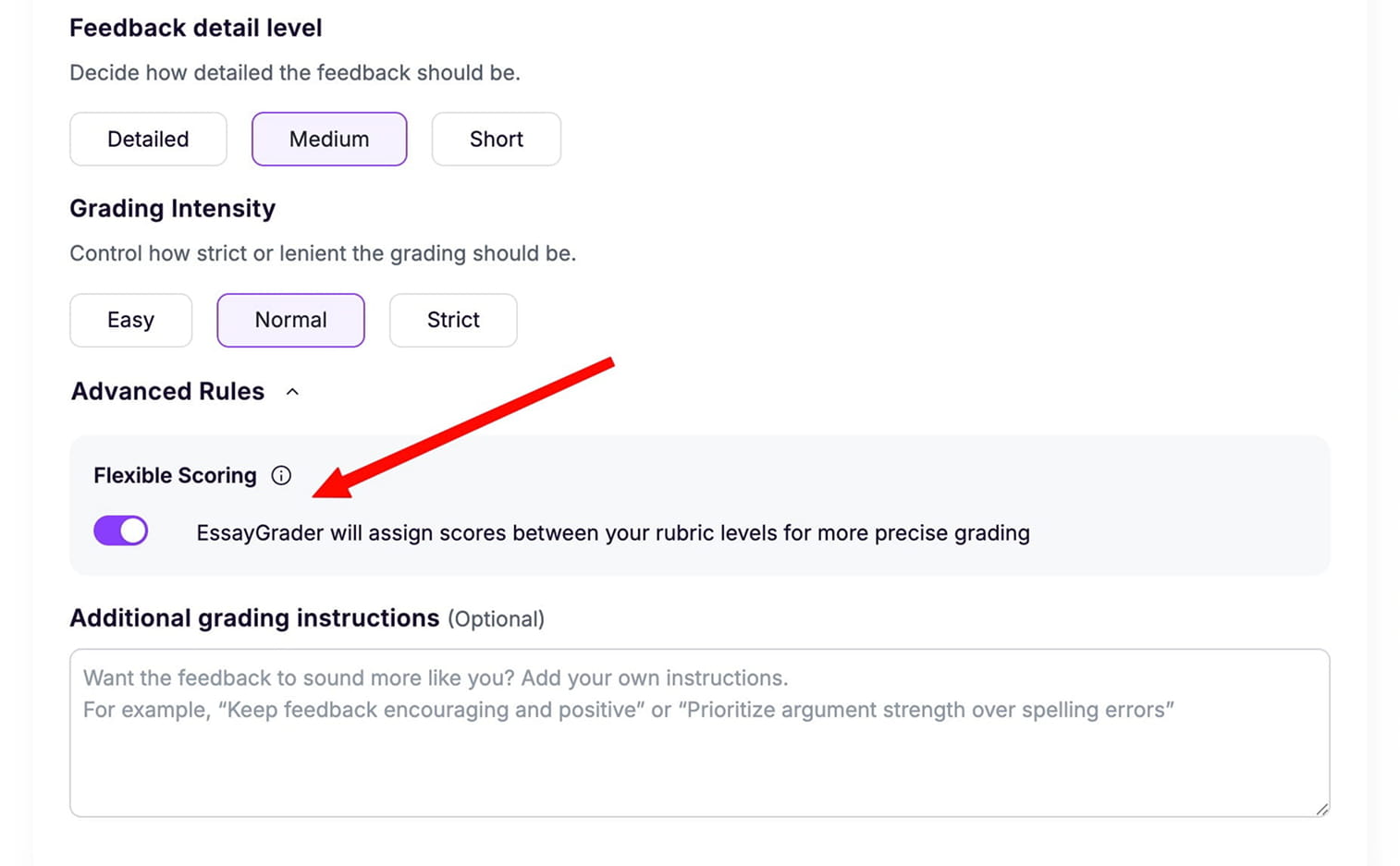
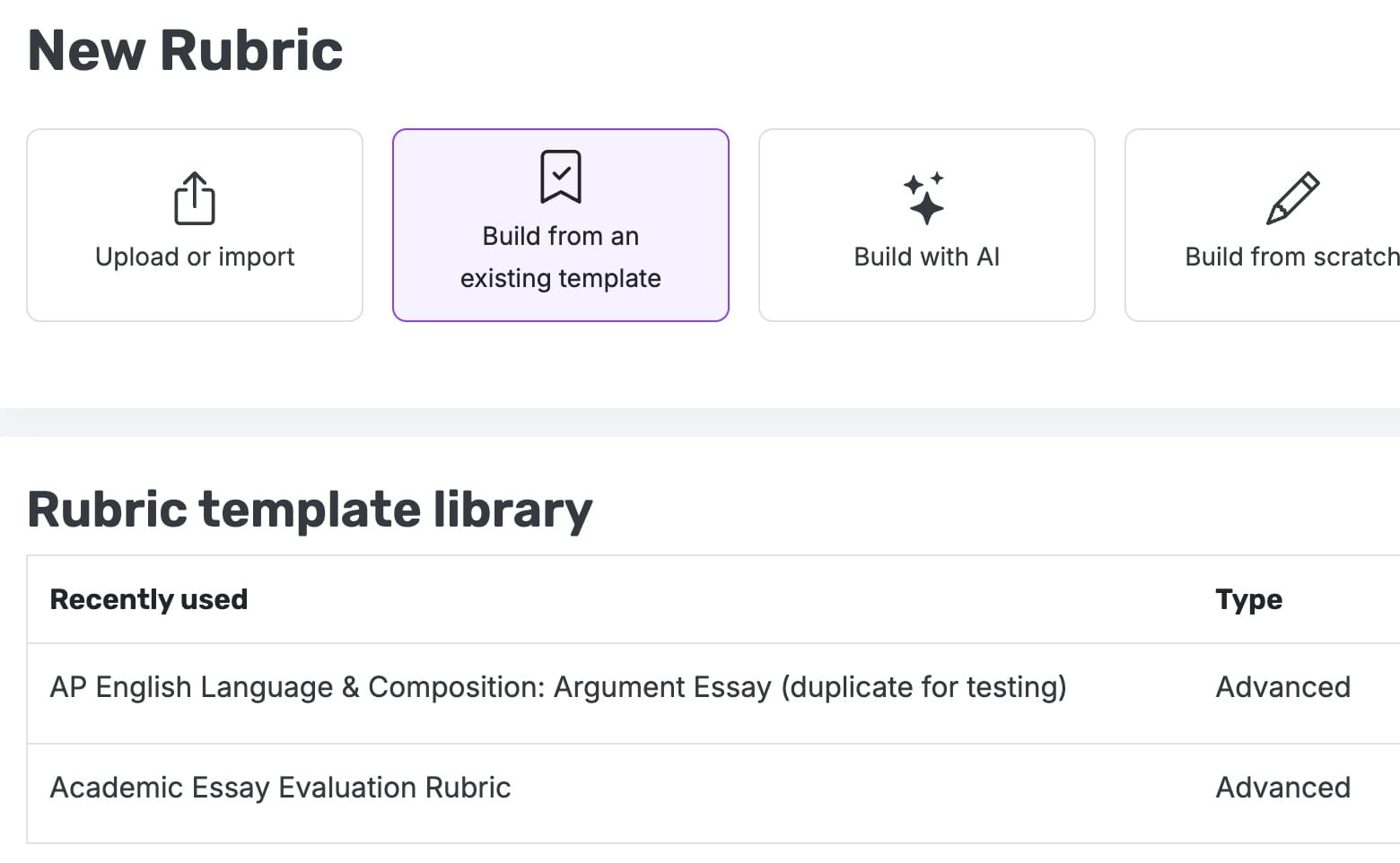
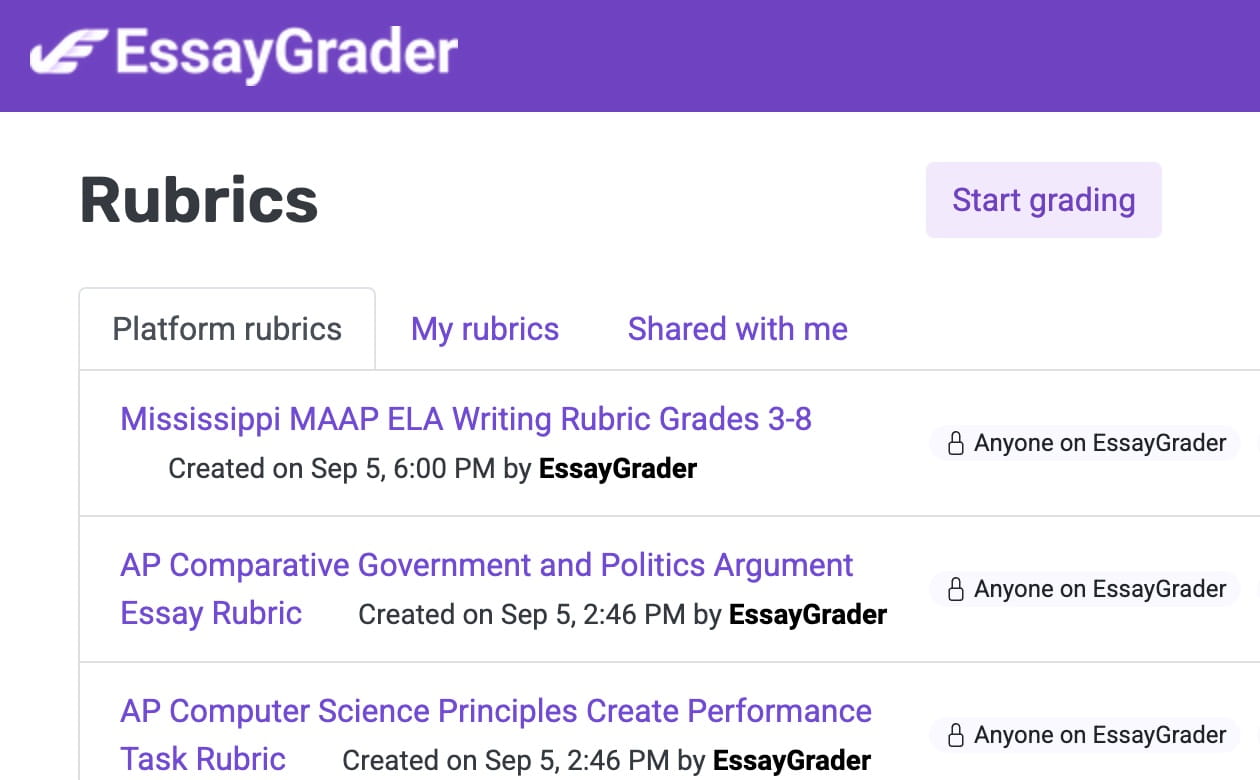
A new “Recently Used” section highlights the rubrics you opened most recently, making it faster to return to your preferred tools and resume grading without searching across categories.
Automatic rubric persistence has been removed, ensuring teachers always select the rubric they intend. This creates a more predictable, controlled grading workflow across assignments.
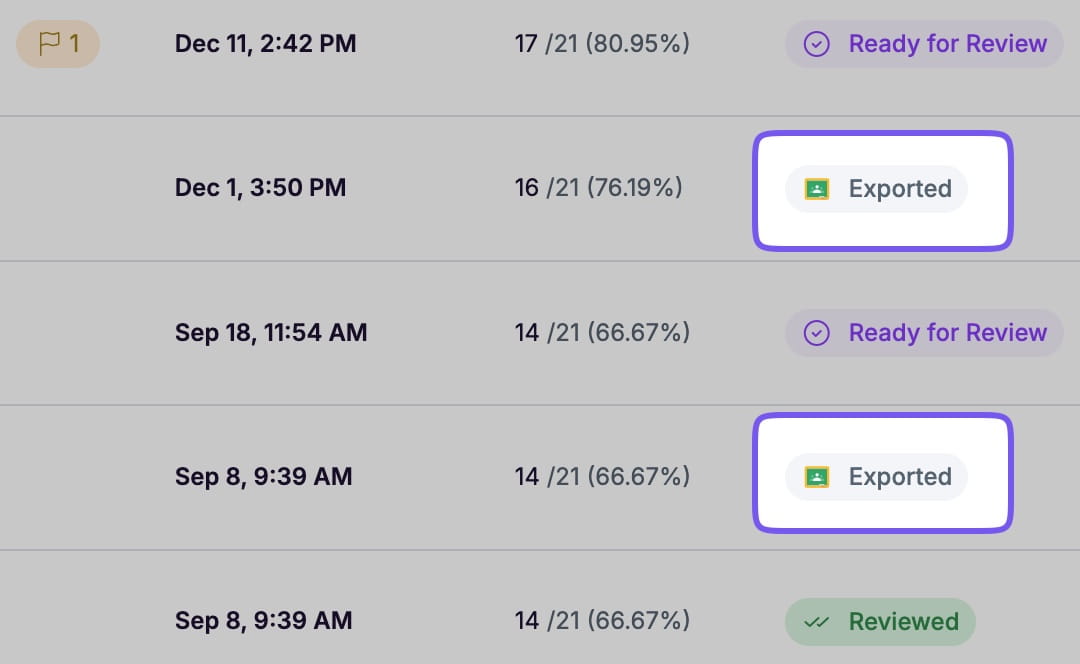
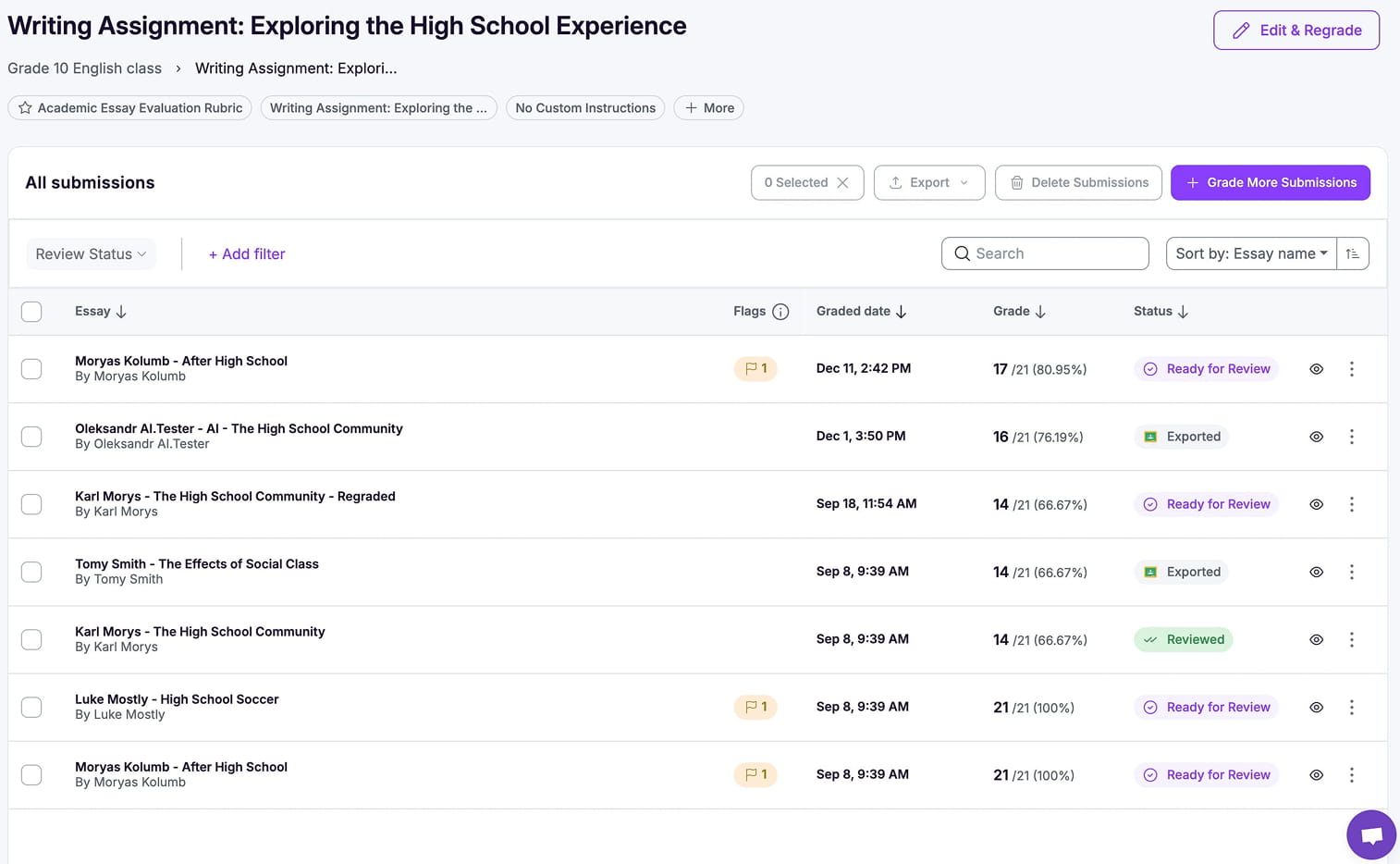
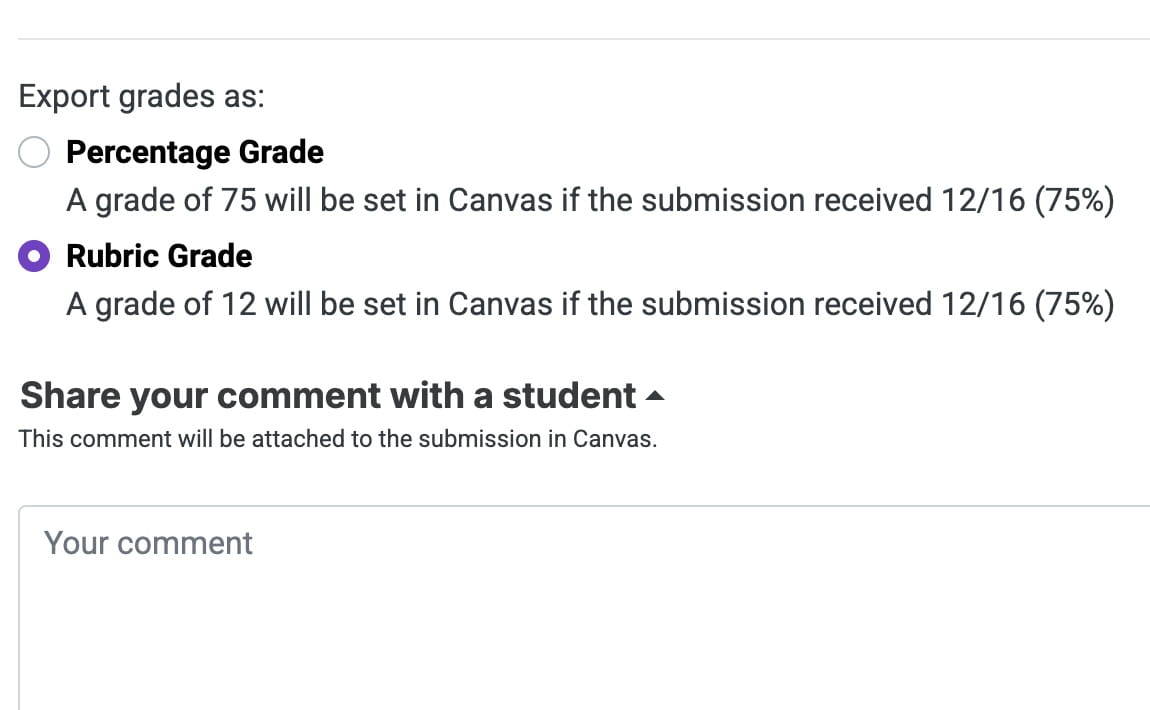
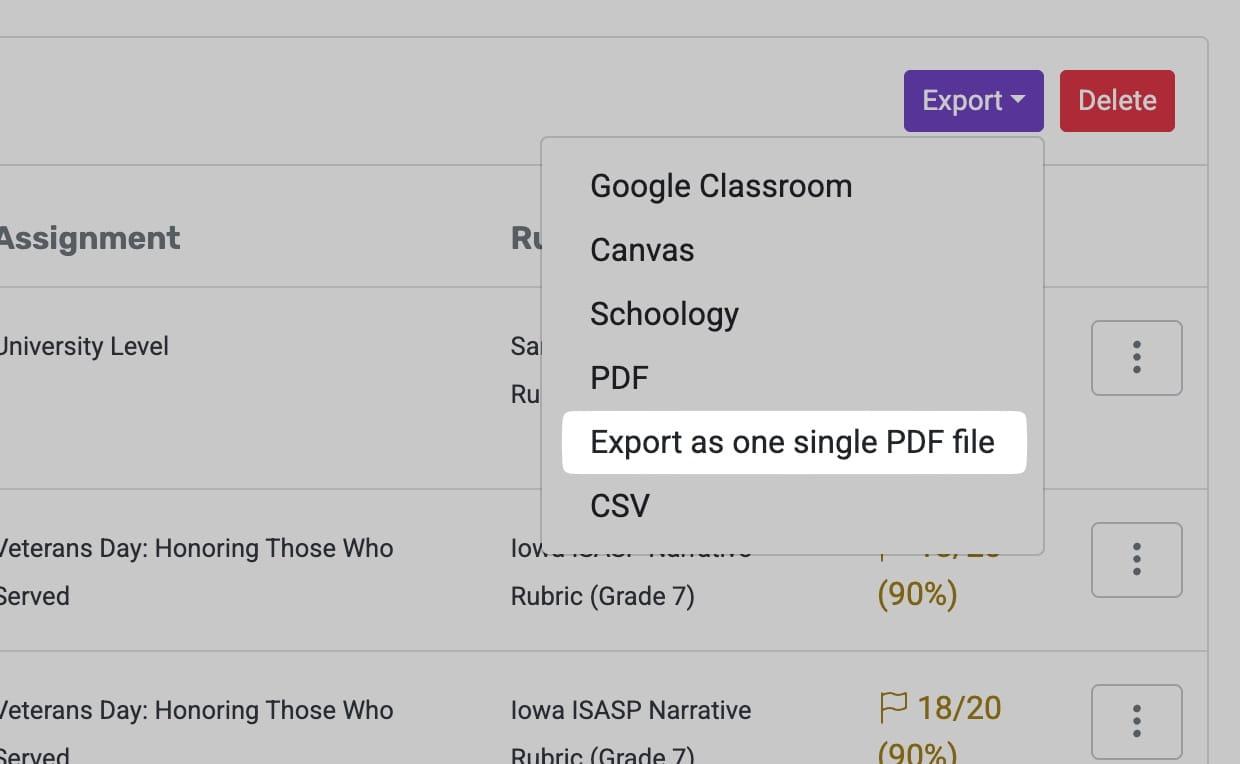
Updated LMS export icons provide clearer visual cues for exported essays, helping teachers quickly understand which assignments have been shared or submitted through connected learning systems.
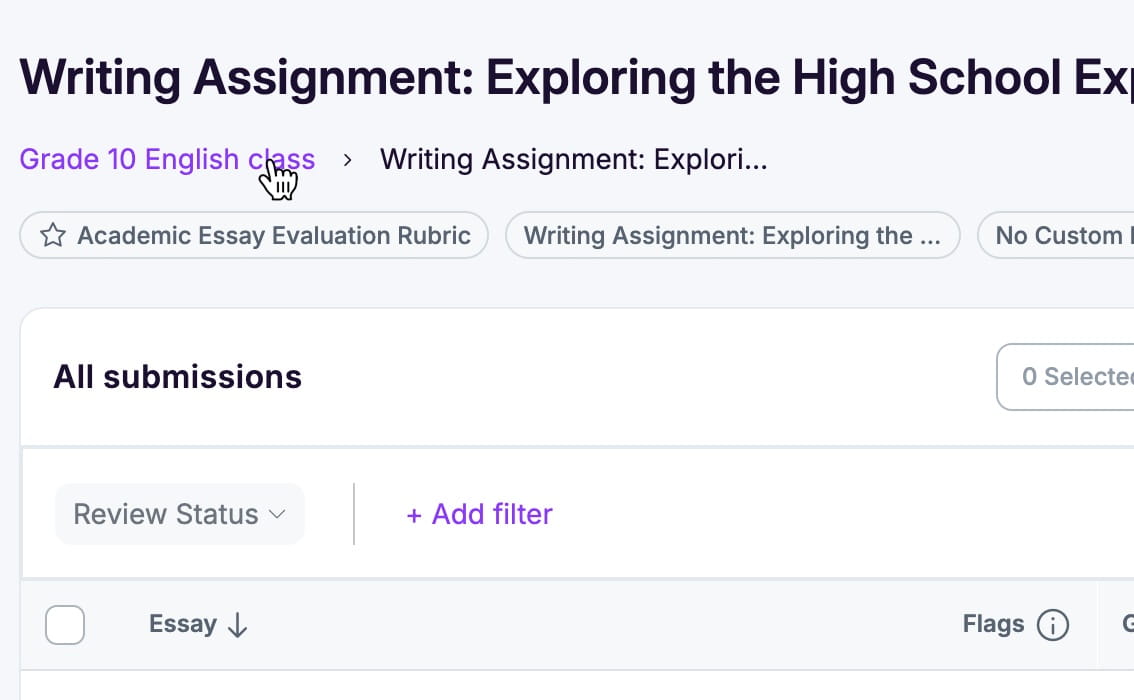
Breadcrumb navigation is now fully clickable, giving teachers an intuitive way to jump between folders and assignments without retracing steps or losing their place during grading.
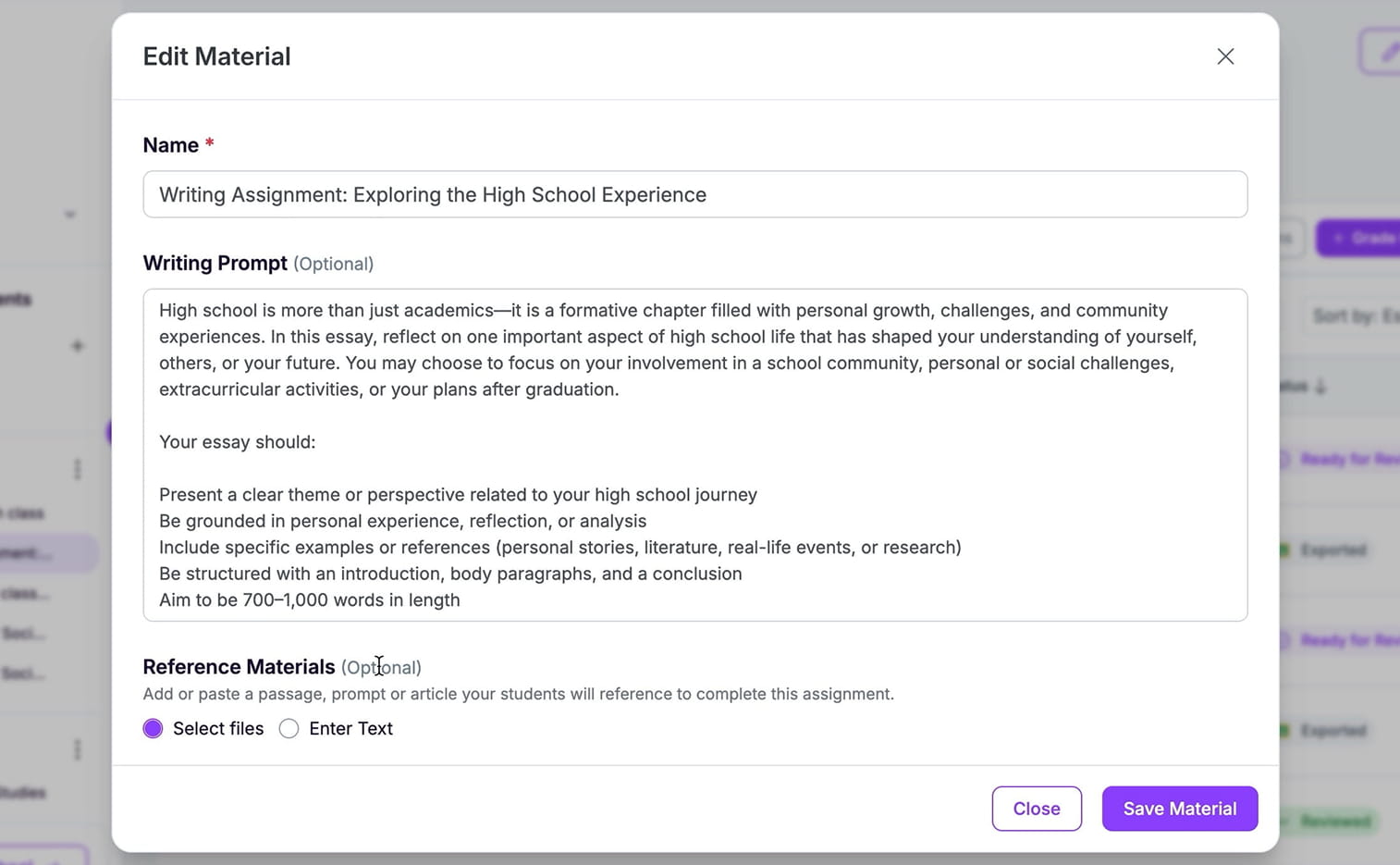
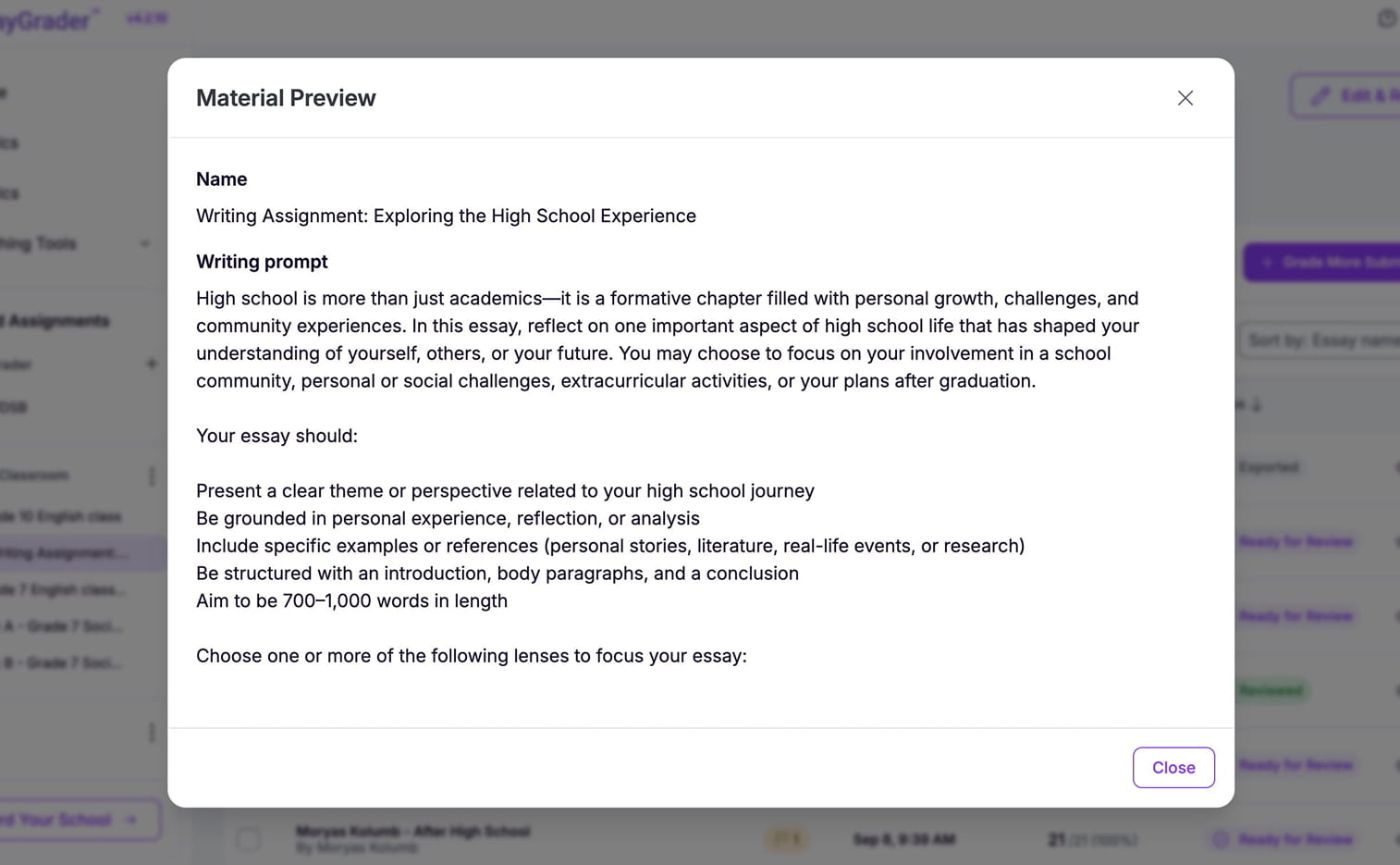
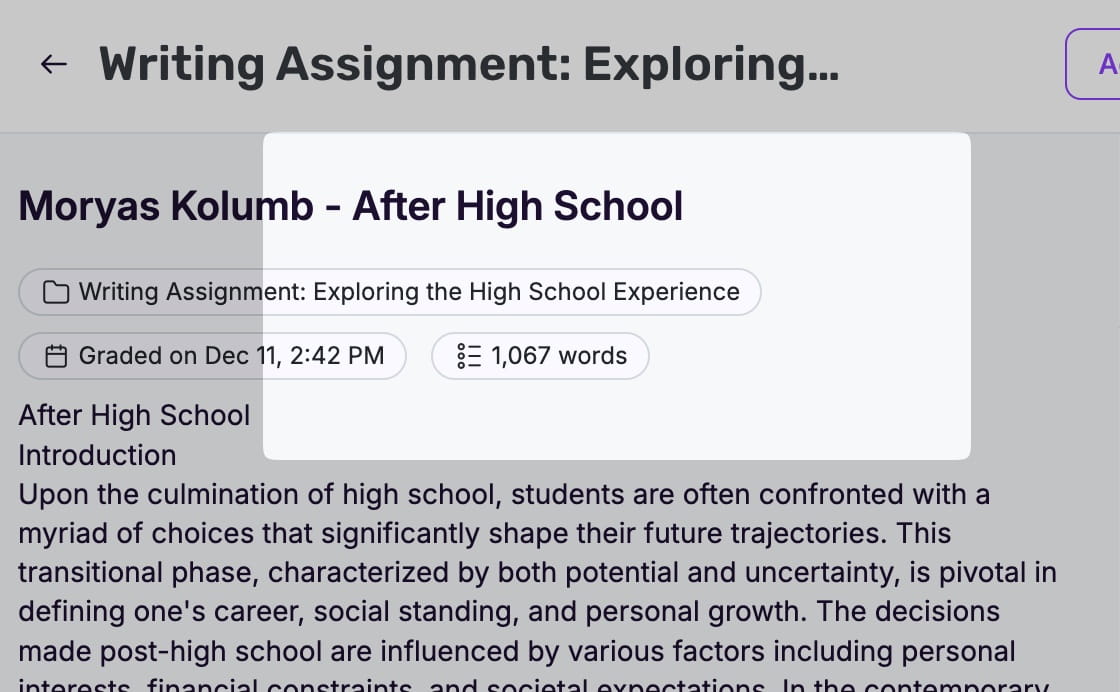
Teachers can now preview writing prompts and custom instructions directly from the Essays List, making it easier to keep assignment context clear while moving between student submissions.
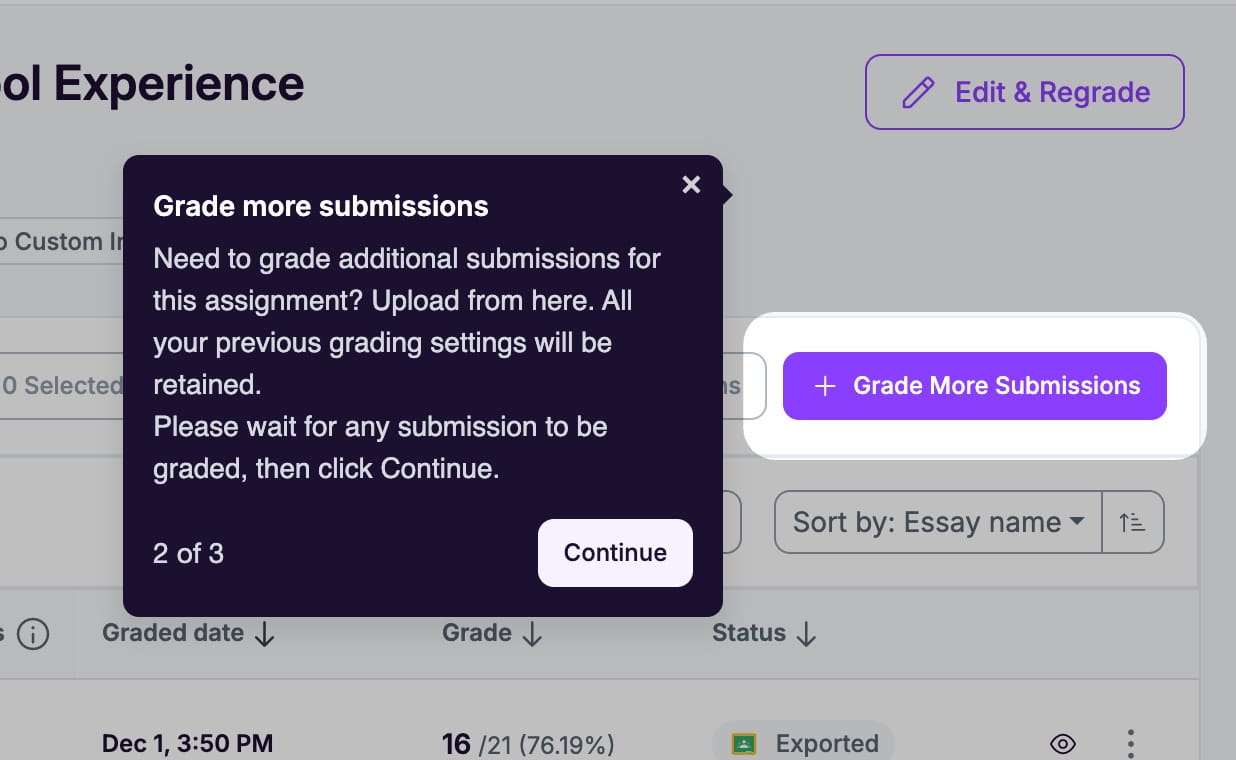
A built-in Guided Tour introduces essential pages and tools, helping teachers understand where everything lives so they can begin grading with far less trial and error.
The interface feels smoother and more intuitive, with a cleaner header, clearer sidebar context, and fixes for layout shifts and scrolling. The Folders Wizard includes smart warnings before closing to protect your work.
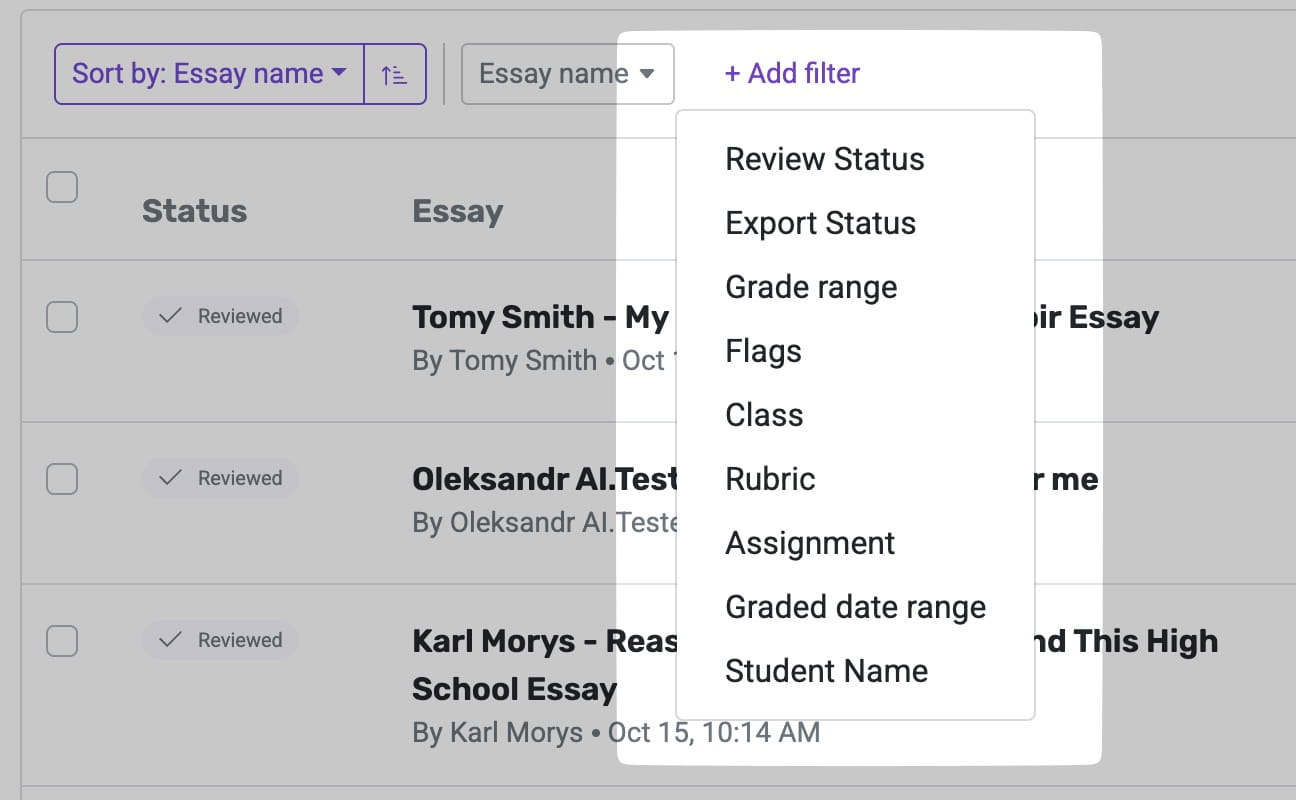
Refined filters, cleaner folder navigation, and smoother scrolling make it easier to review student essays, move between tasks, and stay oriented throughout the grading process.
The AI now receives accurate word-count data, enabling more precise scoring for word-based rubrics and producing feedback that better reflects each student’s writing length and expectations.
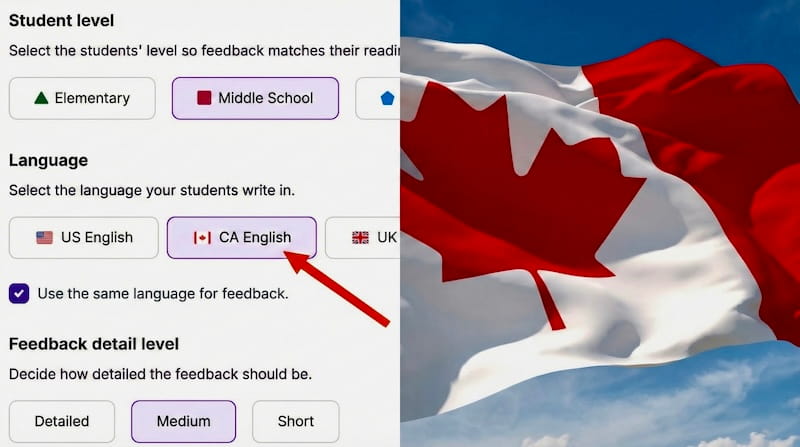
EssayGrader now recognizes Canadian spelling and language conventions, giving teachers region-appropriate scoring and feedback that better matches curriculum expectations and classroom communication.
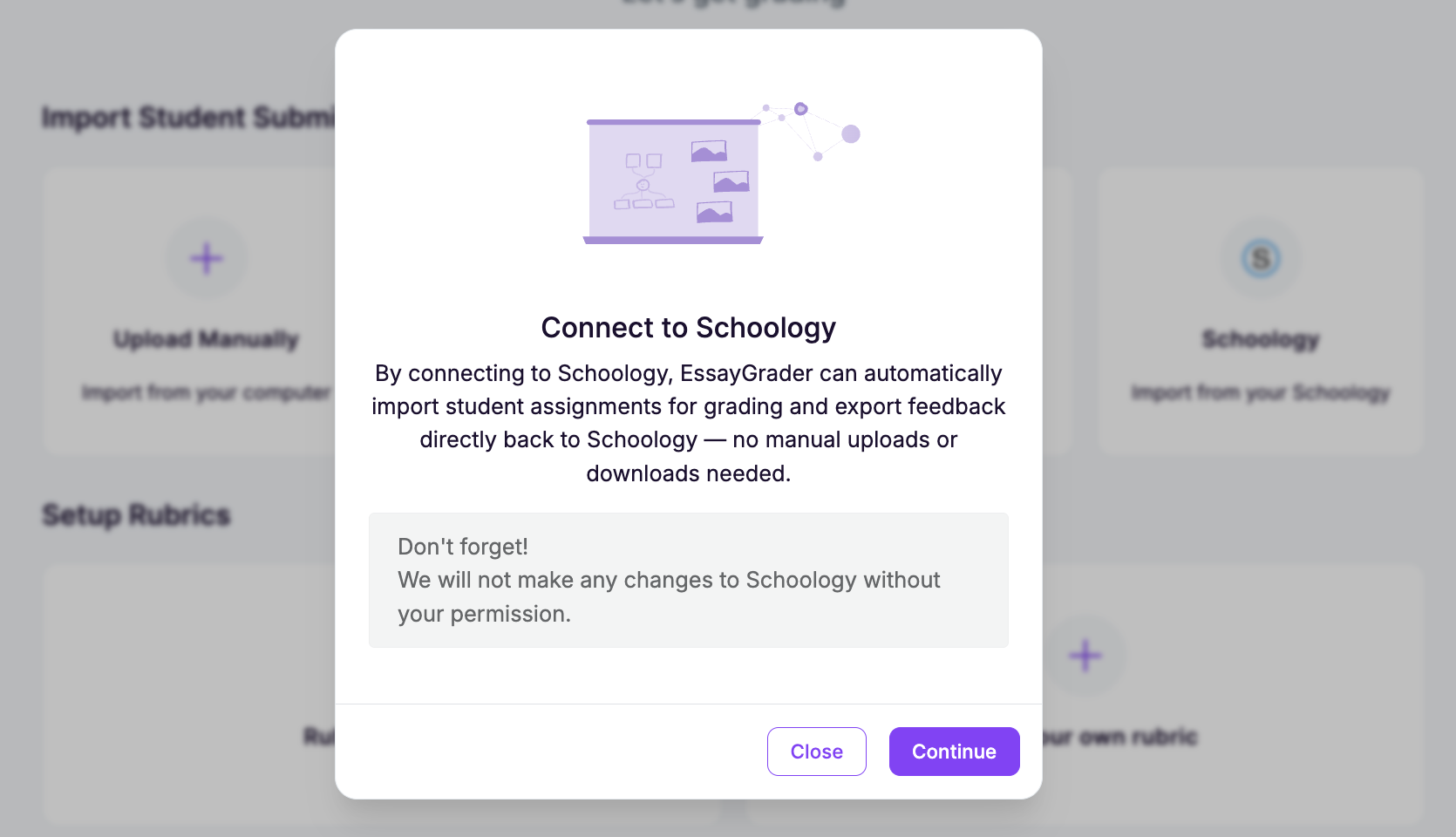
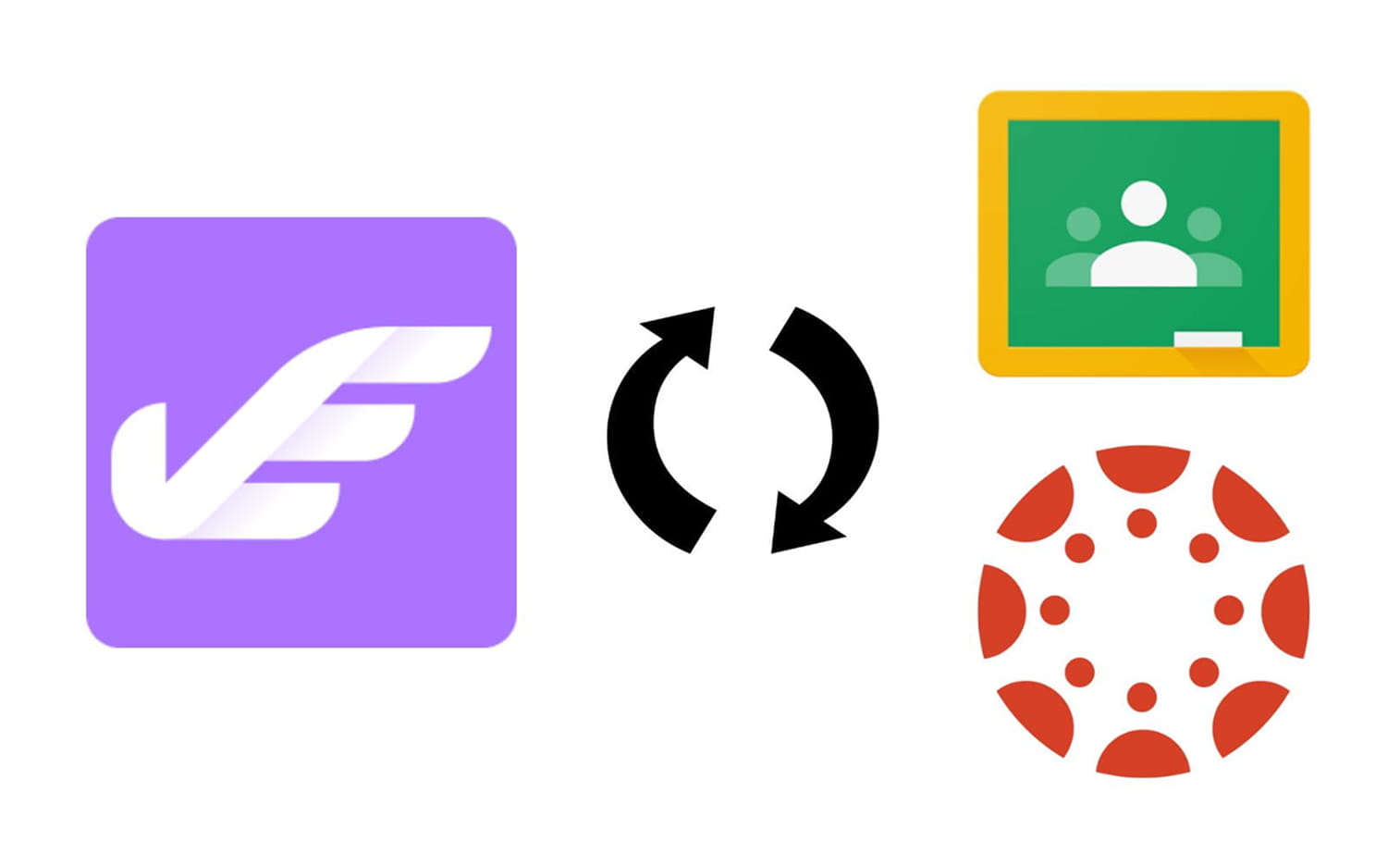
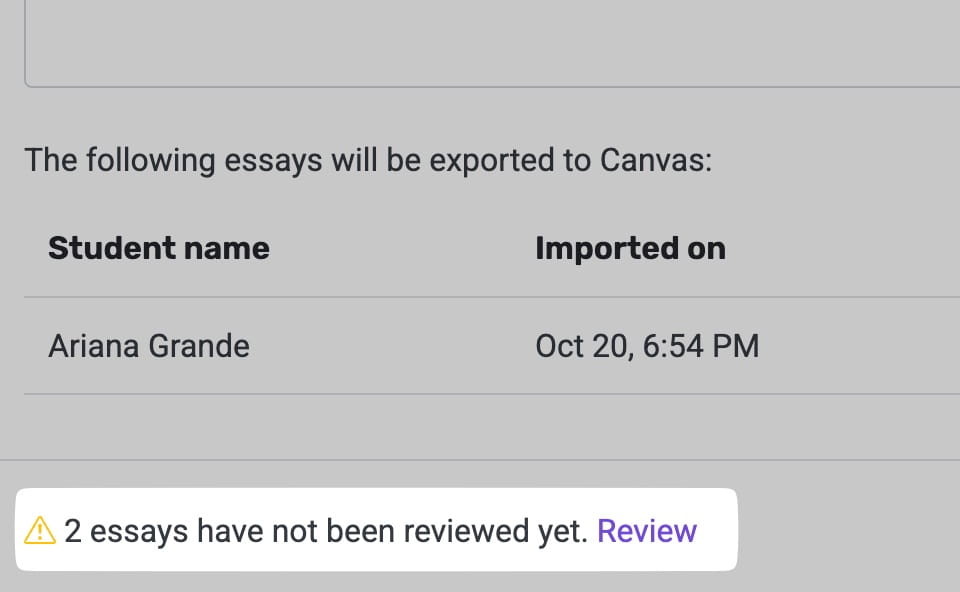
Source materials are automatically fetched from connected LMS accounts, letting teachers review, edit, or remove items before import for a smoother, more predictable assignment setup experience.
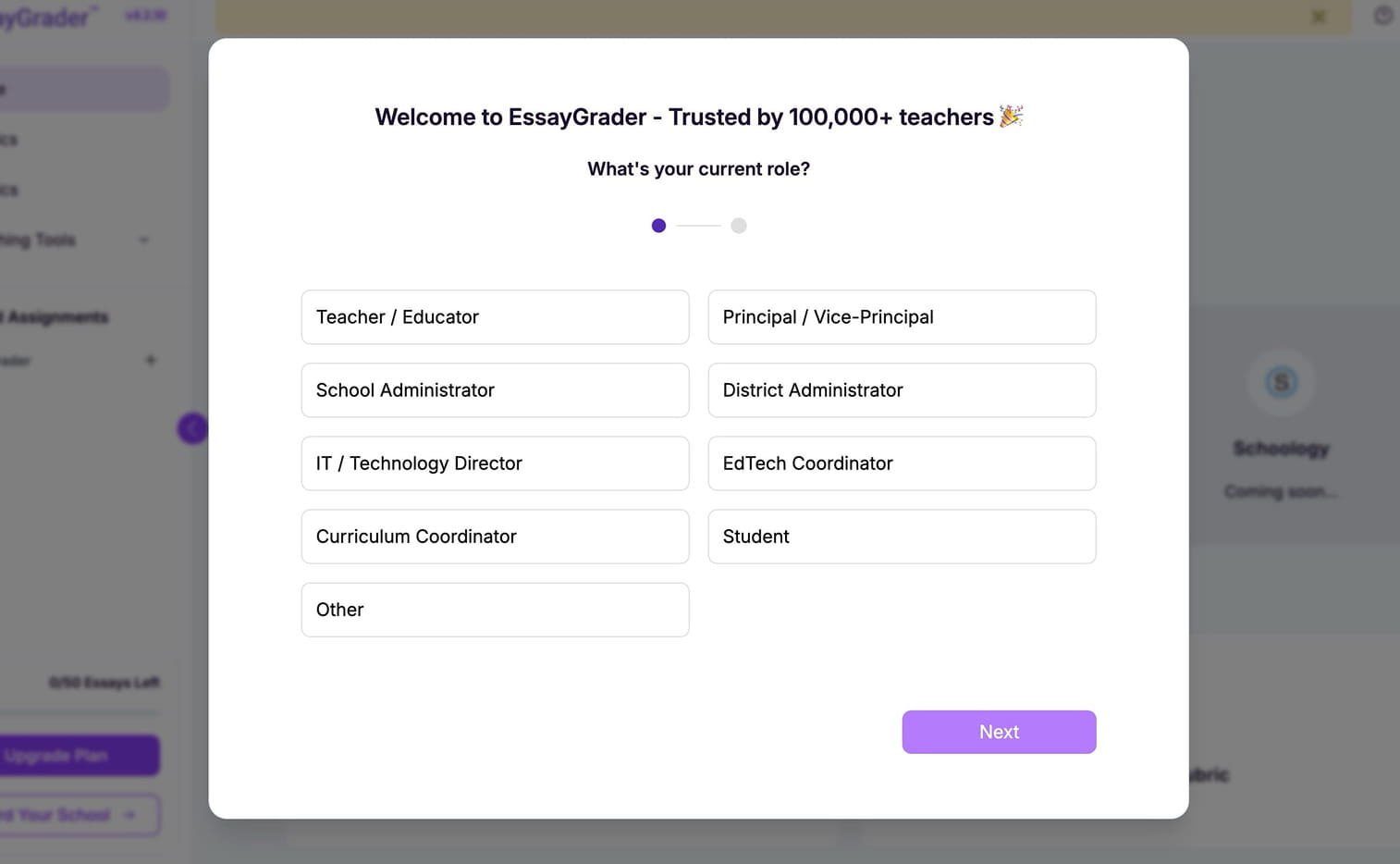
When you first log on, tell us a bit about yourself. We want to create a platform that meets the needs of our actual users, like wording, layout, and navigation that has been adjusted based on your feedback.
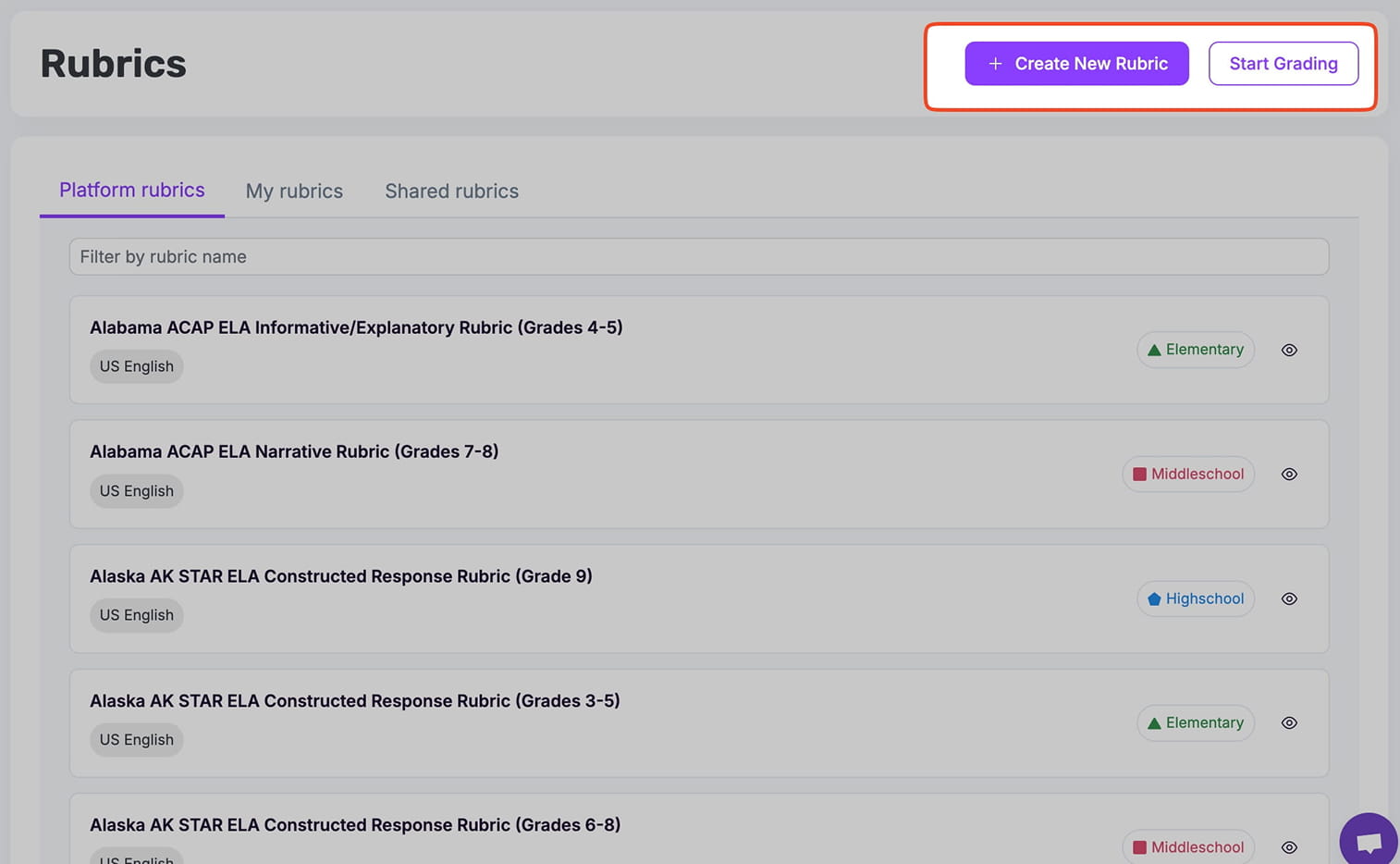
👏 Start Grading Right from the Rubrics Library—It's Back!
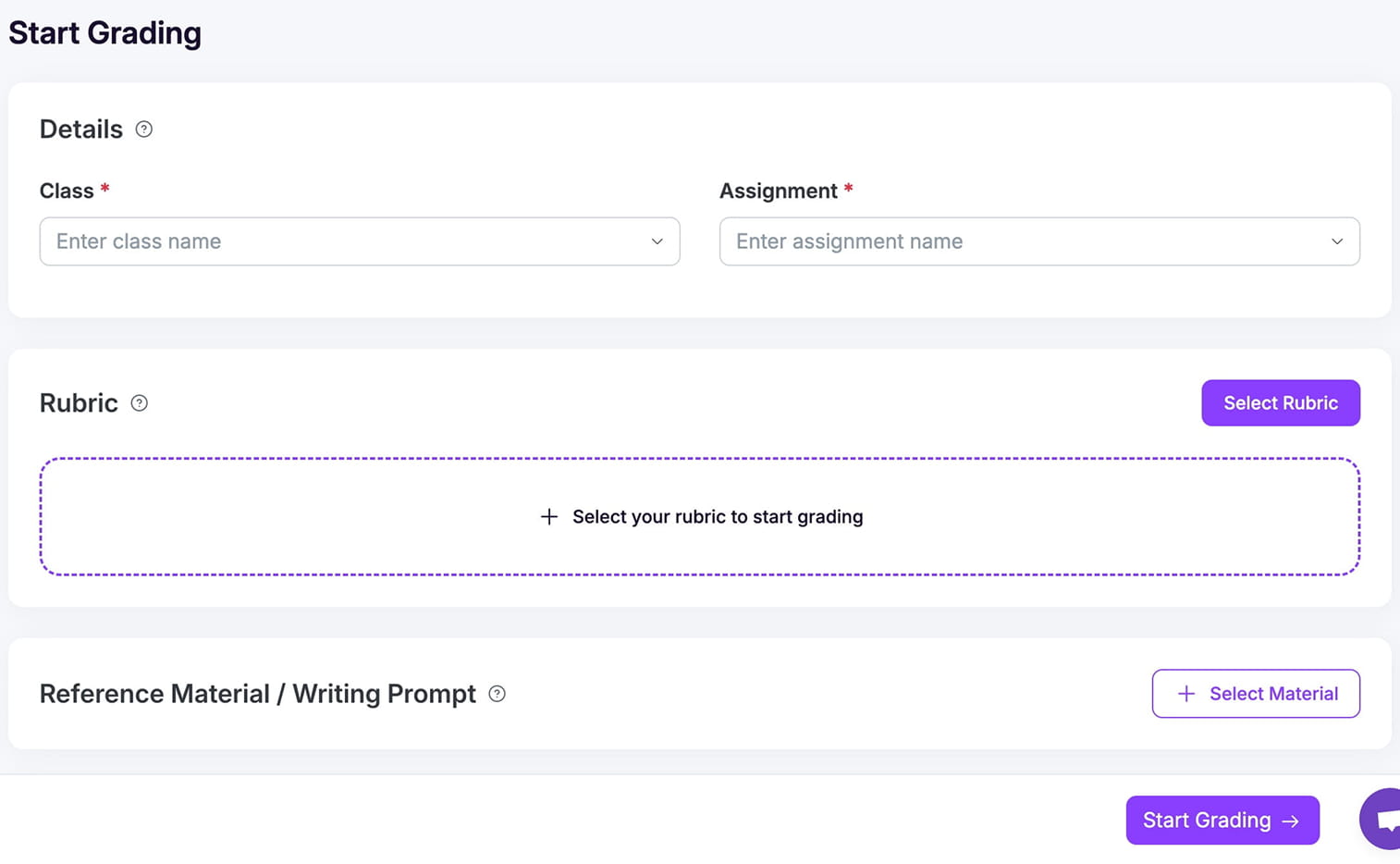
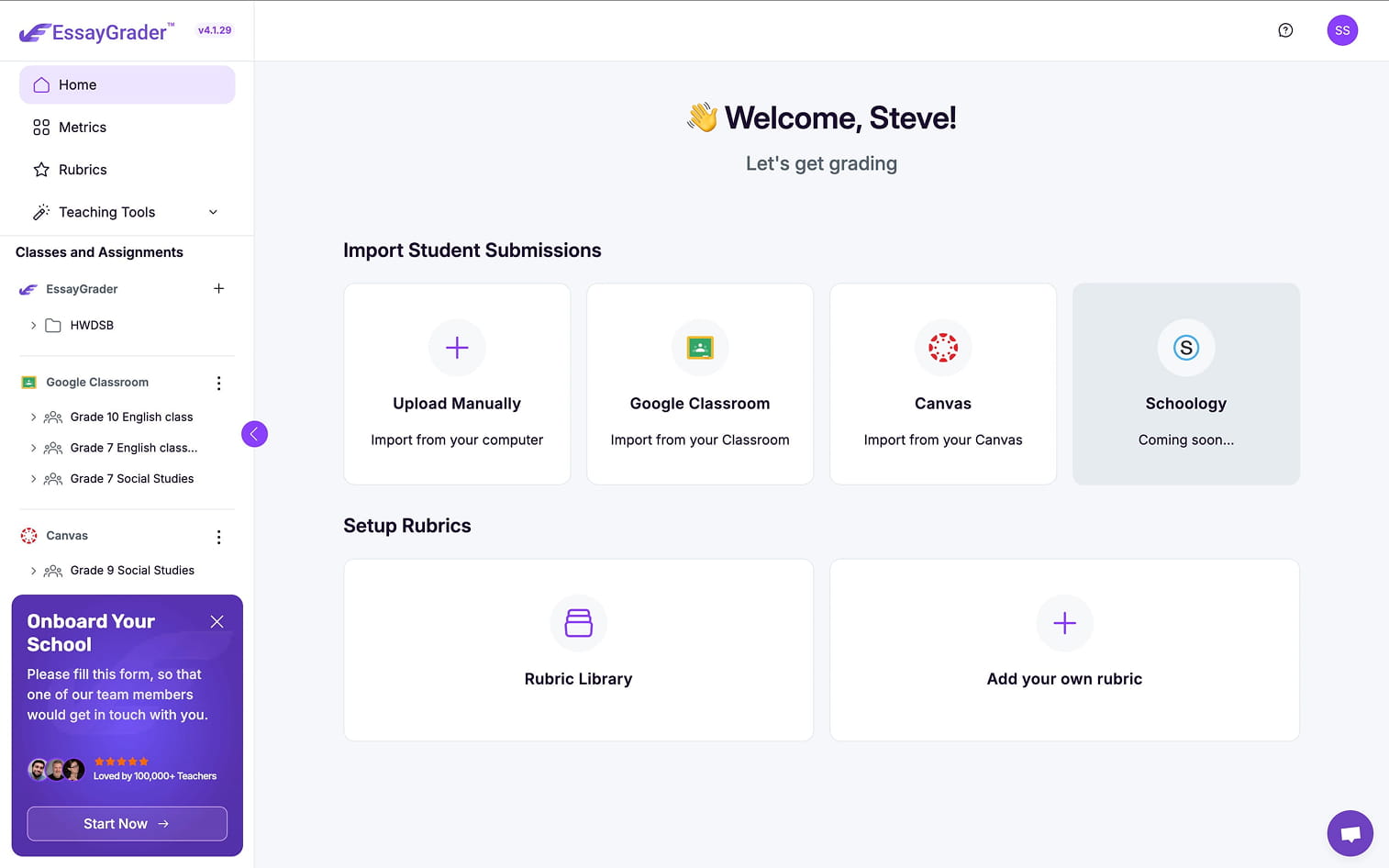
Start grading now! You wondered where it went? Wonder no more because once again you can set up your rubric or select one from the library and immediately start grading.
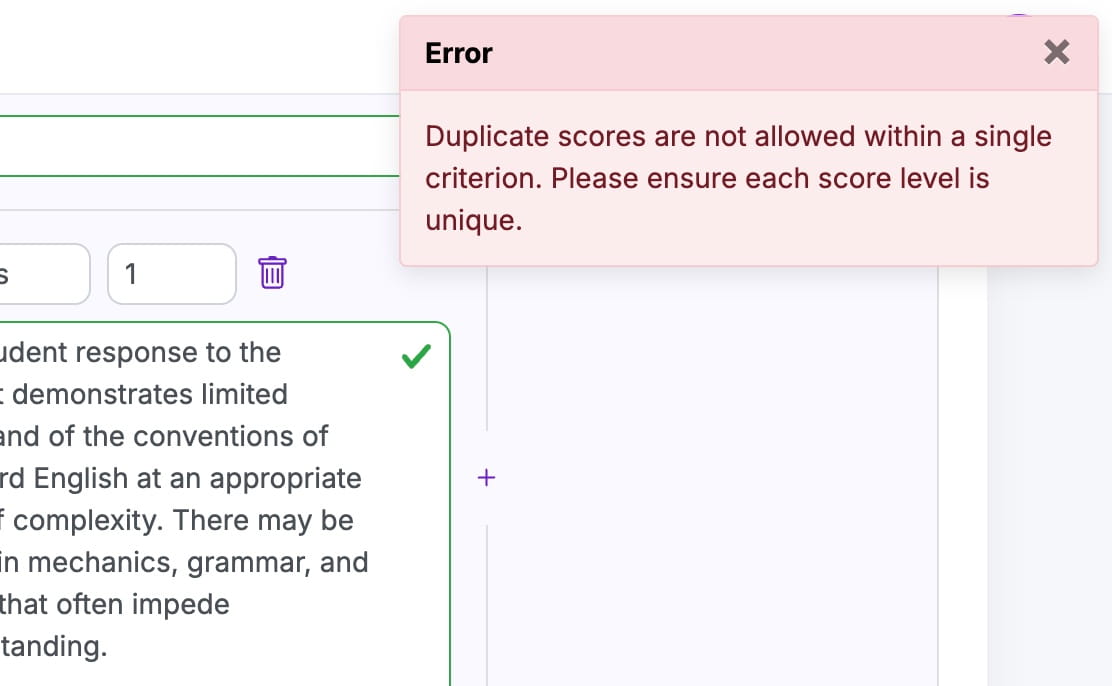
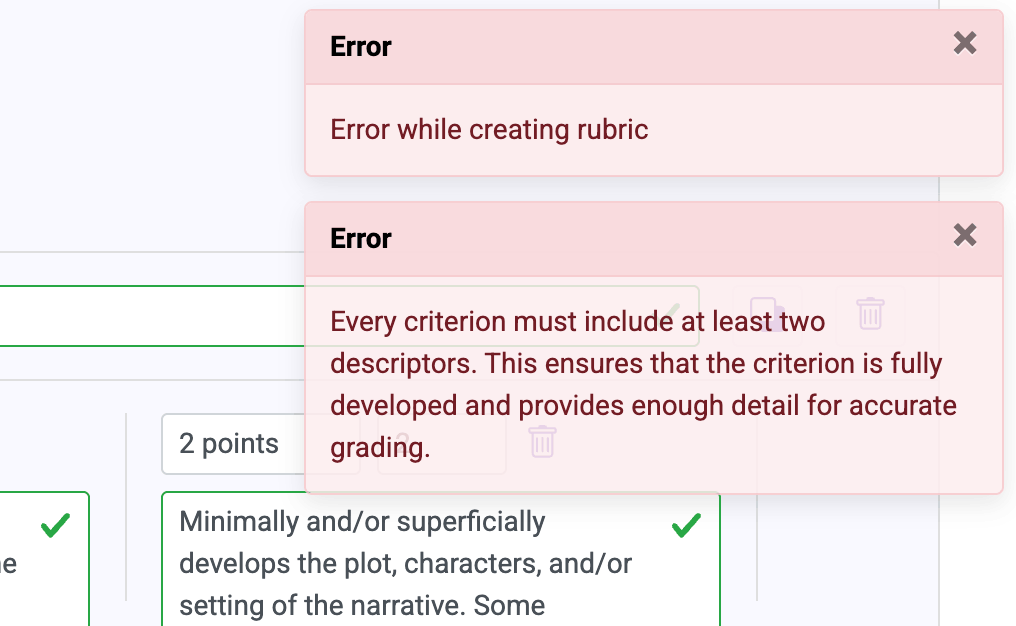
You’ll now see improved rubric validation that prevents unnecessary frustration. See clearly where the error occurred so there's no guessing what needs to be corrected.
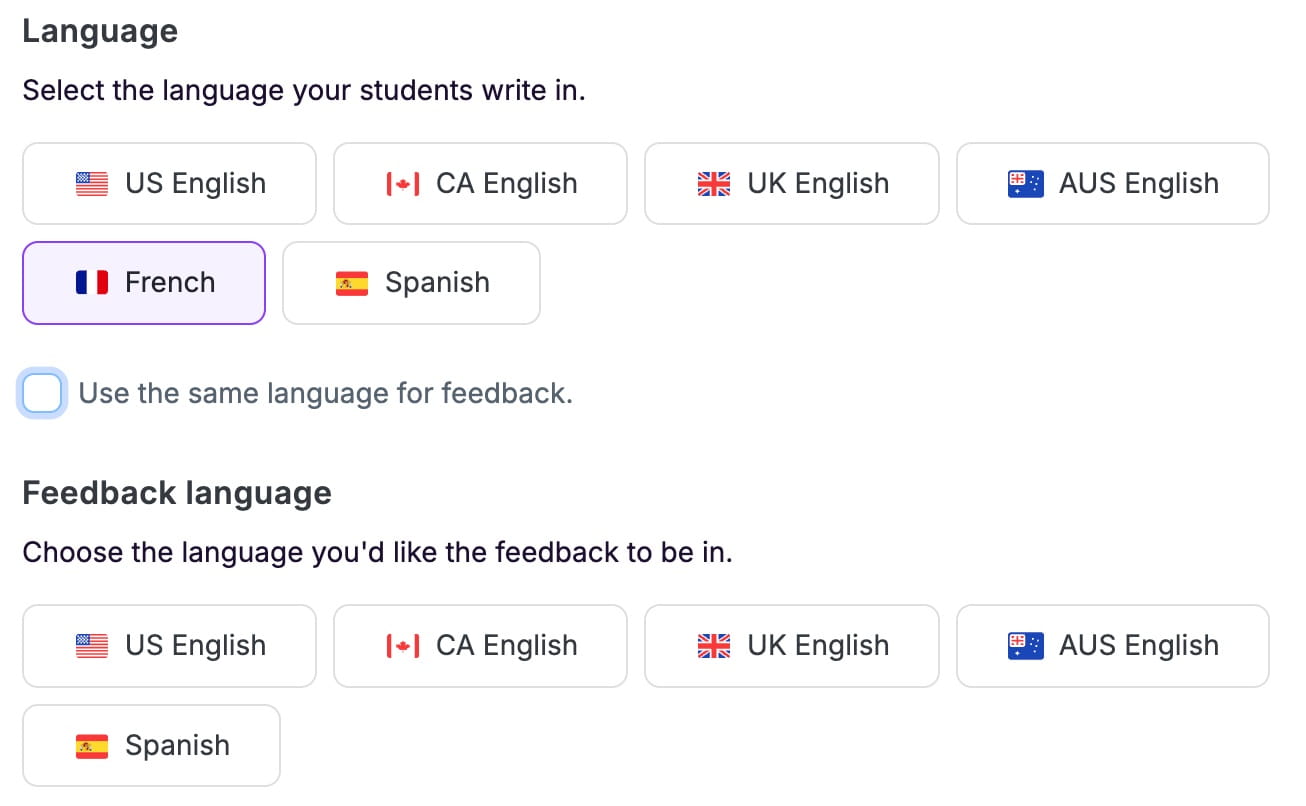
Now choose English, French, or Spanish for input and output. Keep the grading language fixed or change it per task. Consistent report structure across languages supports bilingual classrooms.
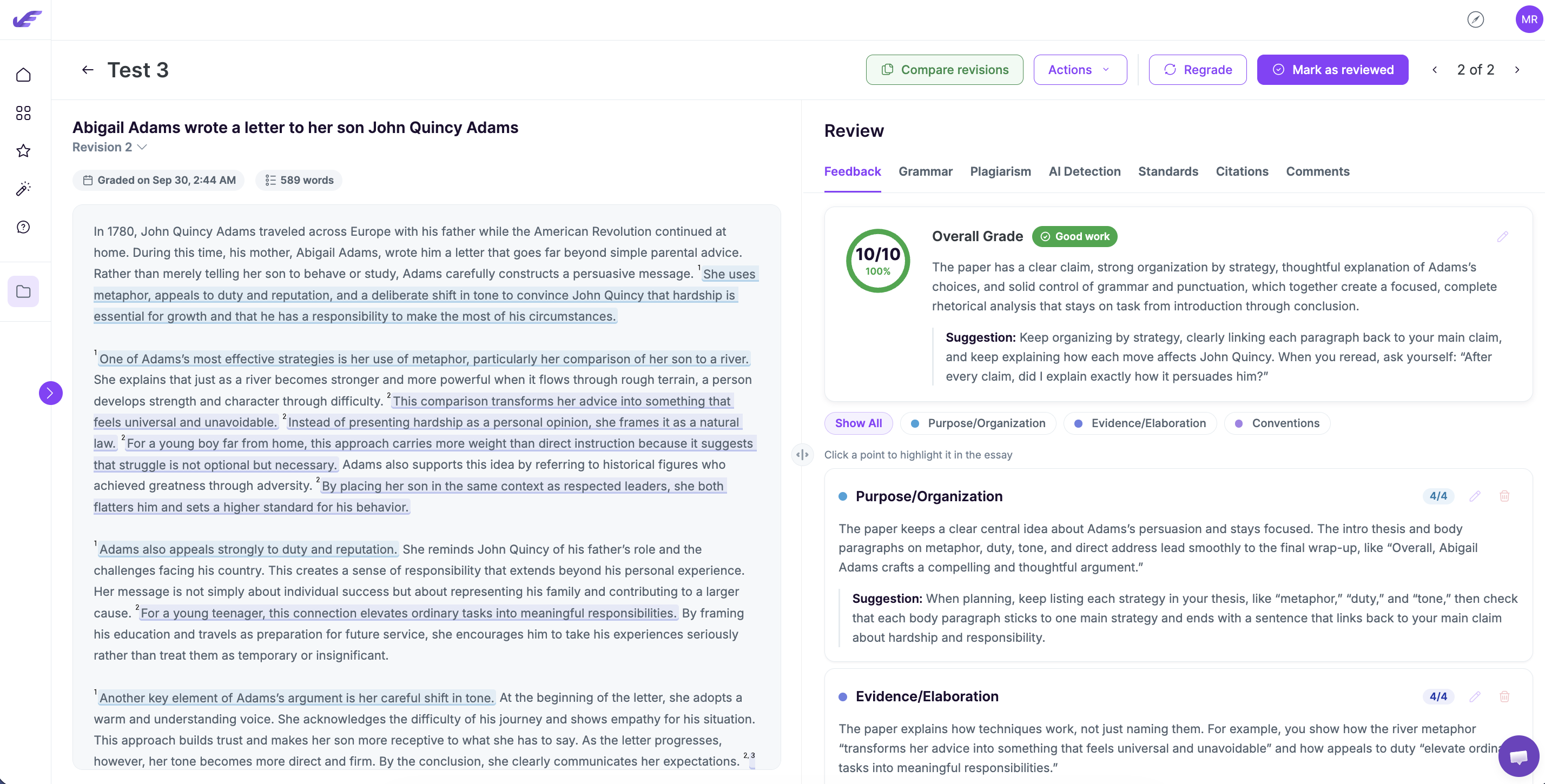
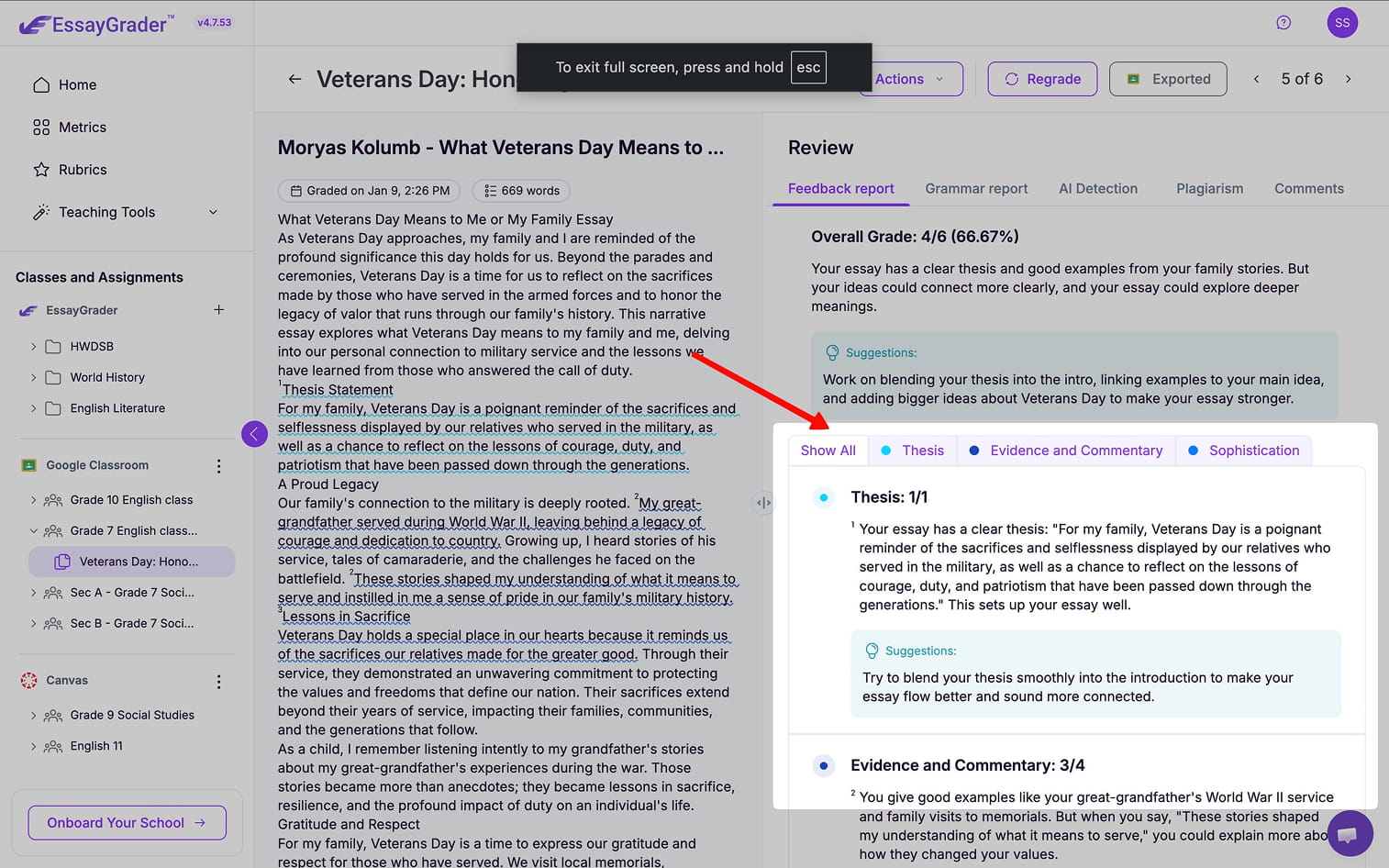
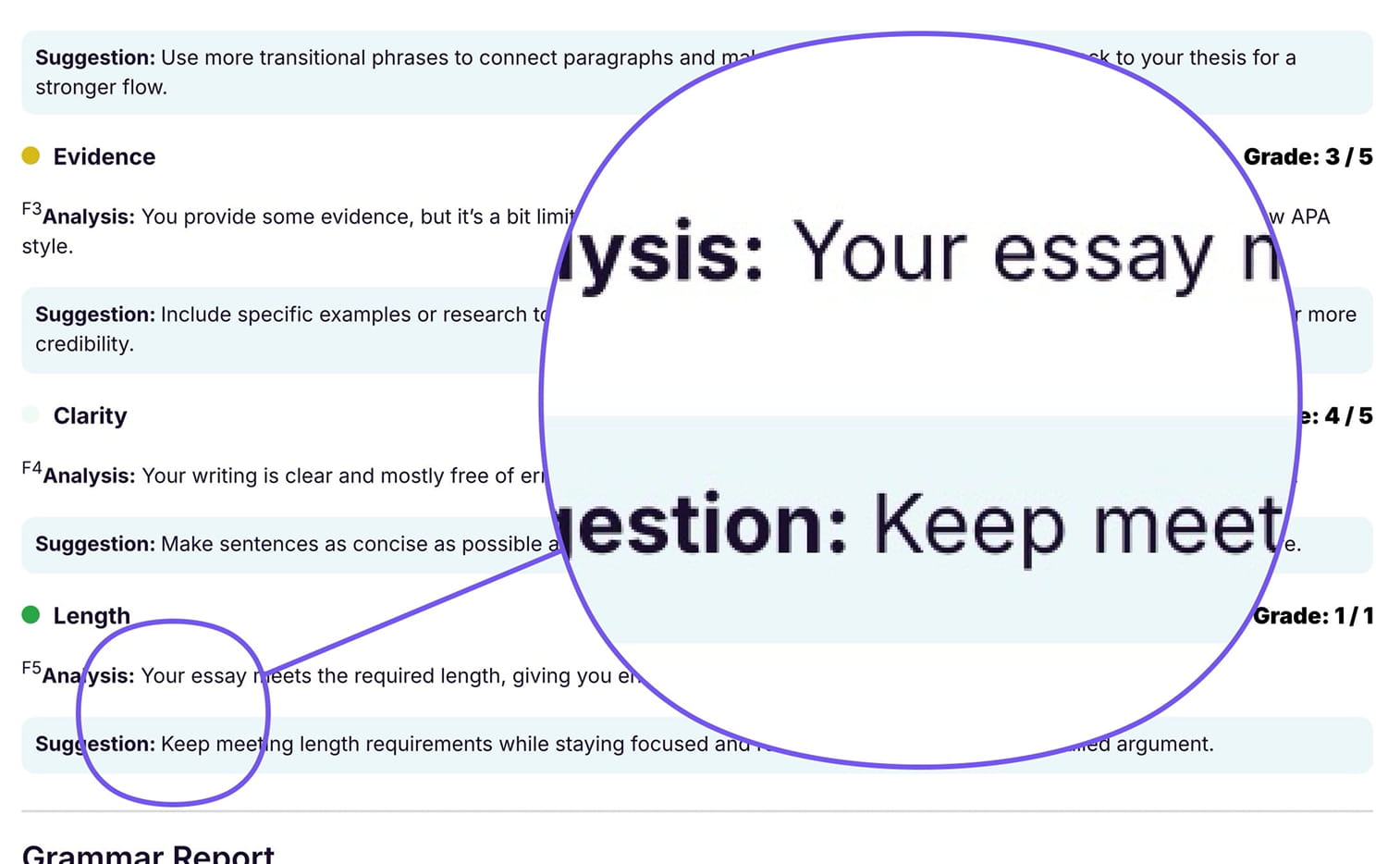
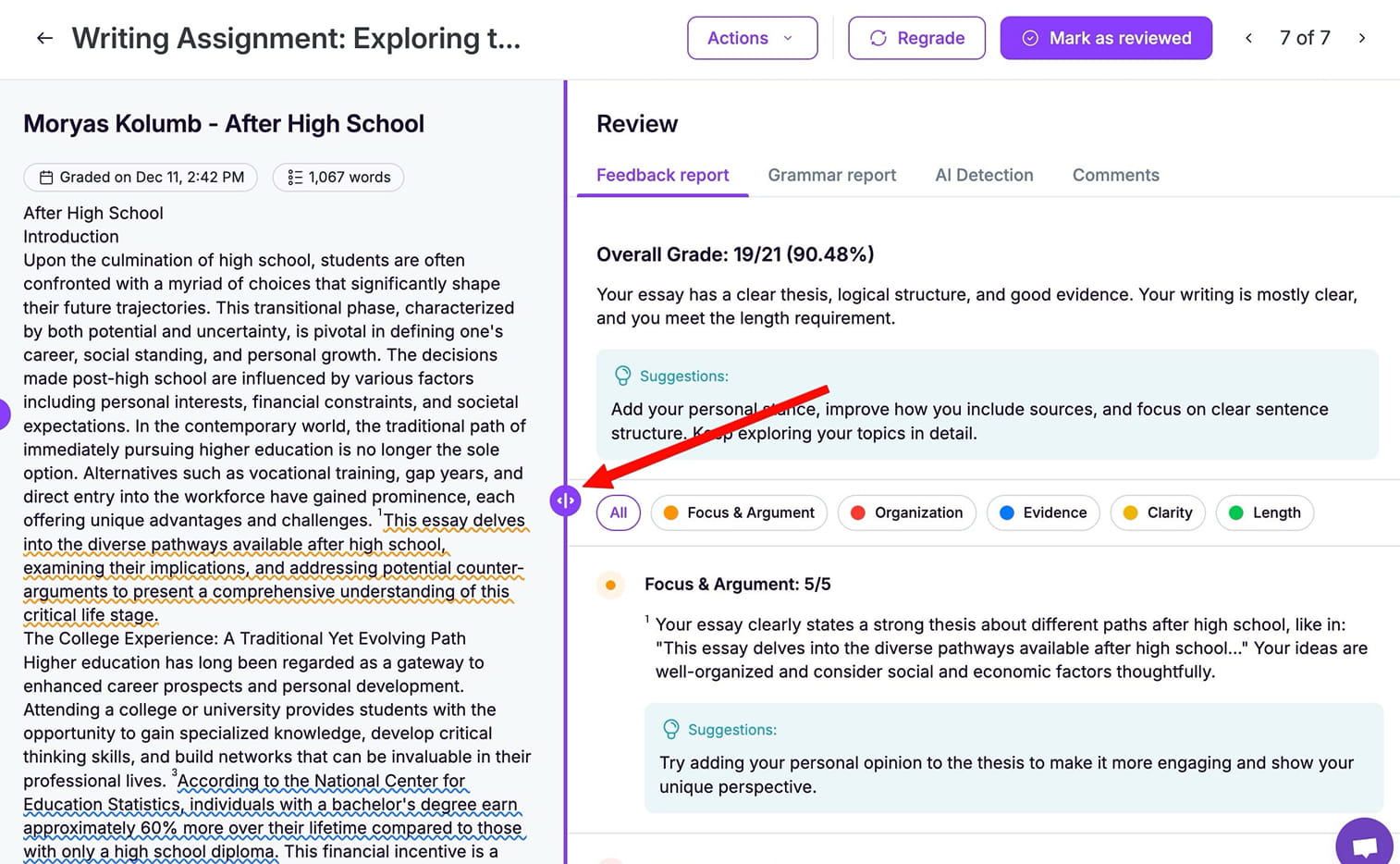
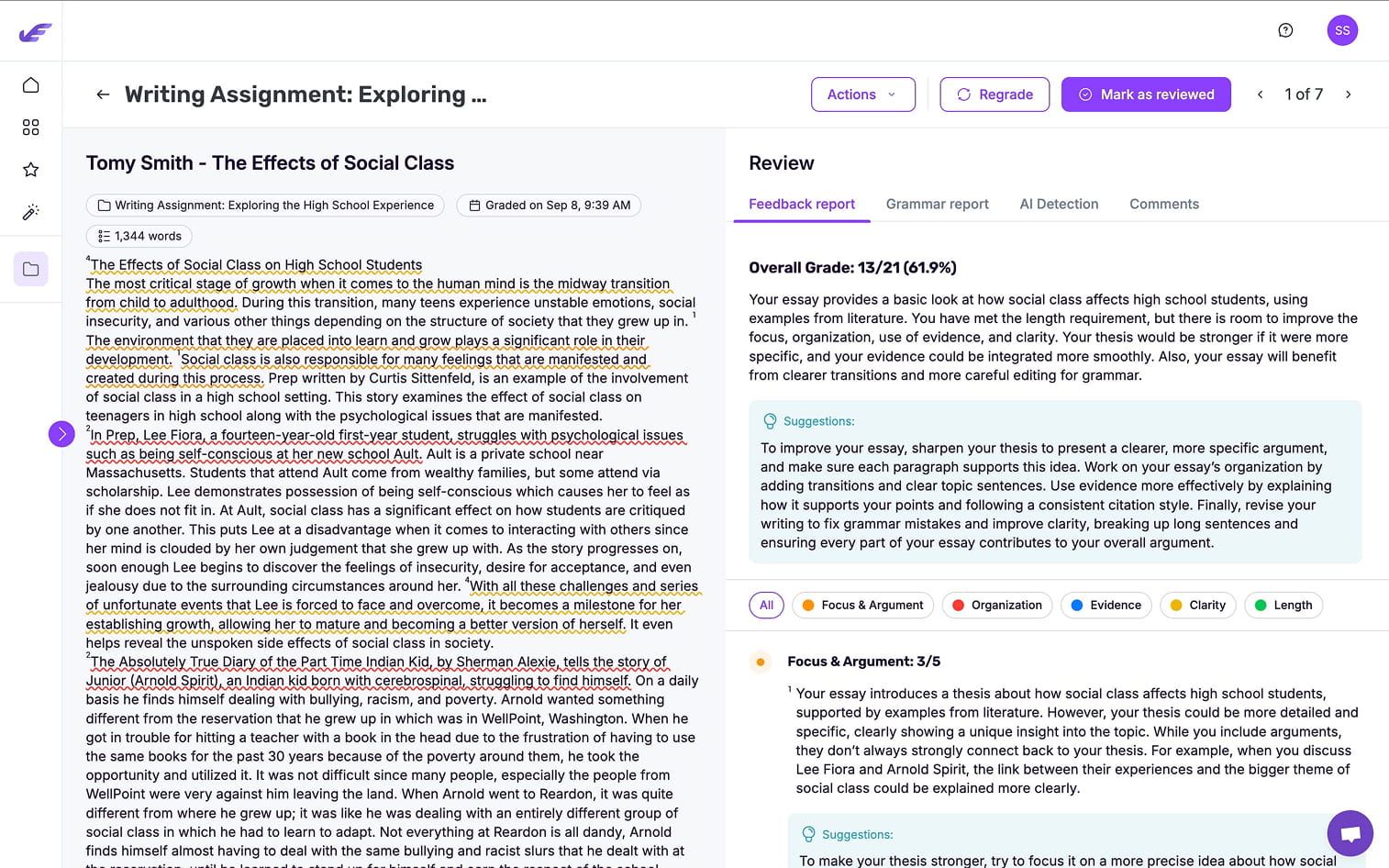
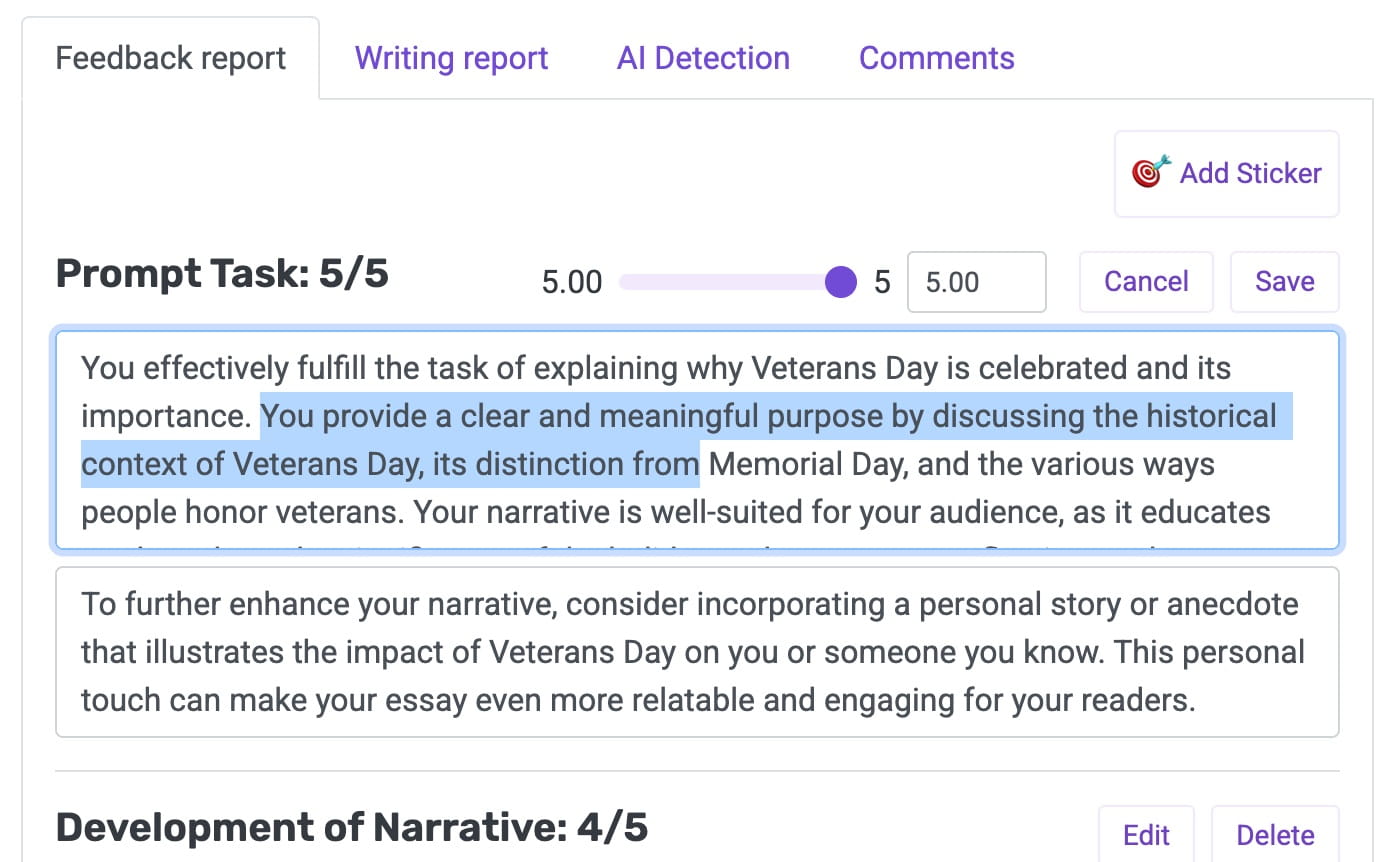
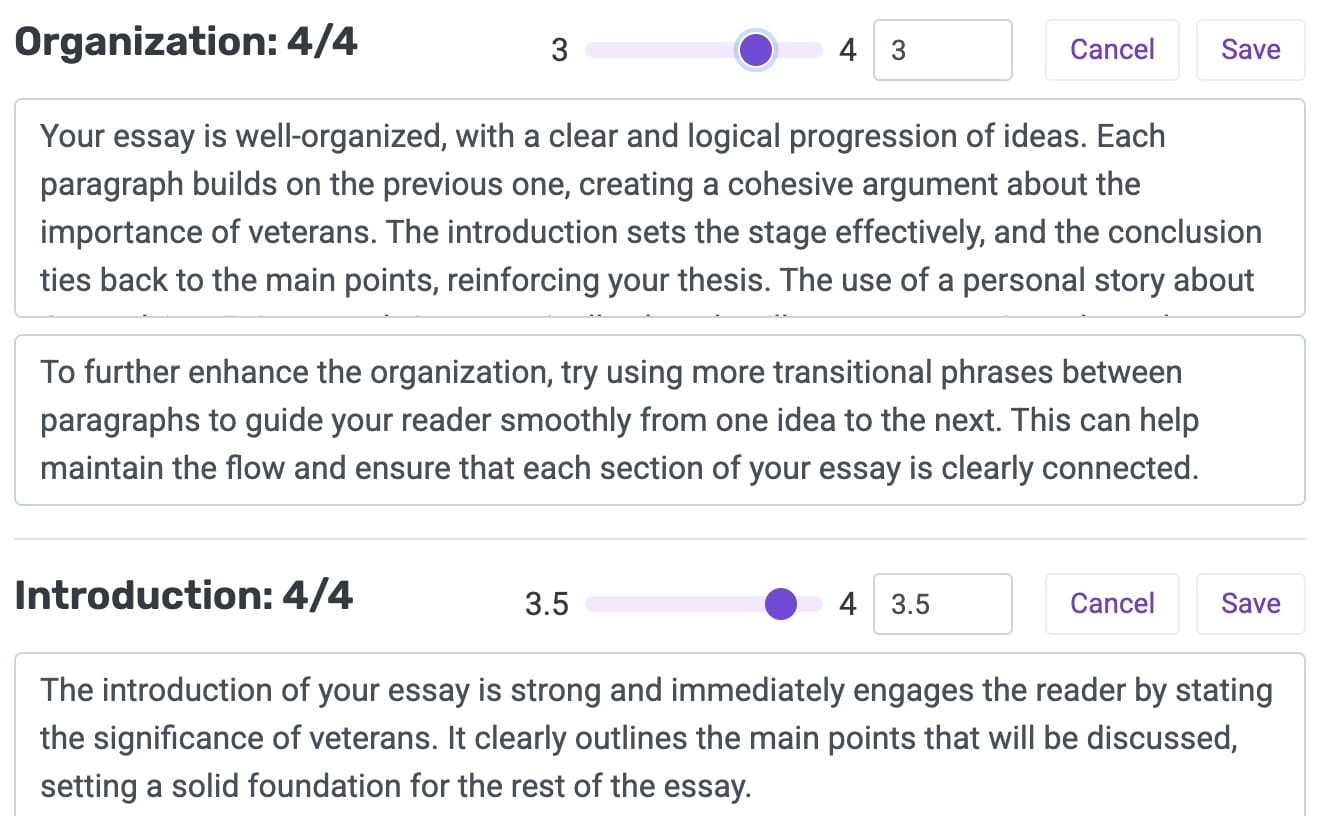
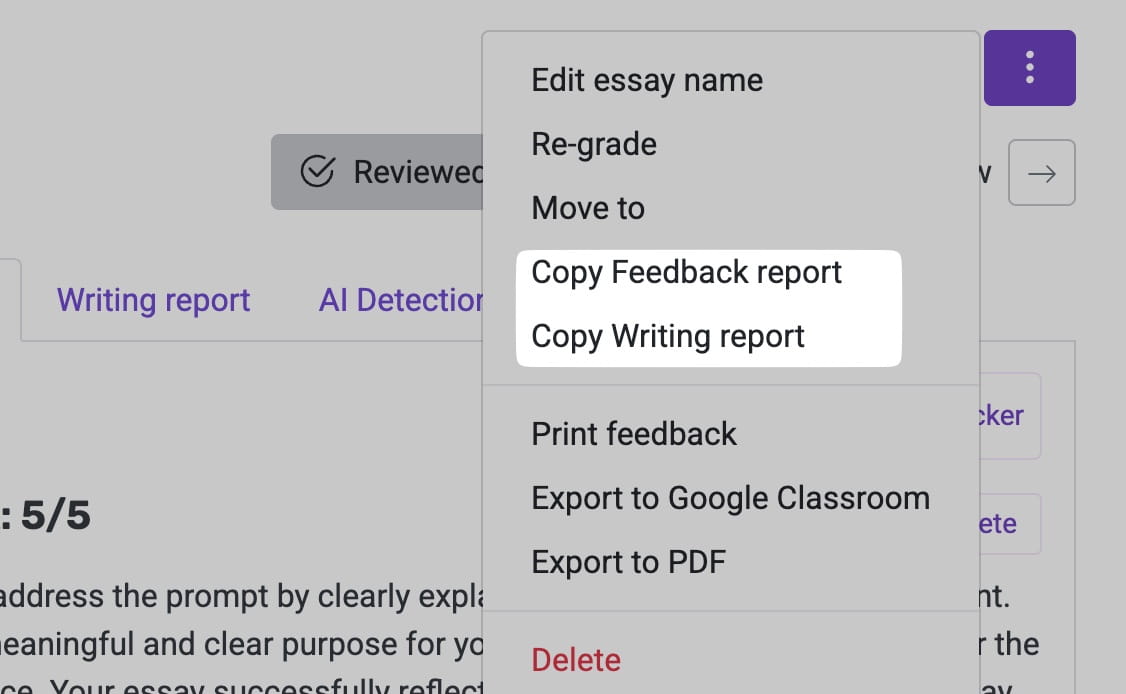
Enhancements to the feedback reports now make the next step obvious. Headings are clearer, highlights point back to grading criteria, and suggestions focus on specific student edits.
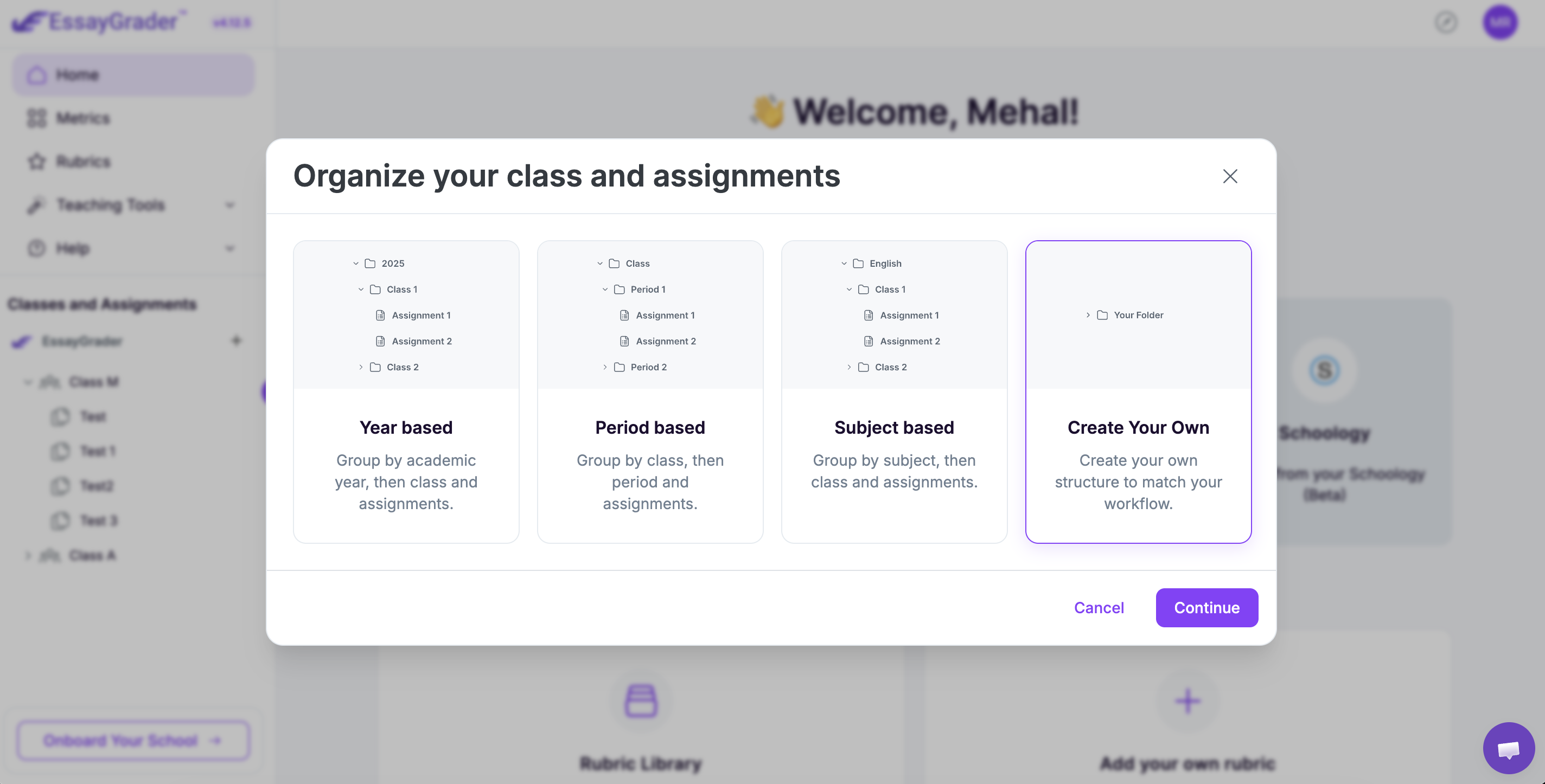
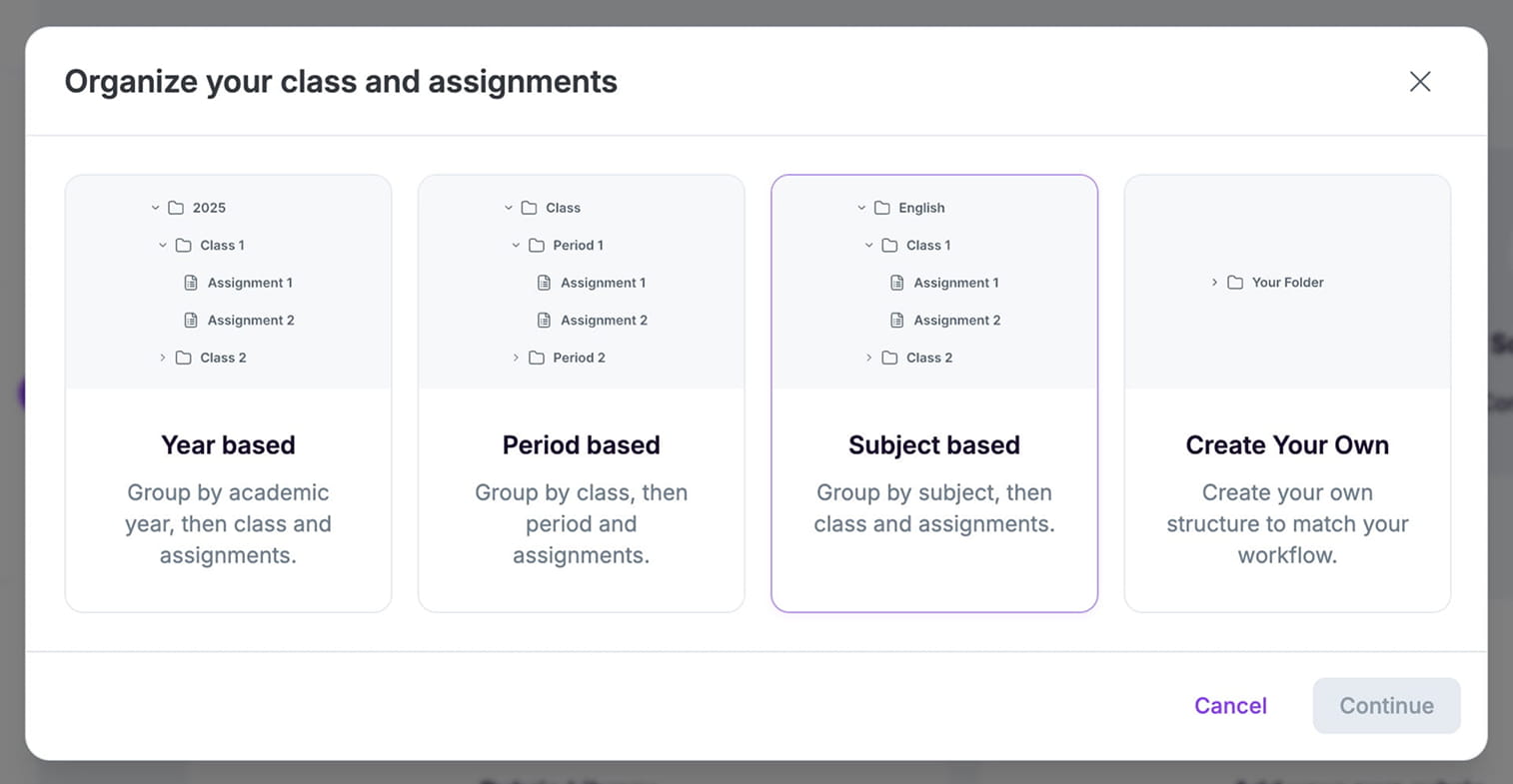
Folders organize classes, assignments, and essays in one place. Manually create a folder structure per course, subject, or timeframe, and import from your LMS. Navigation stays familiar and you retain control.
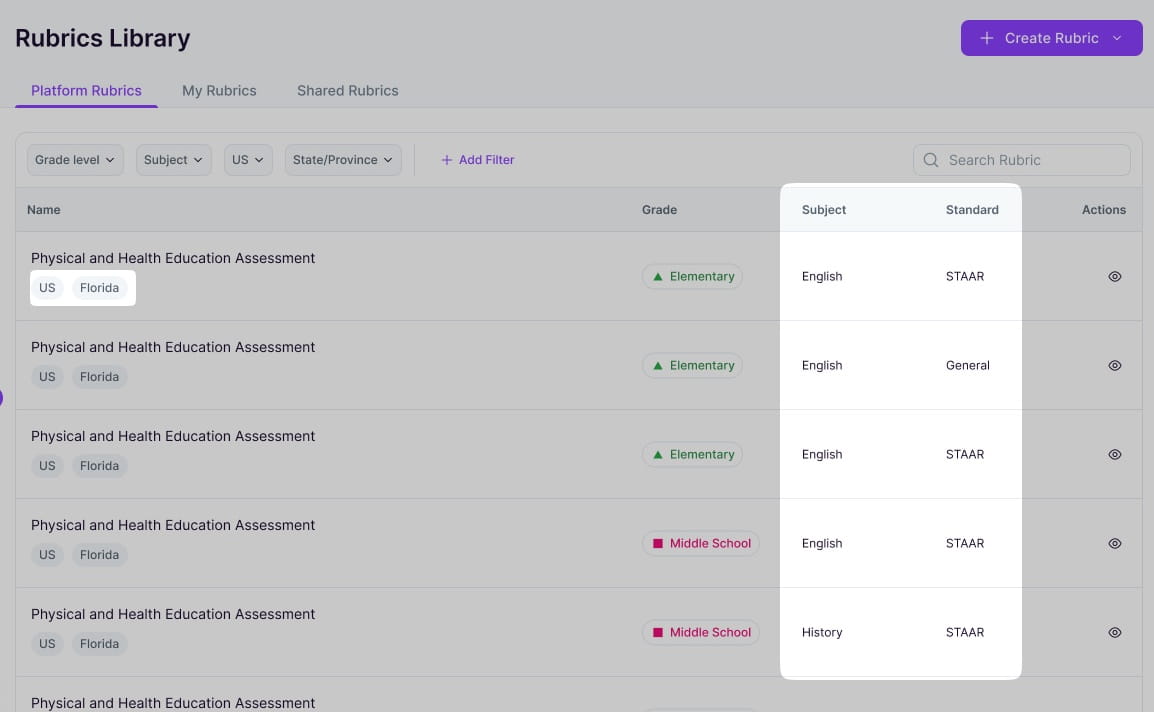
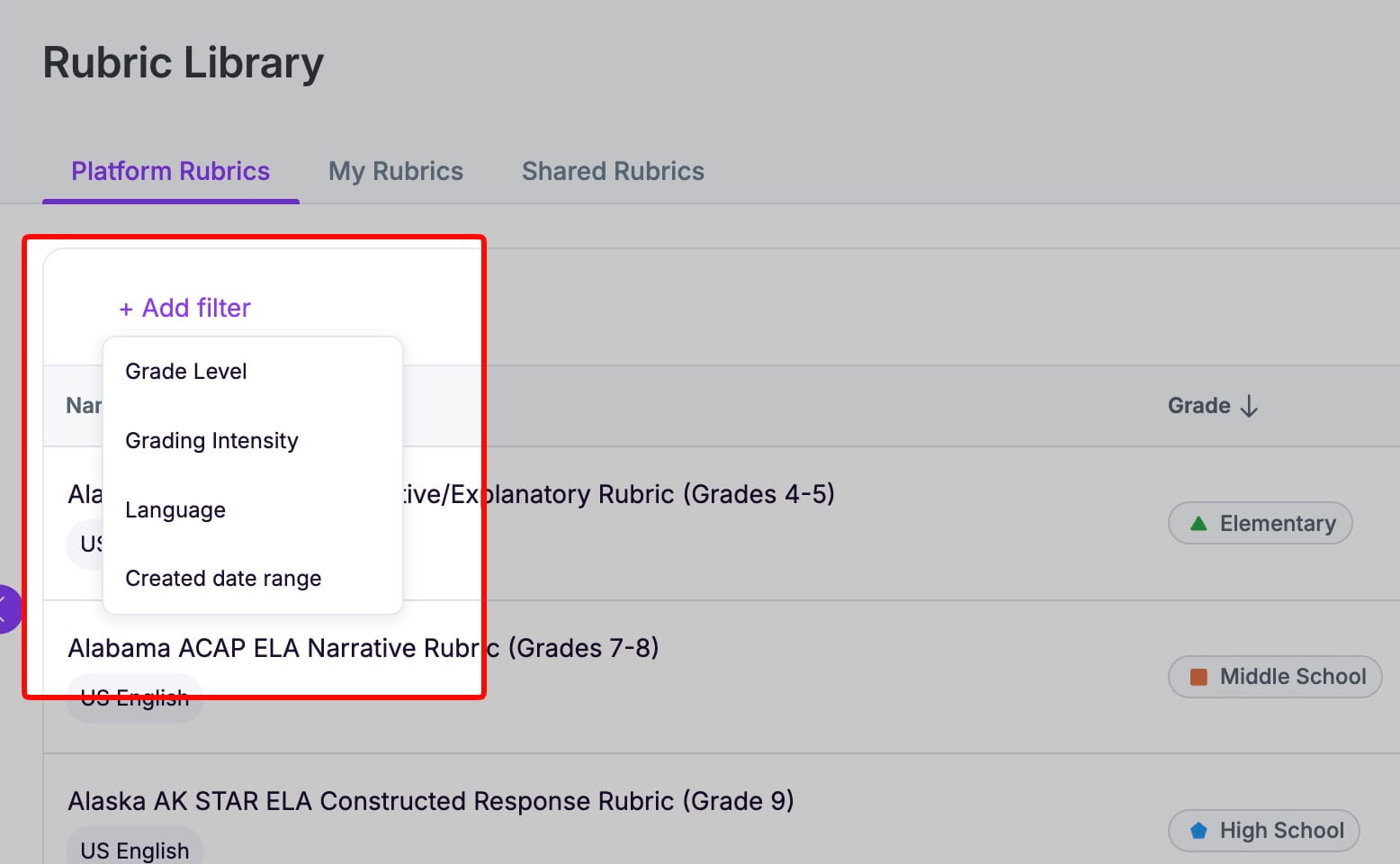
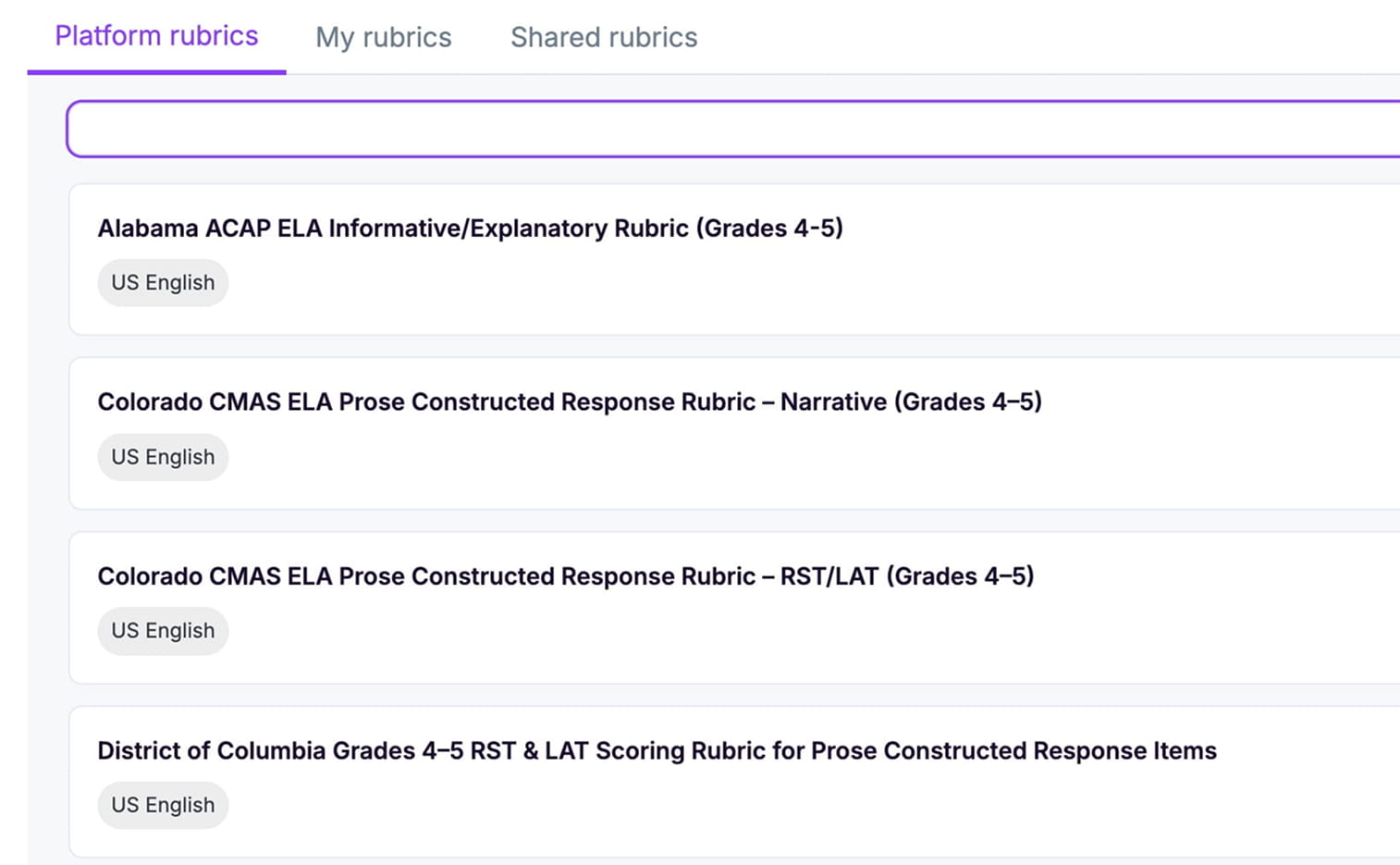
Hundreds of ready-to-use rubrics aligned to major standards. Search by keyword, state, curriculum, essay type. Apply with one click, tweak as needed, and save edits to your library.
Redesigned interface reduces visual clutter and clicks. Clear hierarchy, readable text, and easily accessbile tools keep essays front and center. Less scanning, smoother decisions, and faster grading keeps you focused on your priorities.
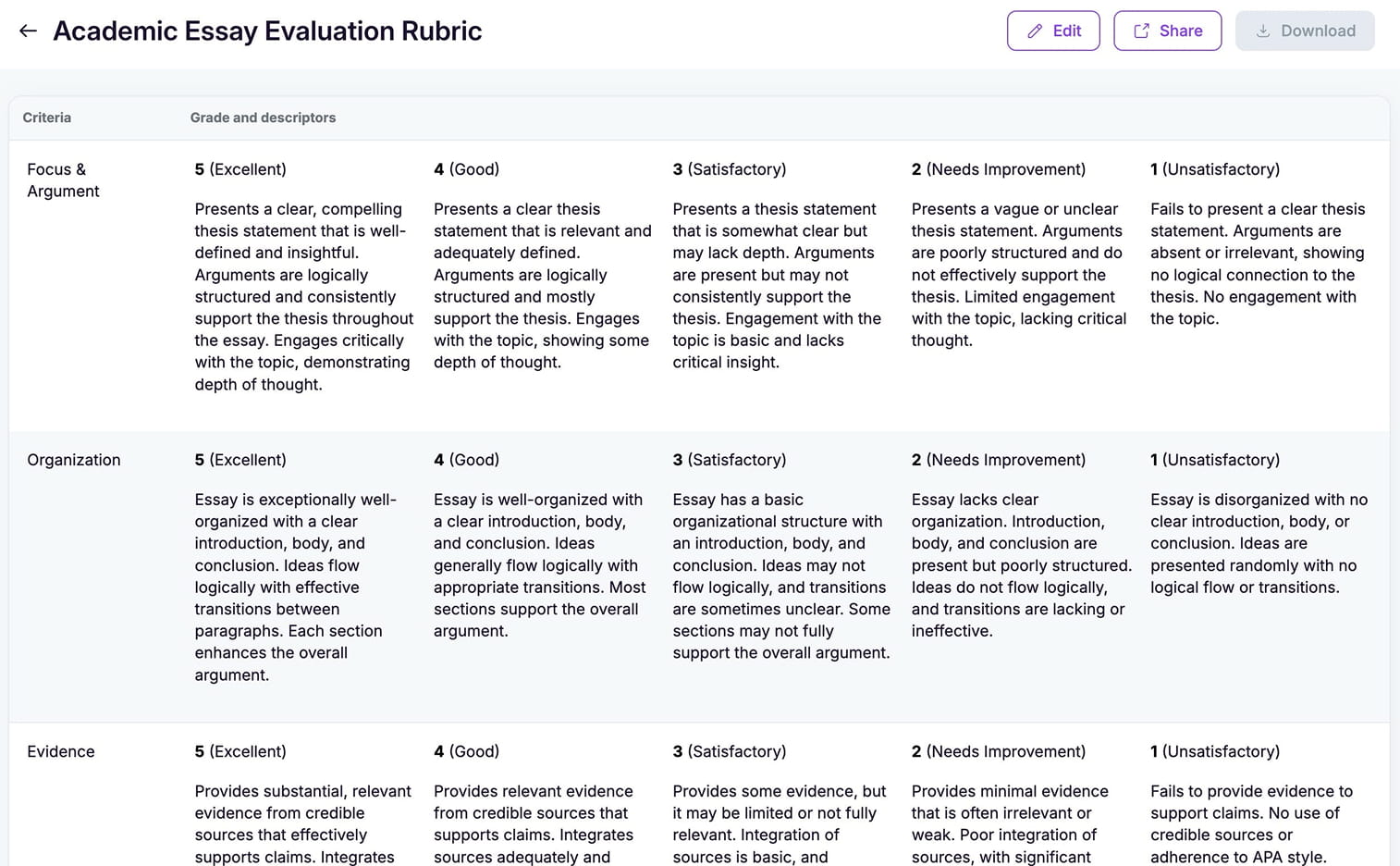
Grading is only as good as your rubric, so we’ve added validation. At least 2 criteria descriptors are required, and scoring levels are automatically placed in numerical order.
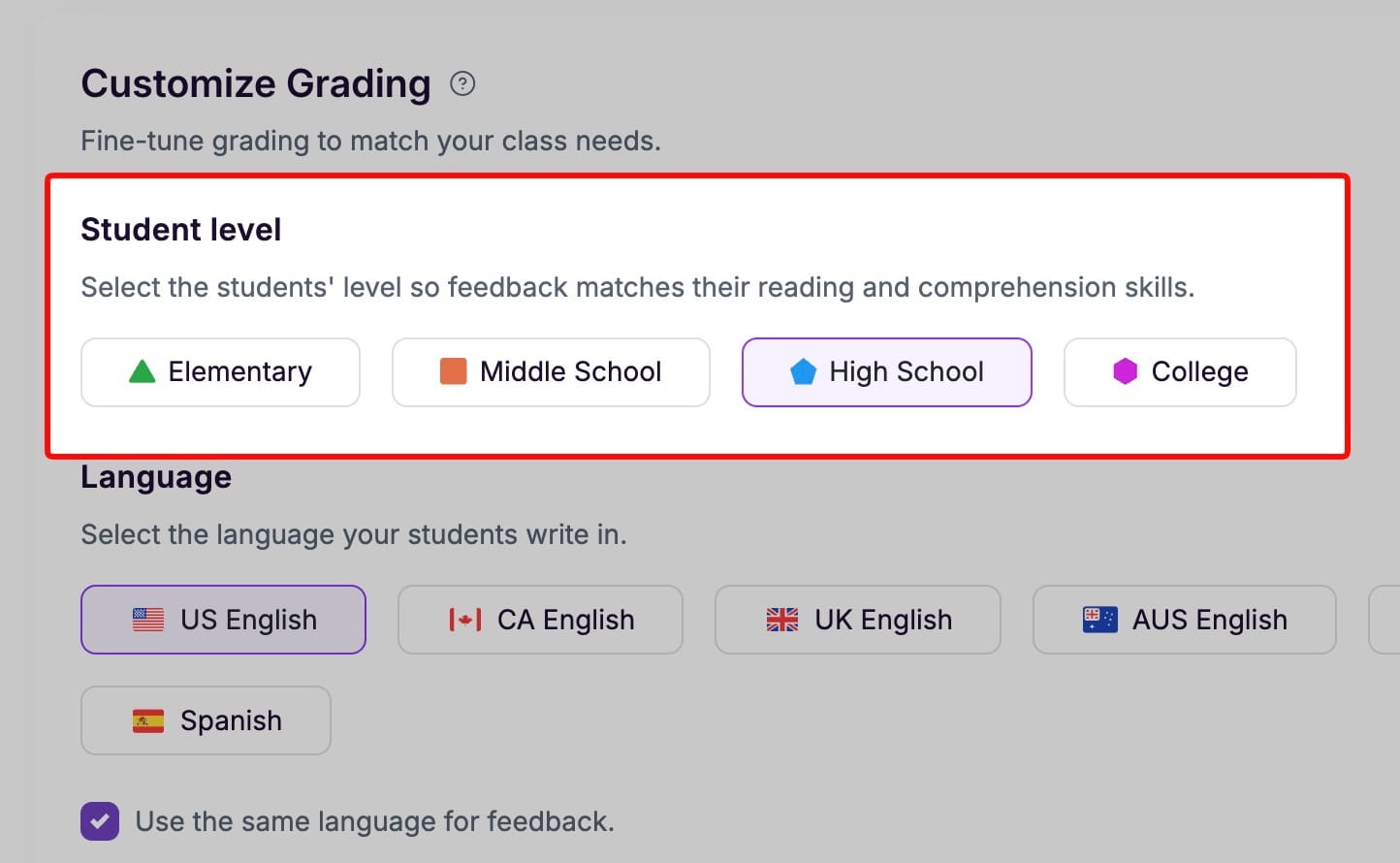
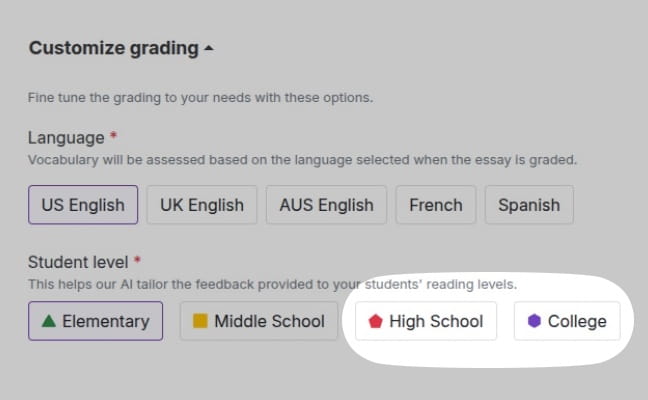
Identify student level more accurately by now choosing between high school and college levels. Grade with a precision that reflects your class characteristics.
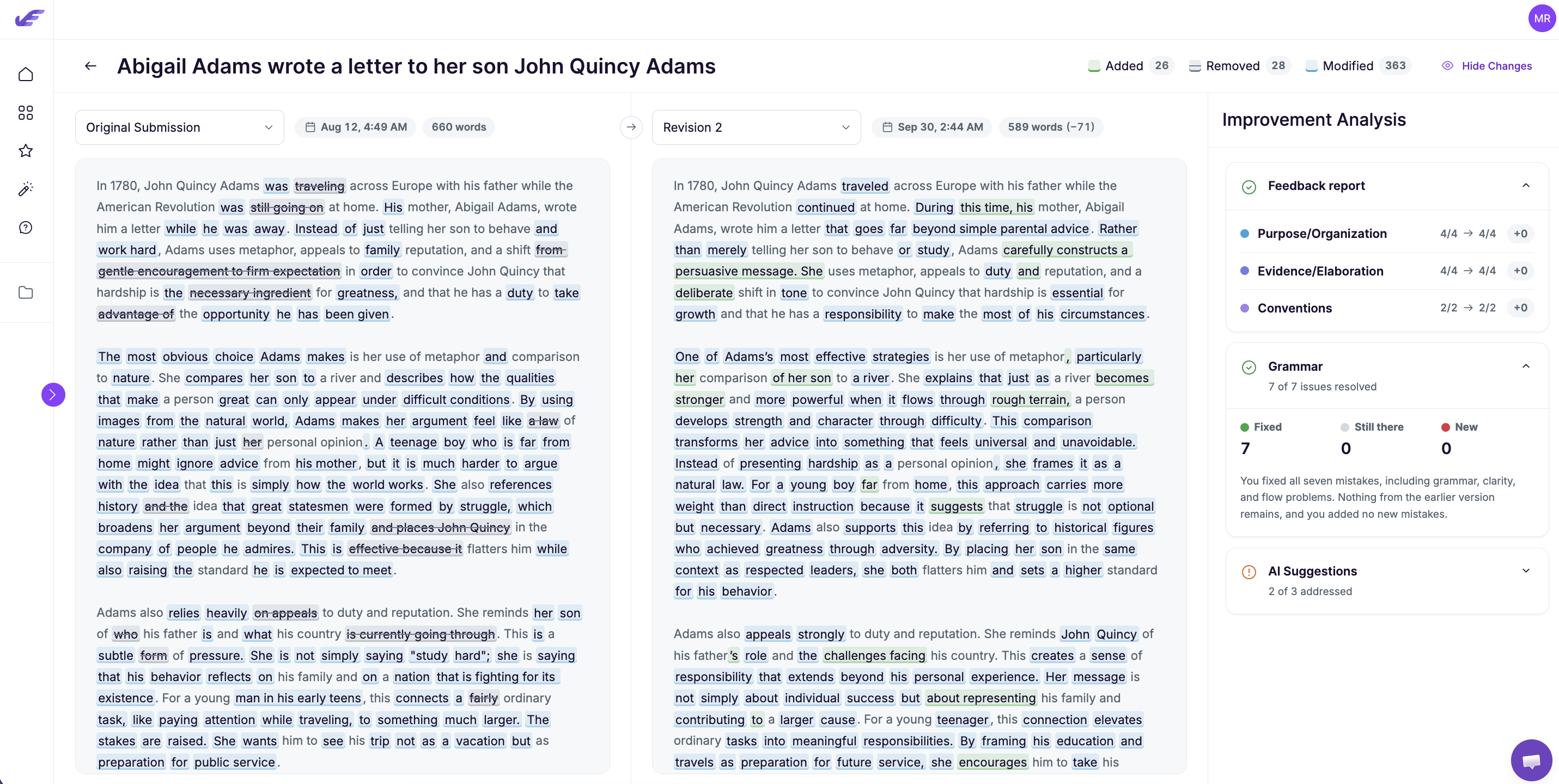
👥 Easily review different versions of the same essay
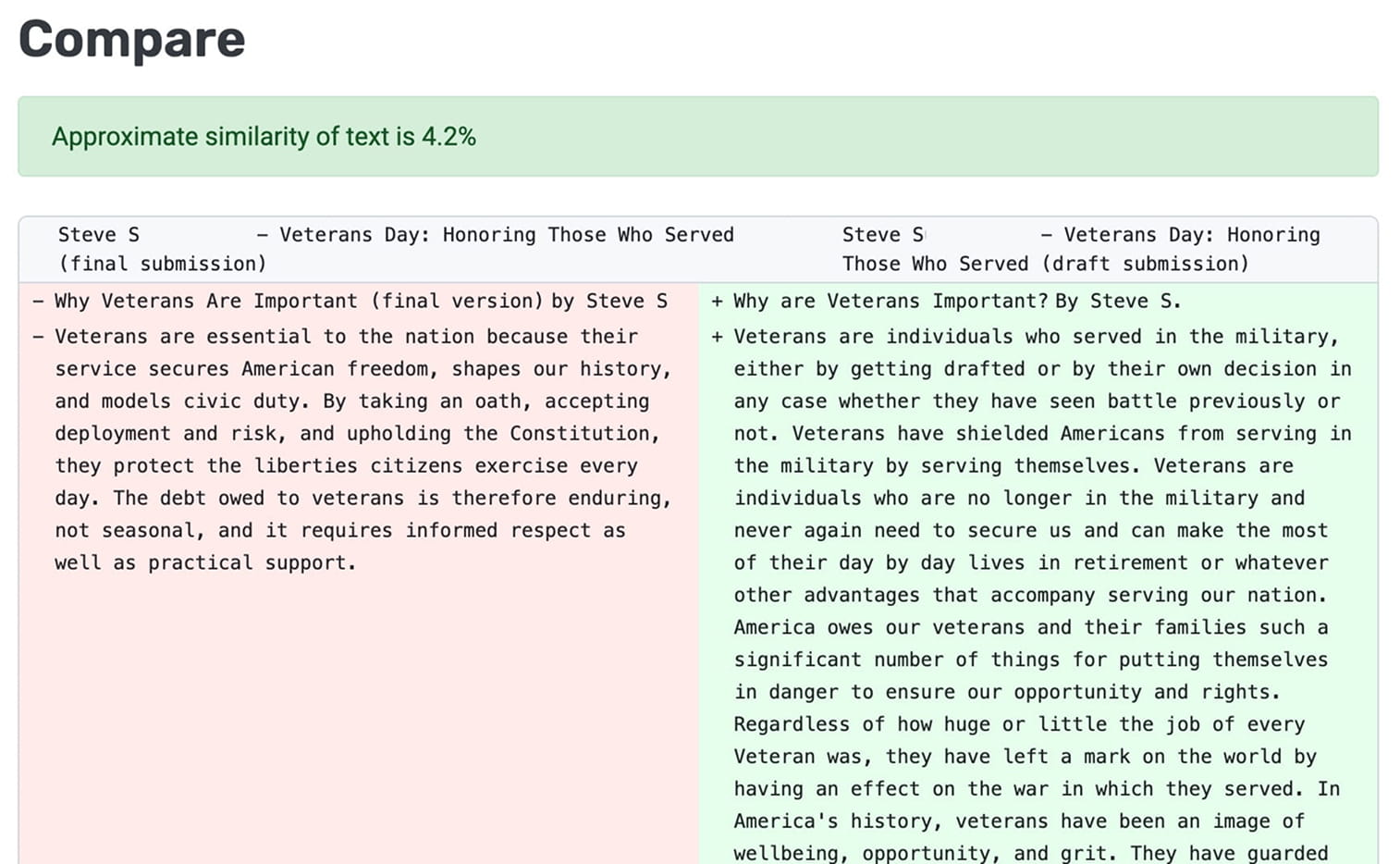
Compare two submissions by the same student simultaneously to identify similarities, track revisions, or investigate academic integrity concerns—all in one view.
Now filter essays by AI flags and grade ranges, in addition to other comprehensive options. Instantly identify essay outliers needing attention without scrolling through your entire list.
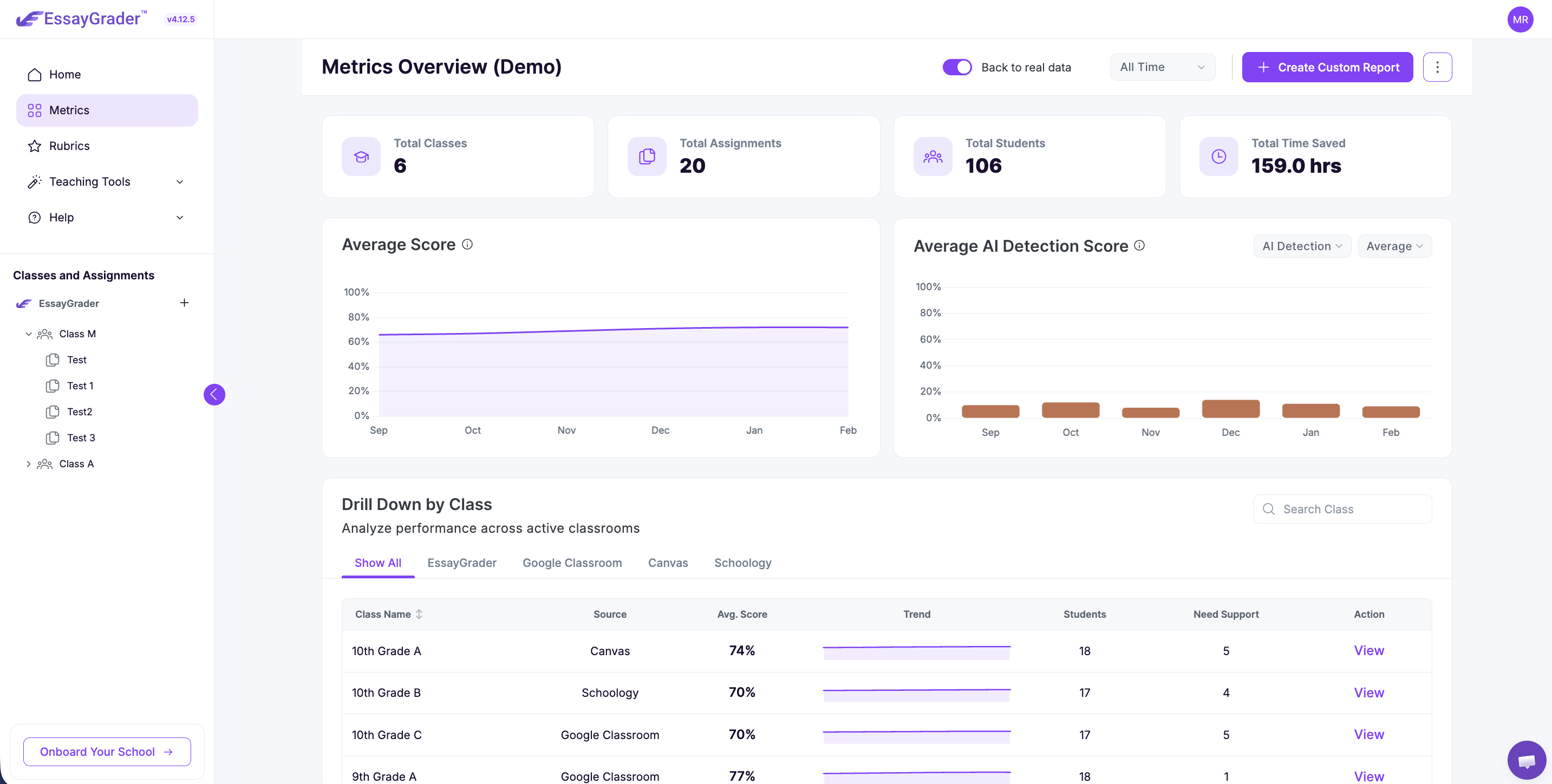
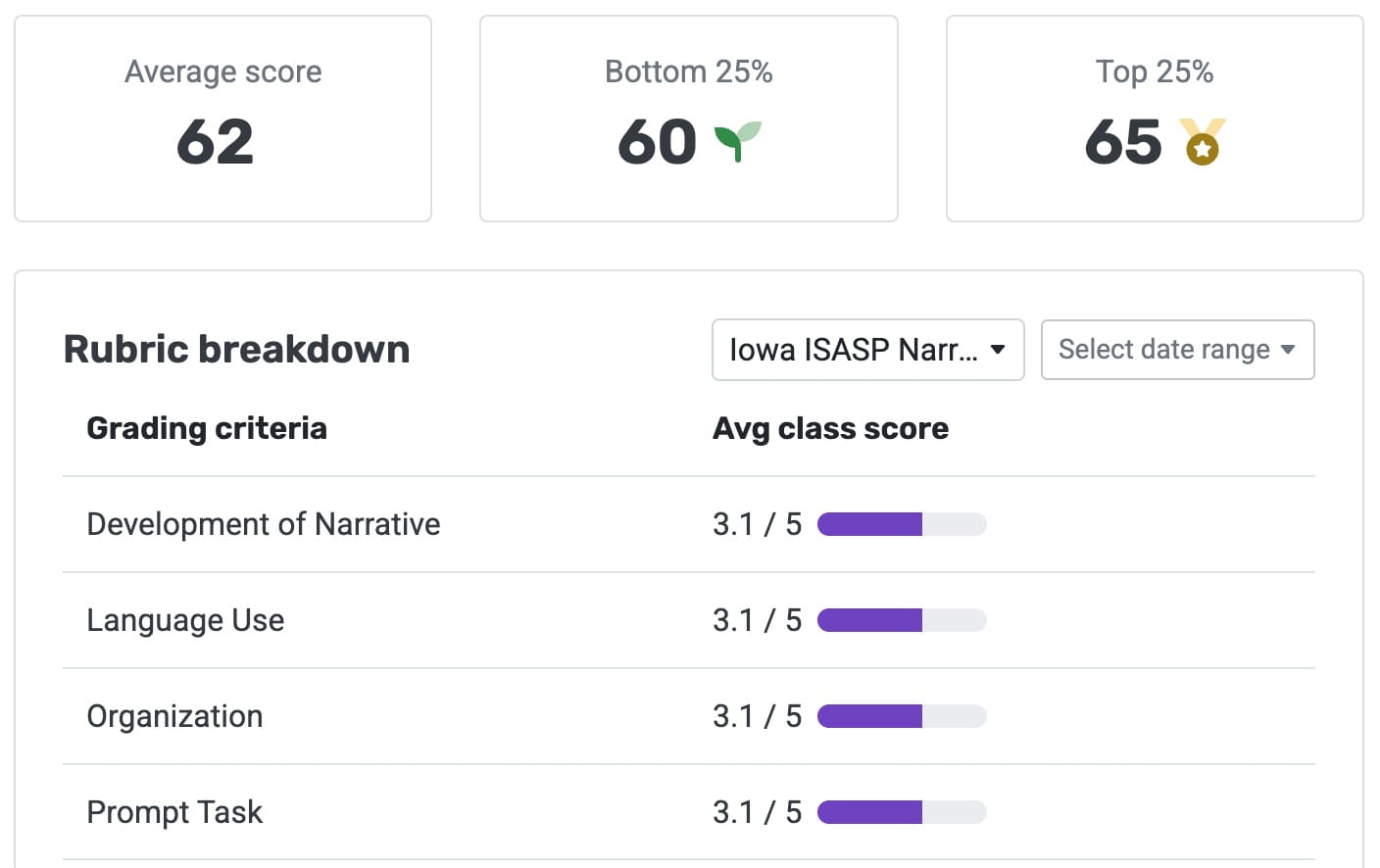
Track class-wide patterns and identify strengths and weaknesses with comprehensive analytics. Transform individual grades into actionable teaching insights.
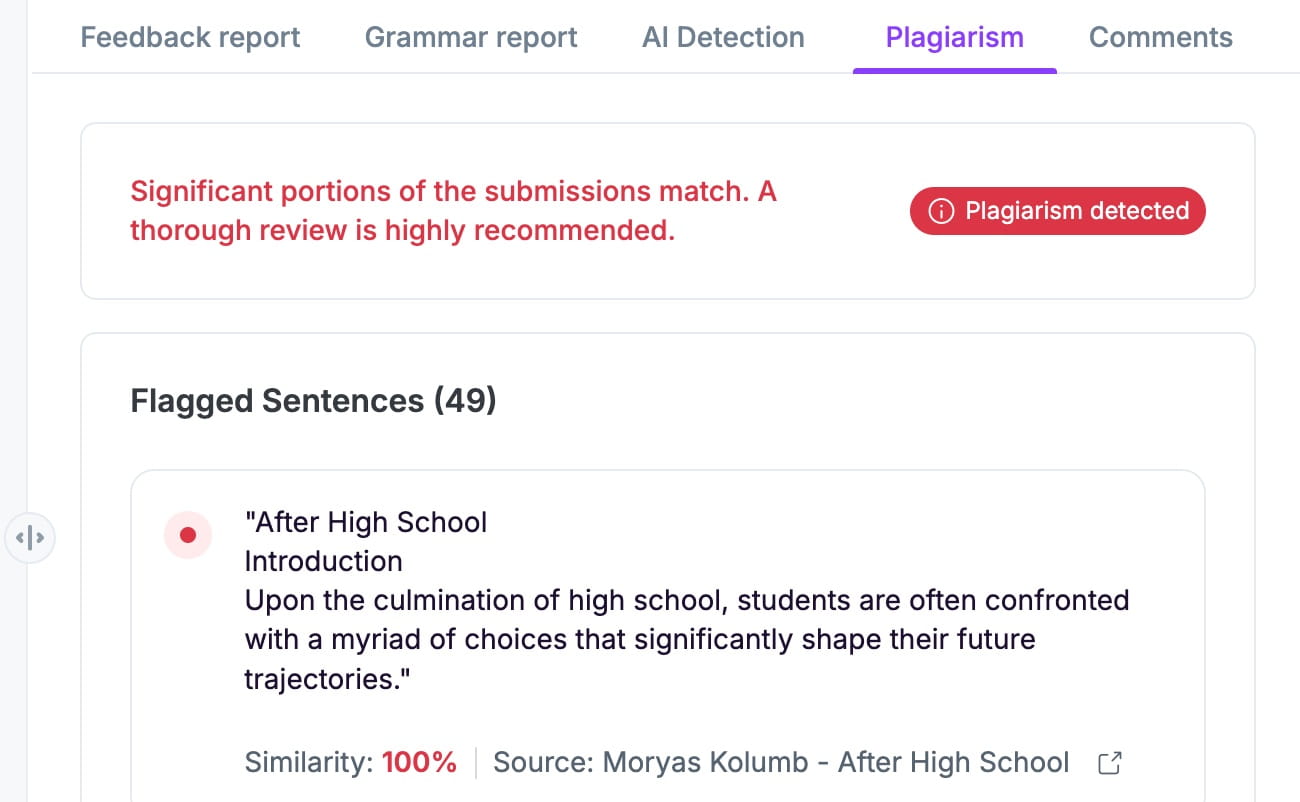
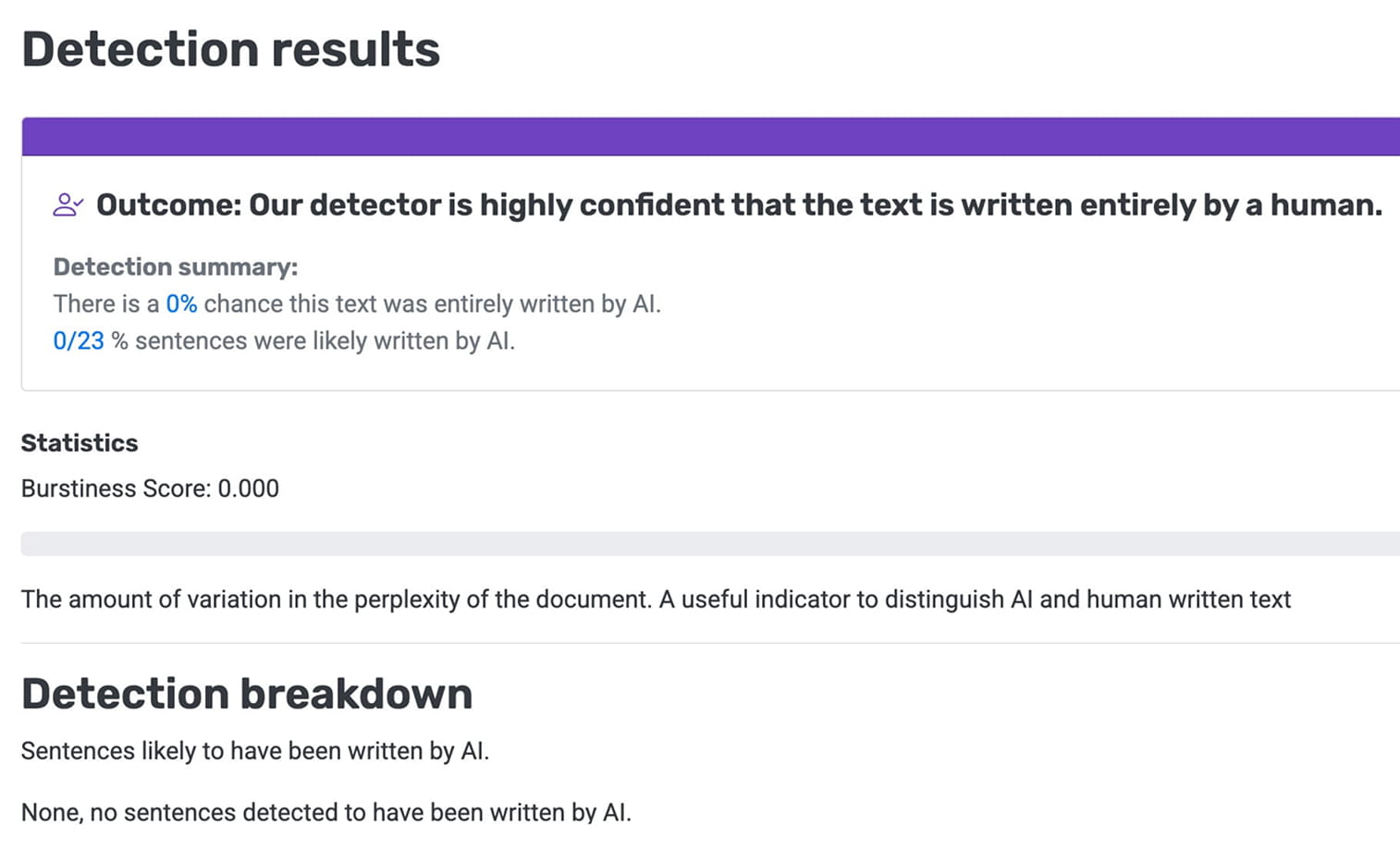
Verify student work authenticity by uploading any essay for an AI probability analysis—no grading required. Maintain academic integrity with confidence.
📺 Side-by-Side Panel View: Effortless Grading, No Scrolling!
Review student work and grading feedback side by side, with instant access to Feedback Reports, Error Reports, and AI Detection Reports—all in one seamless, intuitive interface!
Identify AI-generated content at a glance with our new flags—plus, upcoming features for plagiarism detection, grade thresholds, and more to enhance your grading efficiency!
We’ve made it easier than ever to connect Google Classroom with EssayGrader. In just a few clicks, you can import your classes, assignments, and student submissions.
We know teachers already invest a lot in their classrooms, and we don’t want EssayGrader to add to that burden. That’s why we’ve created the Team Plan—an affordable option designed for groups of 5 or more teachers.
🔐 Peace of Mind with advanced security and FERPA Compliance
Your students’ privacy is our priority. With this release, EssayGrader is now fully FERPA compliant, ensuring that all student data is handled with the utmost care.
📂 Flexibility at fingertips with multiple filtering and sorting options
Efficiently manage your essays with the improved filtering and sorting options. Filter essays by name, class, or rubric, and sort them based on grading status, graded date, or final grade. This makes it easier than ever to locate specific essays and maintain an organized repository.
✅ Keep track of the reviewed essays with the new ‘Reviewed’ status
Stay organized with the new ‘Reviewed’ status. After reviewing the Essay Feedback and Error reports, simply click the ‘Reviewed’ button to change the status from ‘Ready for Review' to ‘Reviewed’.
At the heart of EssayGrader 2.0 lies our most advanced AI models yet. These models combined with our state-of-the-art technology deliver highly accurate grades 100% faster.