
Most grading problems start before you grade anything. A rubric that quietly adds up wrong. A class import where a few essays never arrived and nothing tells you which ones. Version 4.9 goes after both.
📋 Rubrics now catch mistakes while you build them
A broken rubric is hard to spot once it is sitting there as a finished table. Two checks now run while you are still building it.
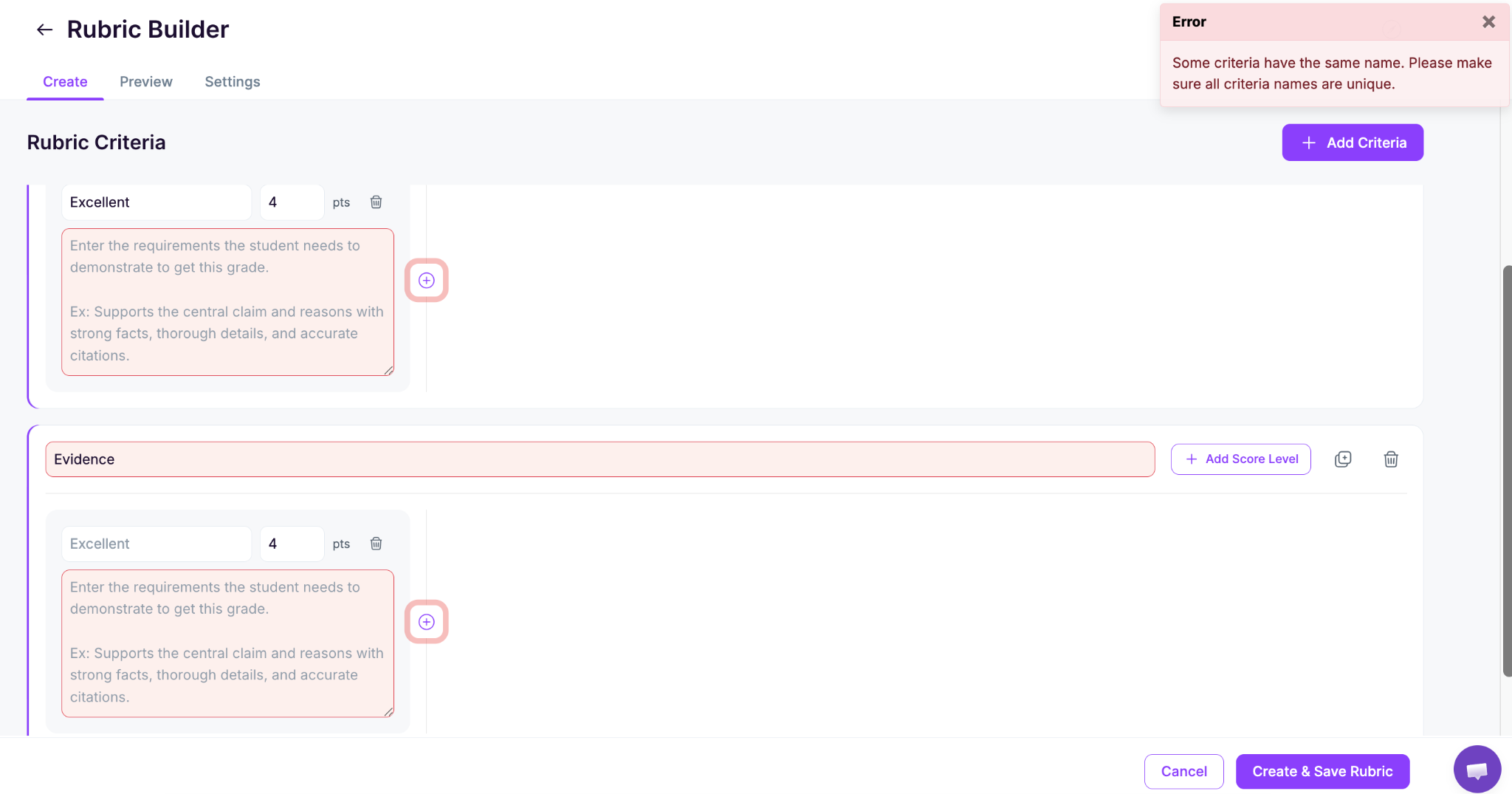
Duplicate criteria titles get flagged
Name two criteria the same thing and EssayGrader tells you before you save. Repeated titles made feedback reports confusing for students, who would open a report and find two identical headings with different scores under them.
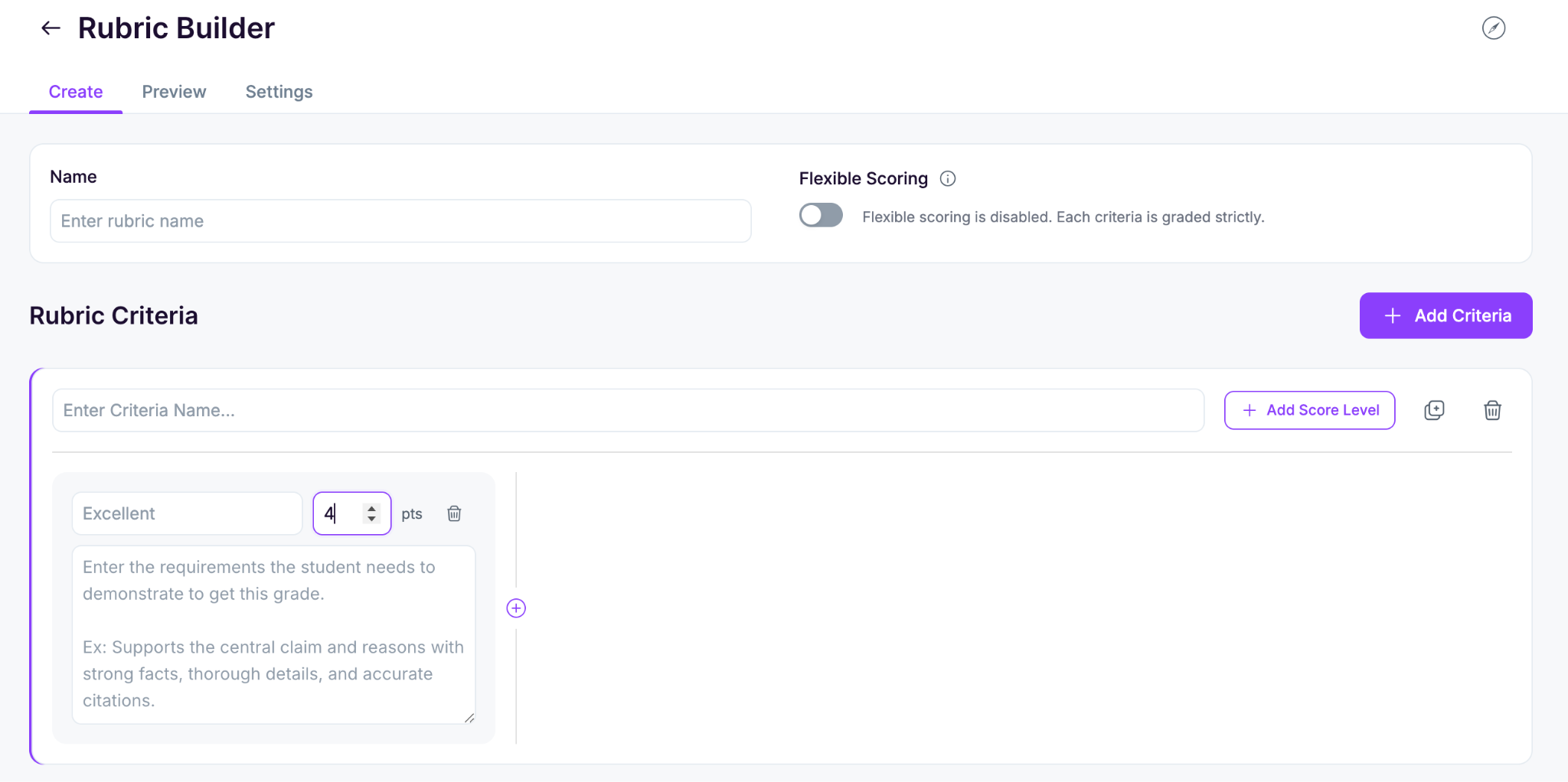
Negative point values are blocked
Scores below zero are now rejected at the field. A stray minus sign in a max score used to throw off the total for the whole assignment, and the only sign that something was wrong was a final grade that did not look right.
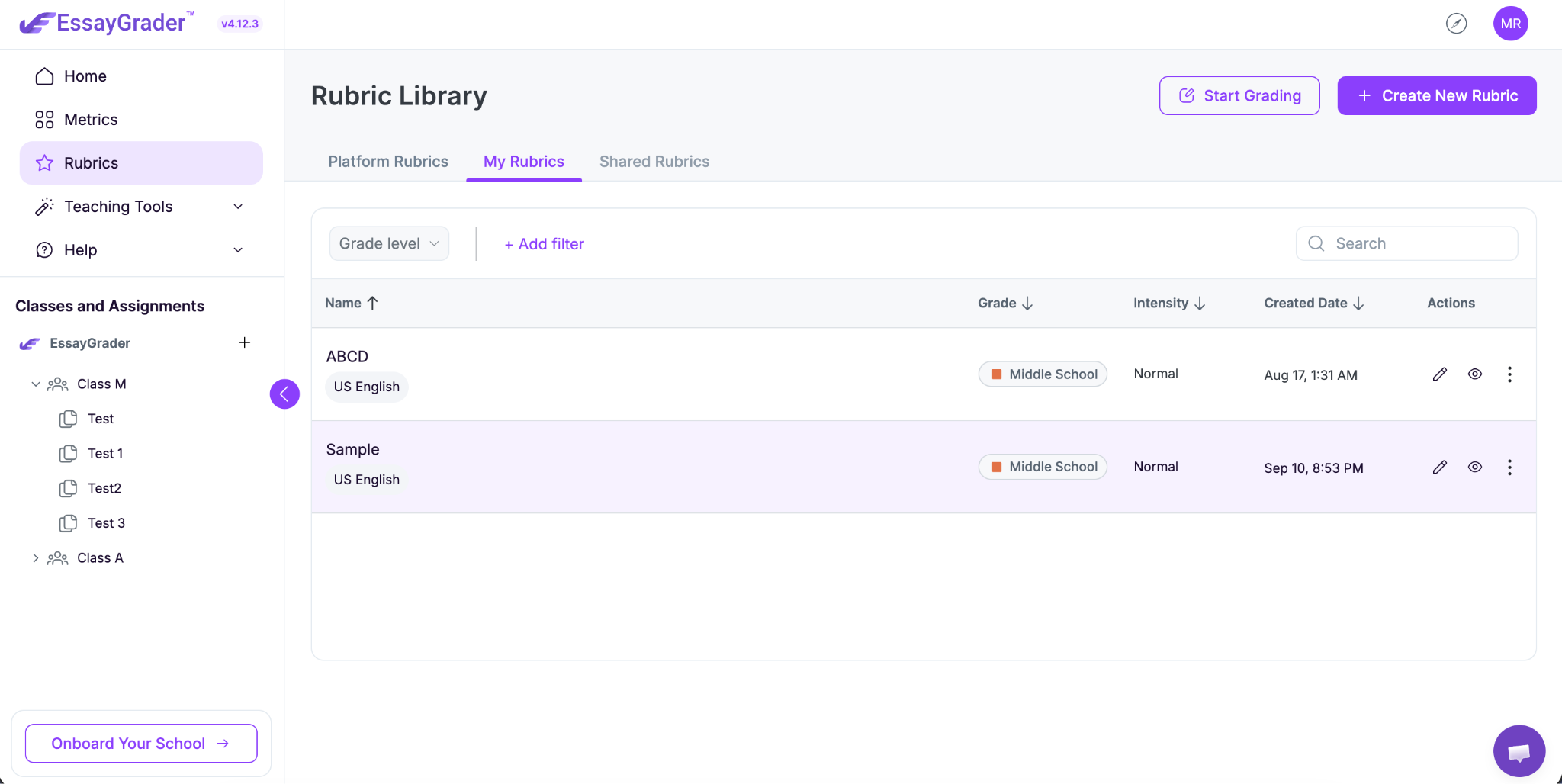
Recently used rubrics moved into My Rubrics
Your recently used templates now live in the My Rubrics tab instead of sitting in their own. If you grade the same three or four assignment types all term, they are in the place you would look for them first. Moving between rubric tabs also works properly again.
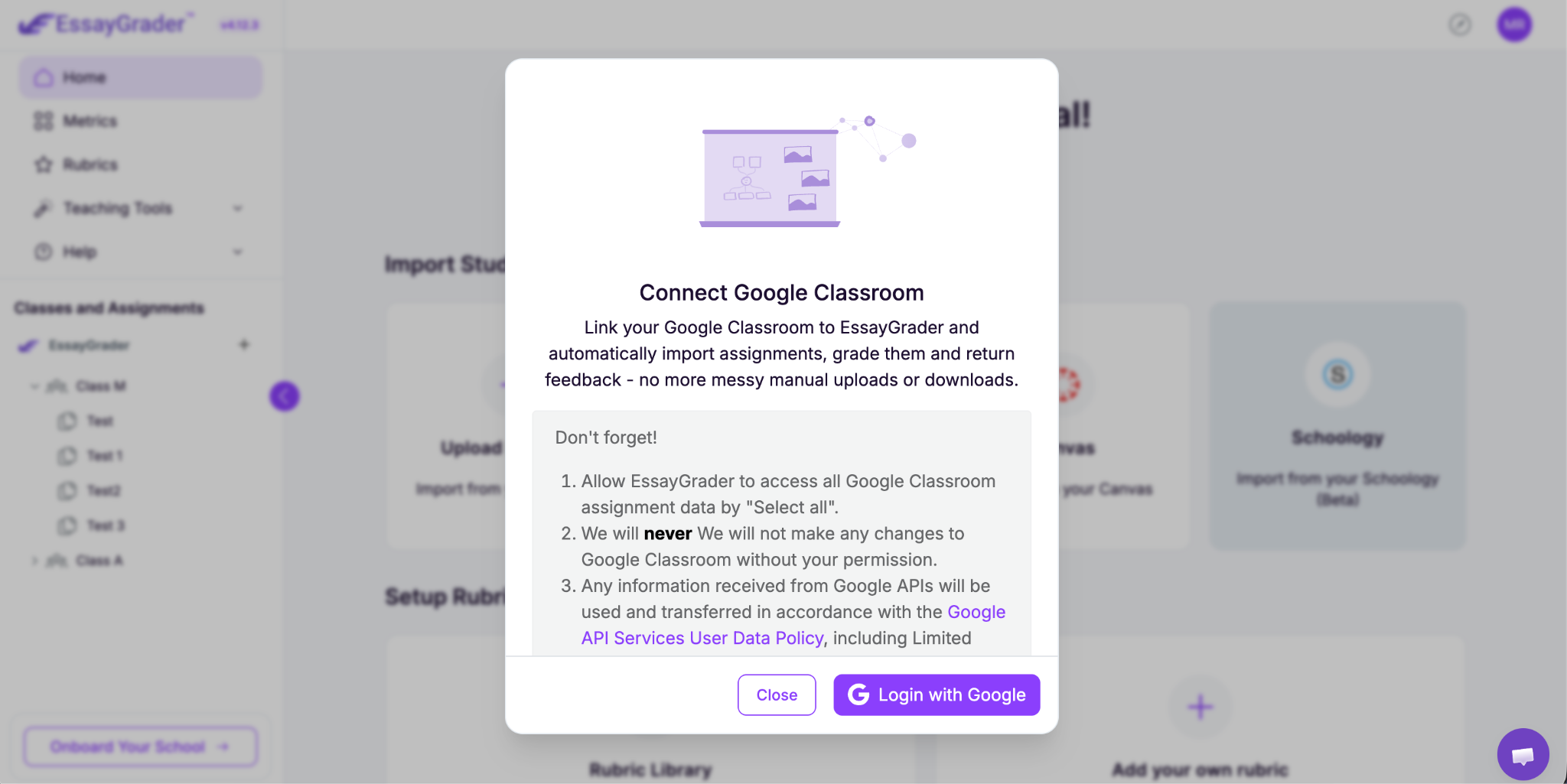
📥 See where every Google Classroom submission stands
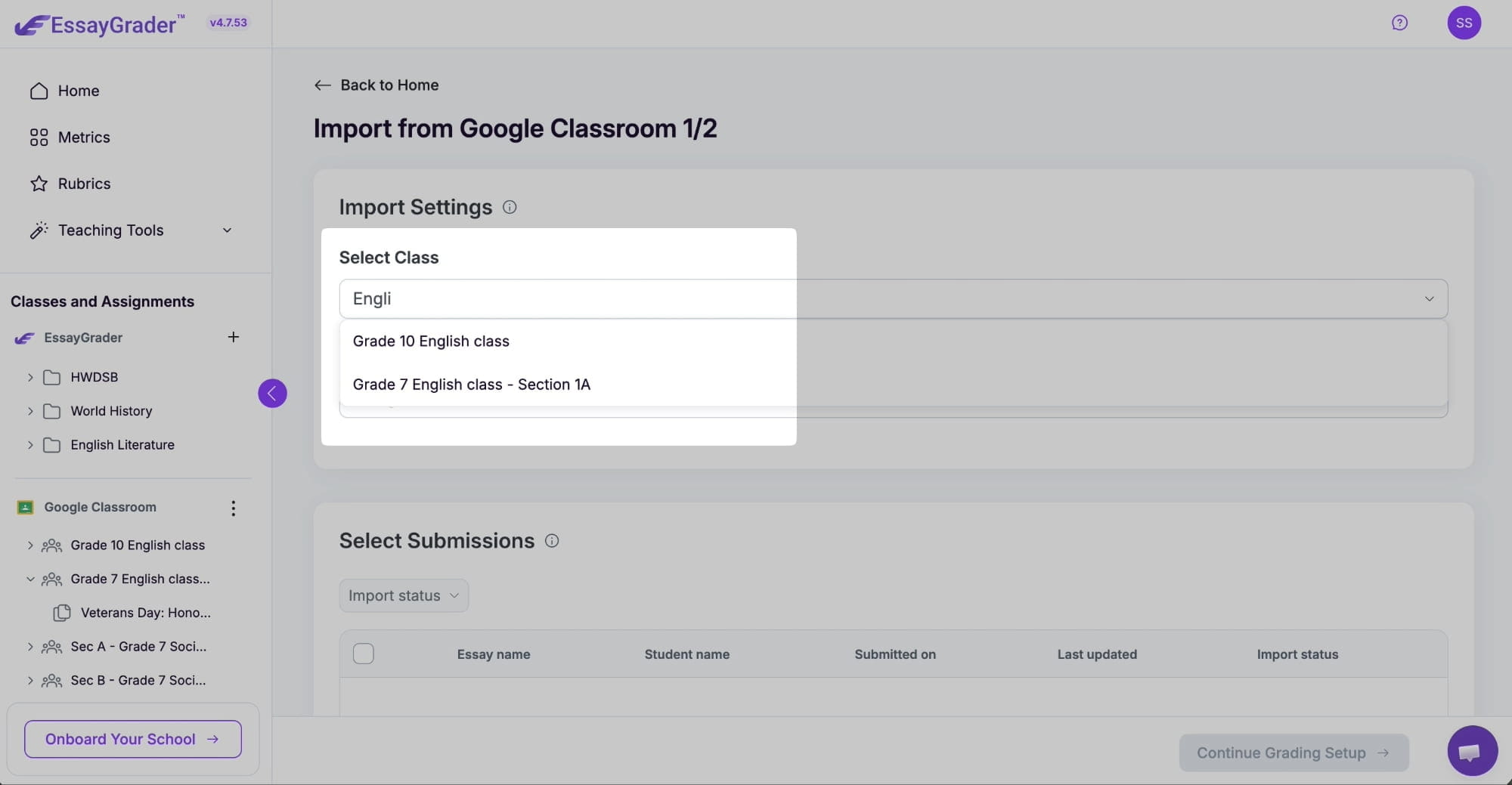
Importing a class used to be a small leap of faith. You picked an assignment, started the import, and found out later that some essays never made it. The submissions table now shows what happened to each one.
A State column on the submissions table
Every submission carries its own status in the table, so you can scan the list and see what came through before you commit to grading.
Failed imports tell you why
When a submission cannot be pulled in, it is marked can't import and shows the reason it failed. Most of the time it is something you can sort out quickly, like a file type we cannot read or work a student never turned in. Either way you know whether to go after the student or the file.
Open the assignment in Google Classroom
There is a new option to open the original assignment in Google Classroom without leaving the import screen. Handy when you want to re-read the instructions or check a turn-in date before you grade.
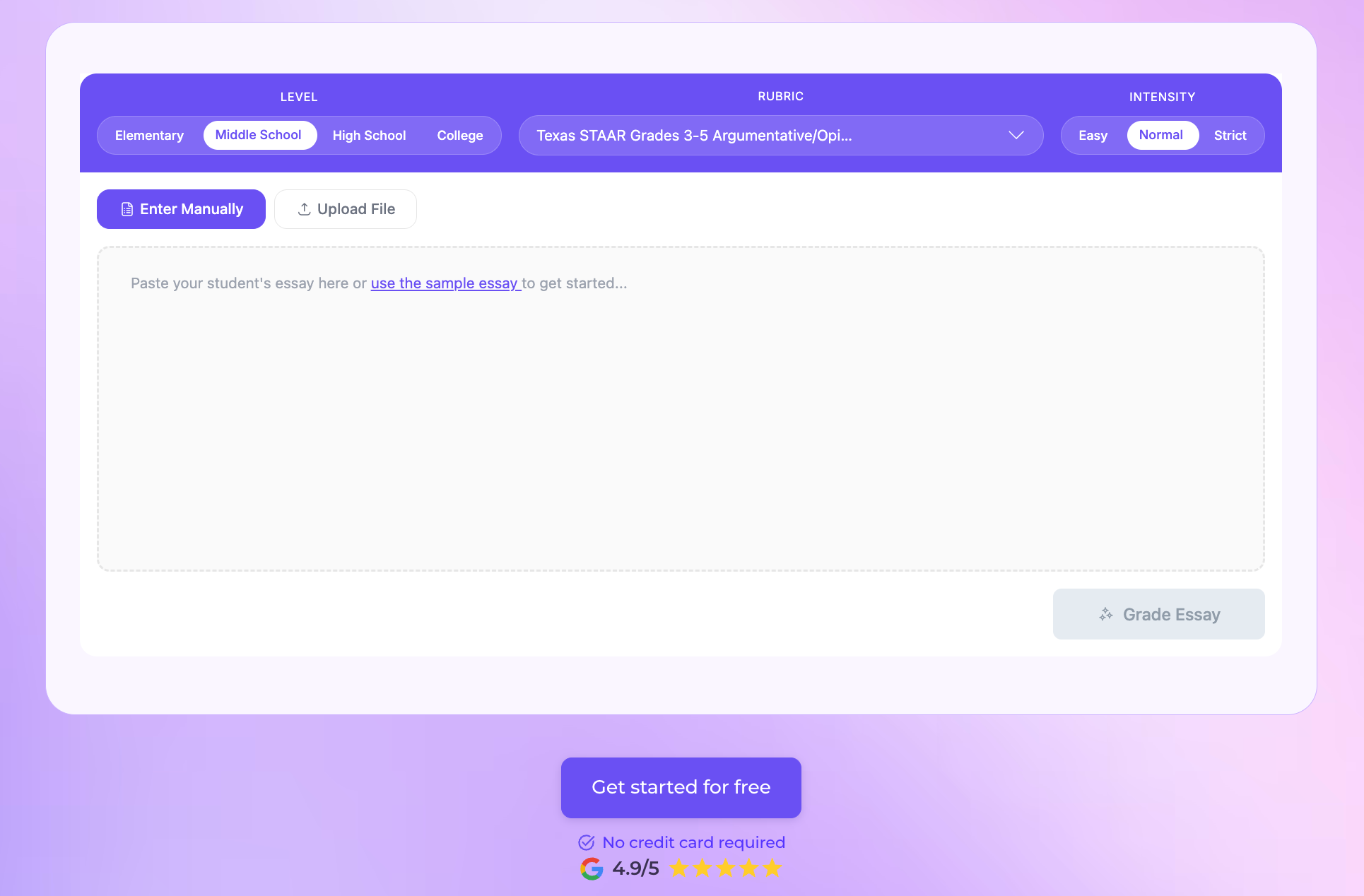
🧰 A refresh for the free tools
The free tools have a new look, and you can now export feedback from them as a PDF instead of copying it out by hand. The number of free checks available has also been reduced.
🔧 Smaller fixes
- Grading view: assignment and class name fields behave properly again.
- Essay list: filters have been fixed and cleaned up.
- Essay view: highlights no longer duplicate on the same passage.
The rest of 4.9 went into performance, stability, and security work under the hood.
Version 4.9 is mostly about catching problems early. A rubric that will not let you save a mistake, and an import that tells you what it did instead of leaving you to work it out at grading time.

.jpeg)


.avif)
.avif)
%201.svg)